



 ACG
ACG
 Action
 Adventure
 Arcade
 BeautifulGirl
 Board
Board
 Card
Card
 Casual
 Chess
Chess
 Educational
 Horror
 Multiplayer
 Music
Music
 NSFW
NSFW
 Puzzle
 Racing
 Sports
 Strategy
 Survival
 Business
 Communication
 Education
 Entertainment
 Family
 News
News
 Photography
 Social
 SportsLive
 Tools
Tools
 Traffic
 Video&Music
 Weather
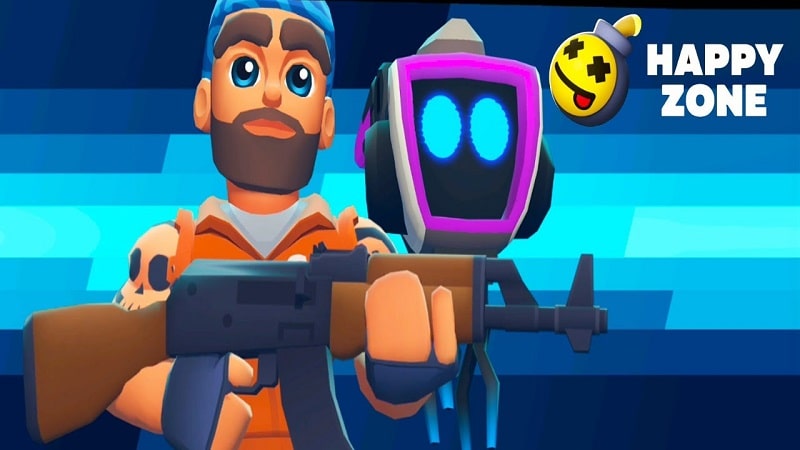


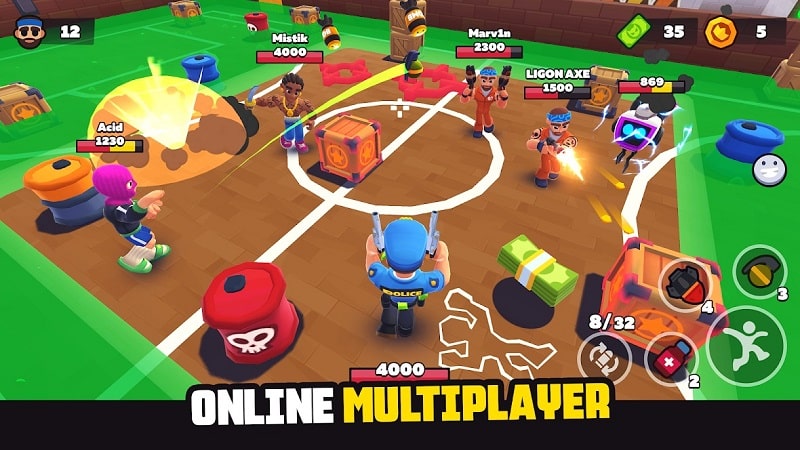
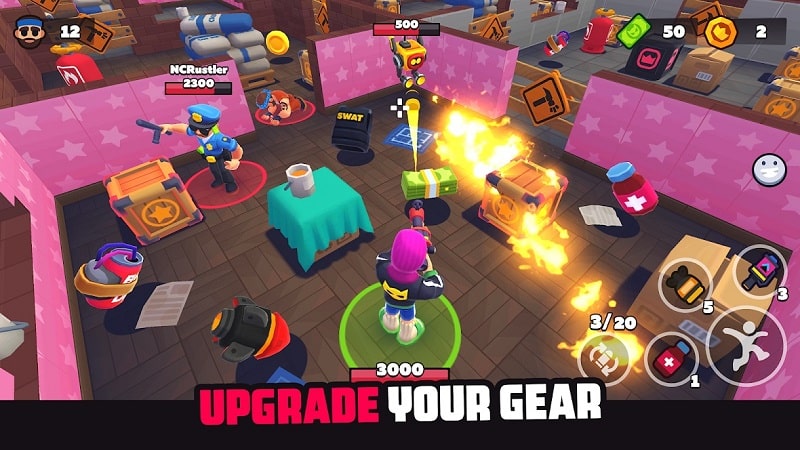
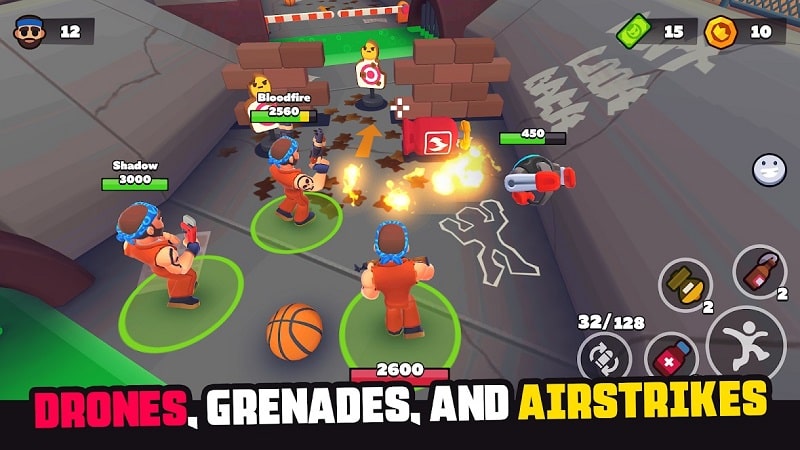

HAPPY ZONE Mod is a top-down multiplayer battle royale shooter developed by PARTY ROOM. The game places up to twelve players on a single map in a last-person-standing format, featuring a mix of ranged firearms like the AK-47 and melee weapons. Players can utilize tactical items such as grenades, drones, and airstrikes, and upgrade protective gear using in-game currency. This mod APK targets players seeking an advantage in the competitive online environment by modifying core game systems.
What This Mod Unlocks
- Mod Menu overlay added to the game interface, accessible from the main screen or in-match.
- All resource costs for purchasing weapons, tactical items (grenades, drones), and equipment upgrades are removed, granting functionally infinite currency.
- Cooldown timers for all abilities and item usage are disabled, allowing for rapid, consecutive deployment.
- In-game advertisements are removed from all menus and between matches.
The primary mod features are activated via a floating menu button. Tap this button after launching HAPPY ZONE Mod to open the mod panel. From there, you can toggle the infinite resources and no-cooldown functions individually. The menu persists during gameplay.
This HAPPY ZONE Mod mod requires Android 5.0 or higher. Installation requires approximately 100 MB of free storage for the APK and game data. Root access is not required.
Installation Steps
- Download the HAPPY ZONE Mod mod APK file.
- Enable installation from unknown sources in your Android device settings.
- Open the downloaded file and proceed with the installation prompts.
- Launch the game and locate the mod menu button.
Known Edge Cases
- Using obvious mod features like zero cooldowns in online multiplayer matches carries a high risk of detection and account ban.
- Unlocked items and currency may reset to default if the app's cache and data are cleared.
- The mod menu may fail to render on some devices with custom navigation gesture overlays; switching to traditional three-button navigation can resolve this.
- Server-side validation during matchmaking may flag accounts with abnormal resource counts, leading to temporary matchmaking restrictions.

