



 ACG
ACG
 Action
 Adventure
 Arcade
 BeautifulGirl
 Board
Board
 Card
Card
 Casual
 Chess
Chess
 Educational
 Horror
 Multiplayer
 Music
Music
 NSFW
NSFW
 Puzzle
 Racing
 Sports
 Strategy
 Survival
 Business
 Communication
 Education
 Entertainment
 Family
 News
News
 Photography
 Social
 SportsLive
 Tools
Tools
 Traffic
 Video&Music
 Weather


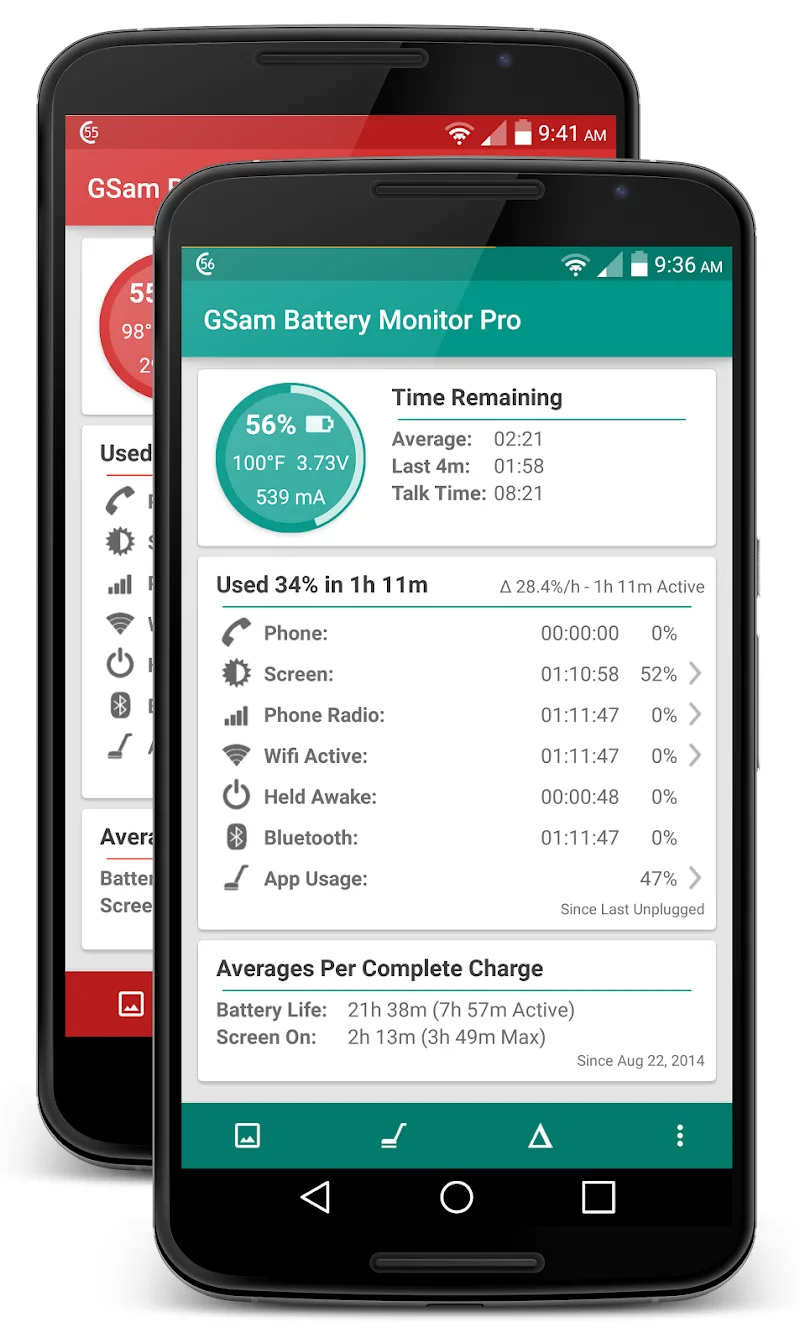
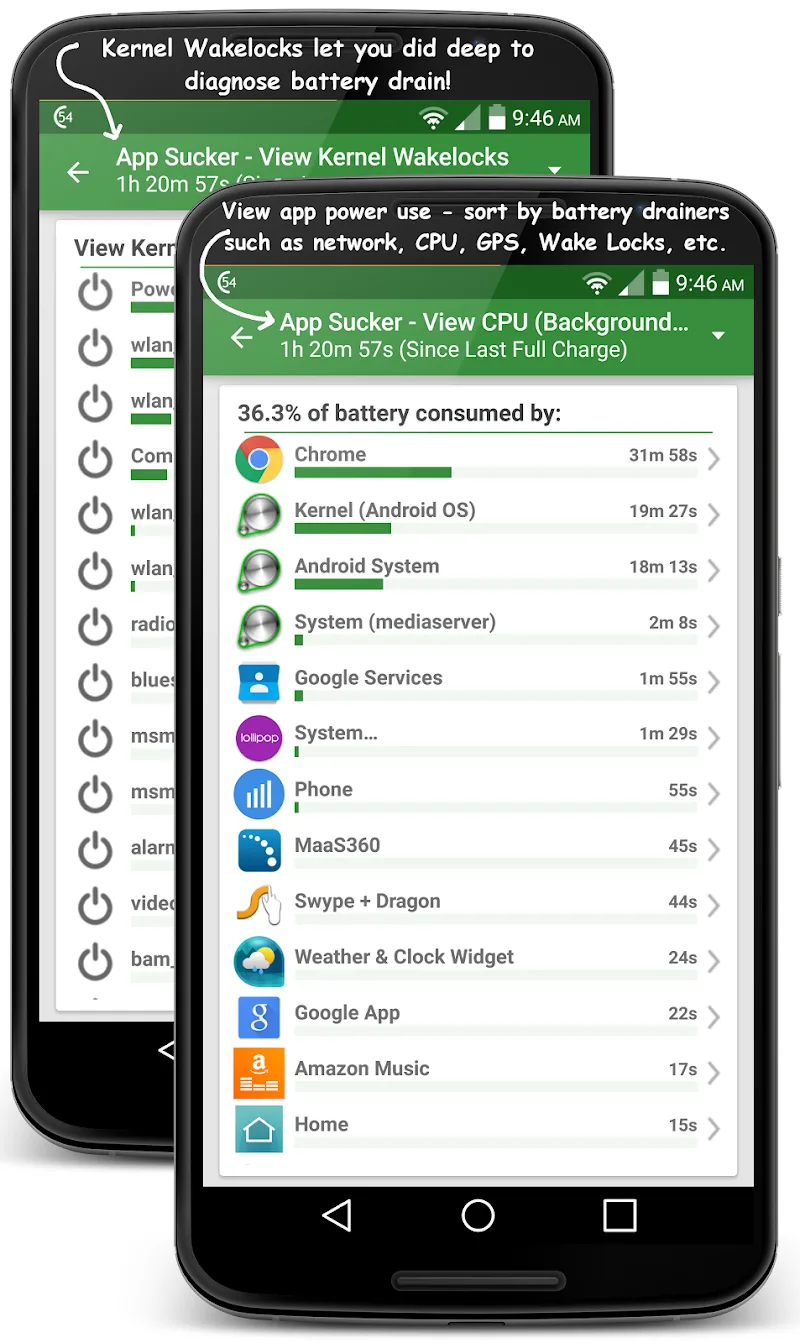
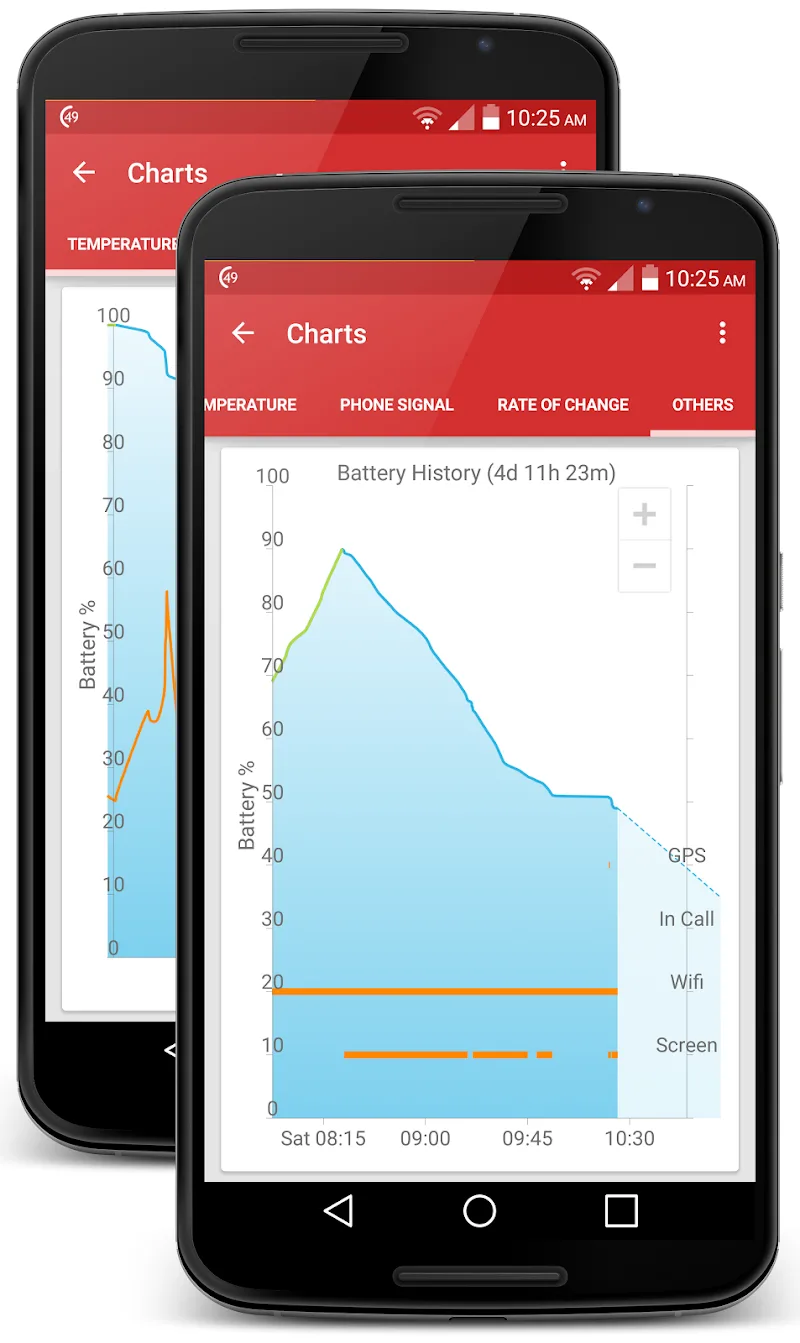
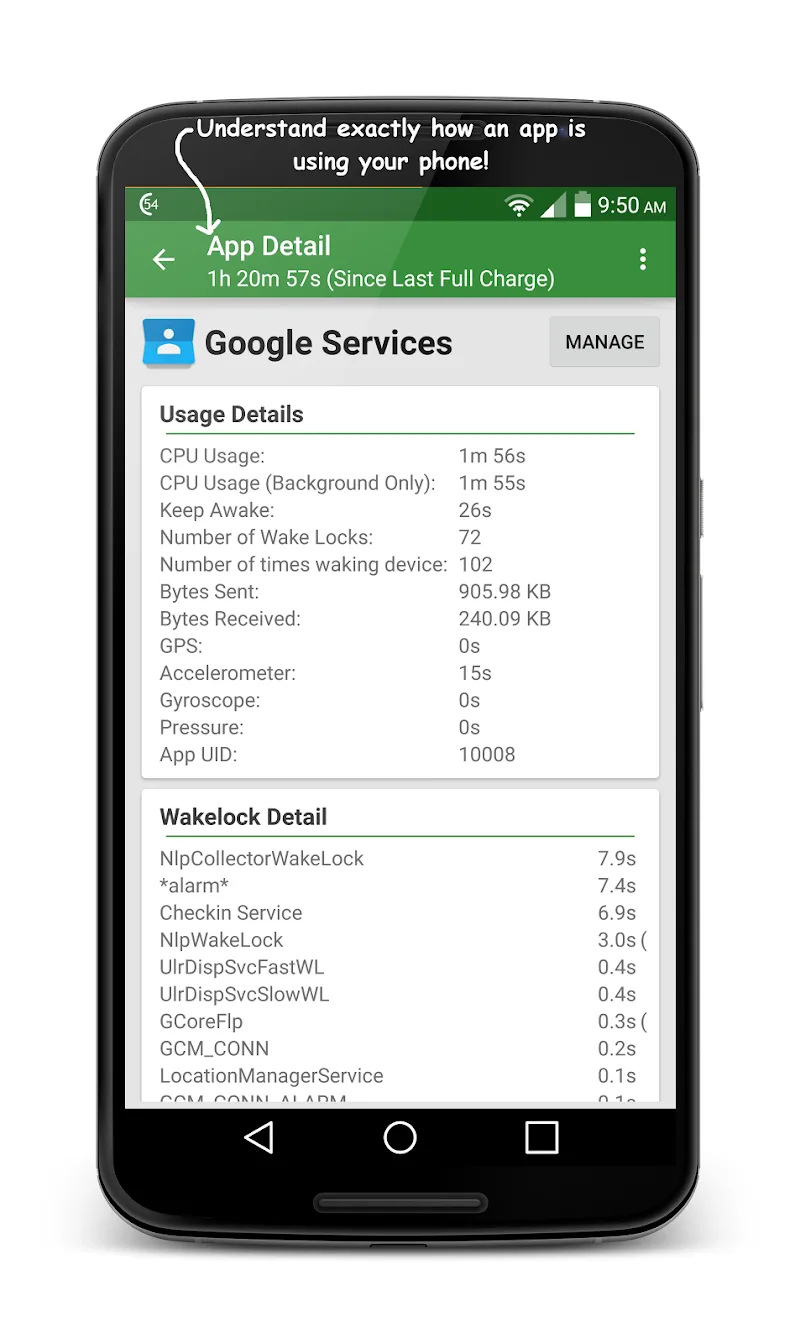
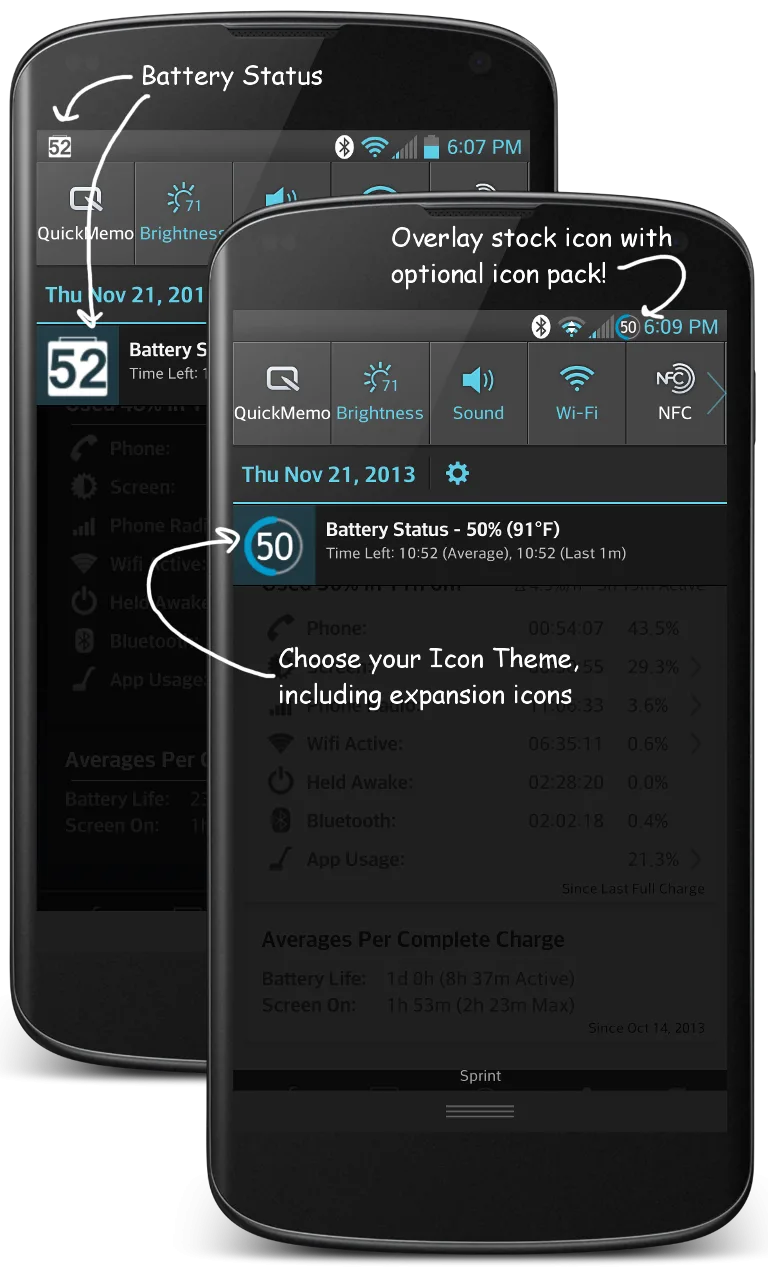
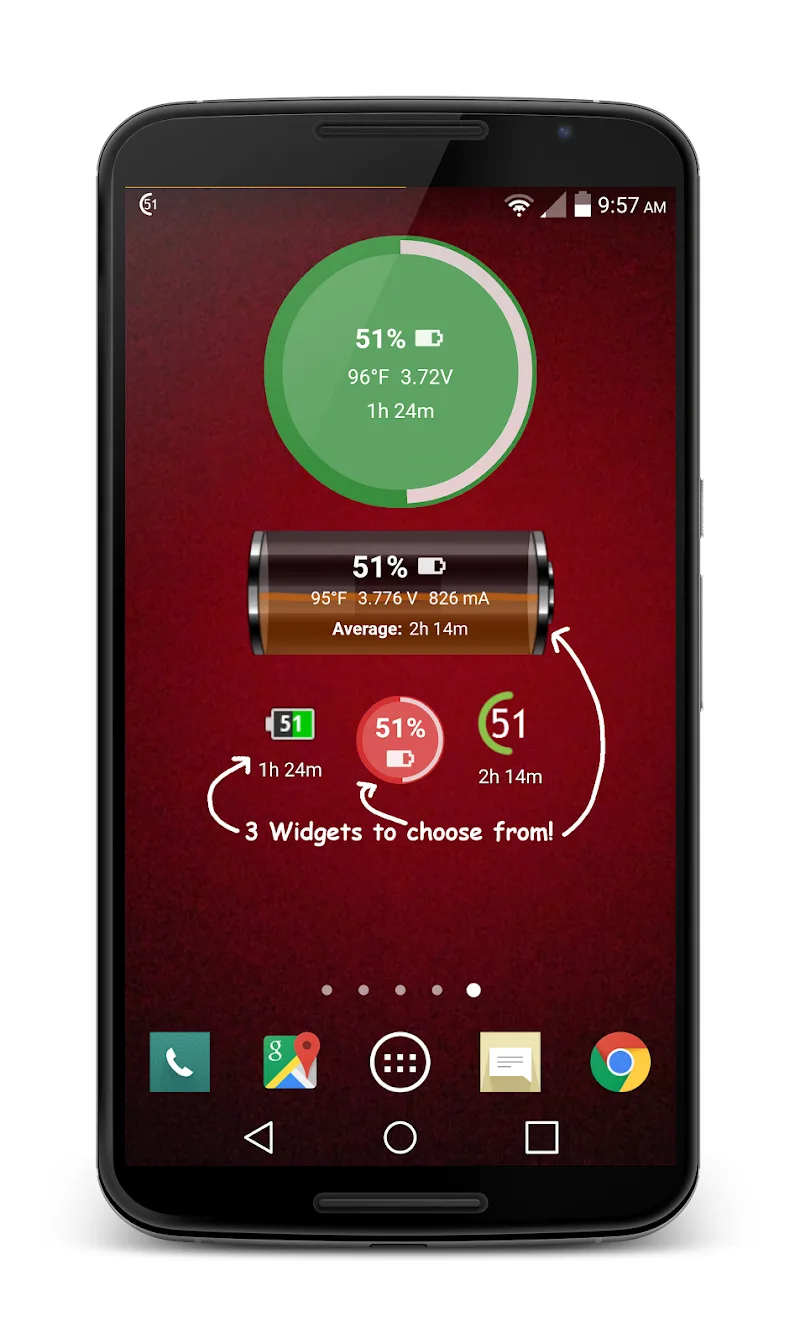
GSam Battery Monitor Pro Mod is a diagnostic tool for Android power users and developers. It provides granular, real-time data on battery consumption, per-app drain, and system-level power states. The app is used to identify battery-hungry processes and analyze device power management behavior. The official version offers a free tier with basic monitoring and a Pro upgrade for advanced statistics and historical data export.
What This Mod Unlocks
- Pro license activation bypassed. The app launches with the "Pro" status confirmed in its settings menu.
- All premium features unlocked. This includes detailed per-app battery consumption breakdowns, advanced kernel wakelock monitoring, and sensor usage tracking.
- Historical data export functionality enabled. Users can export battery logs in CSV format without restriction.
- Ad-free experience. All advertising modules present in the free version are disabled.
- In-app purchase prompts removed. The upgrade prompts and payment gateway calls are neutralized.
The mod activates automatically on first launch. No user input is required to enable the Pro features. The app will display "Pro" in its title bar and within the app's About section upon startup.
GSam Battery Monitor Pro Mod requires Android 6.0 or higher. The APK file size is approximately 8 MB. Installation does not require root access. The mod functions on both rooted and non-rooted devices.
Installation steps are standard. First, download the modded APK file. Second, enable installation from unknown sources in Android settings if not already done. Third, locate the downloaded file using a file manager and tap to install. Fourth, open the app after installation completes.
There are known edge cases. Clearing the app's data may revert the license status, requiring a reinstall. Some deep kernel statistics may still require root permissions, as dictated by Android's security model, not the mod. The mod is designed for offline analysis; any cloud-sync features tied to a paid account will not function.

