



 ACG
ACG
 Action
 Adventure
 Arcade
 BeautifulGirl
 Board
Board
 Card
Card
 Casual
 Chess
Chess
 Educational
 Horror
 Multiplayer
 Music
Music
 NSFW
NSFW
 Puzzle
 Racing
 Sports
 Strategy
 Survival
 Business
 Communication
 Education
 Entertainment
 Family
 News
News
 Photography
 Social
 SportsLive
 Tools
Tools
 Traffic
 Video&Music
 Weather



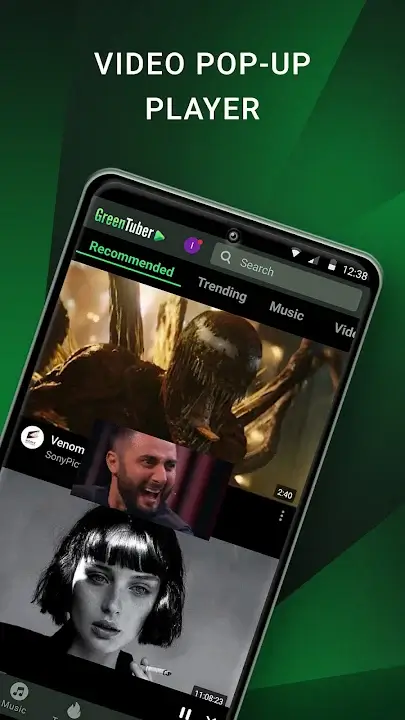
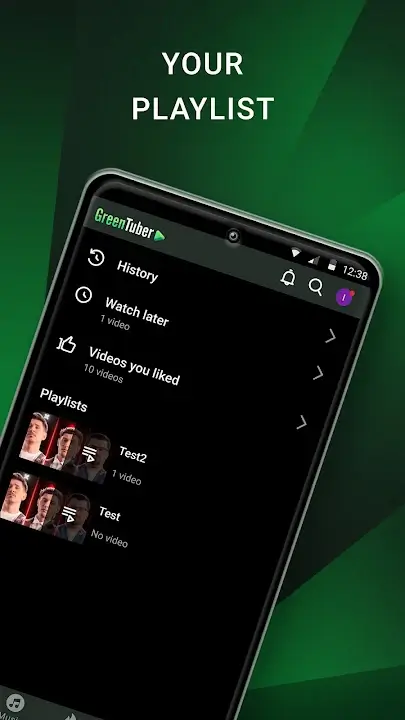
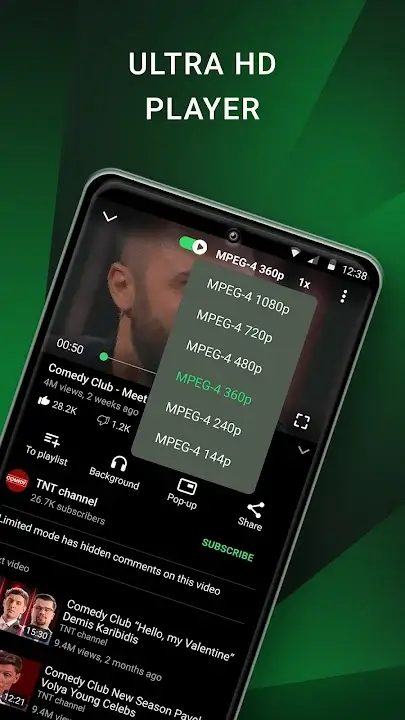
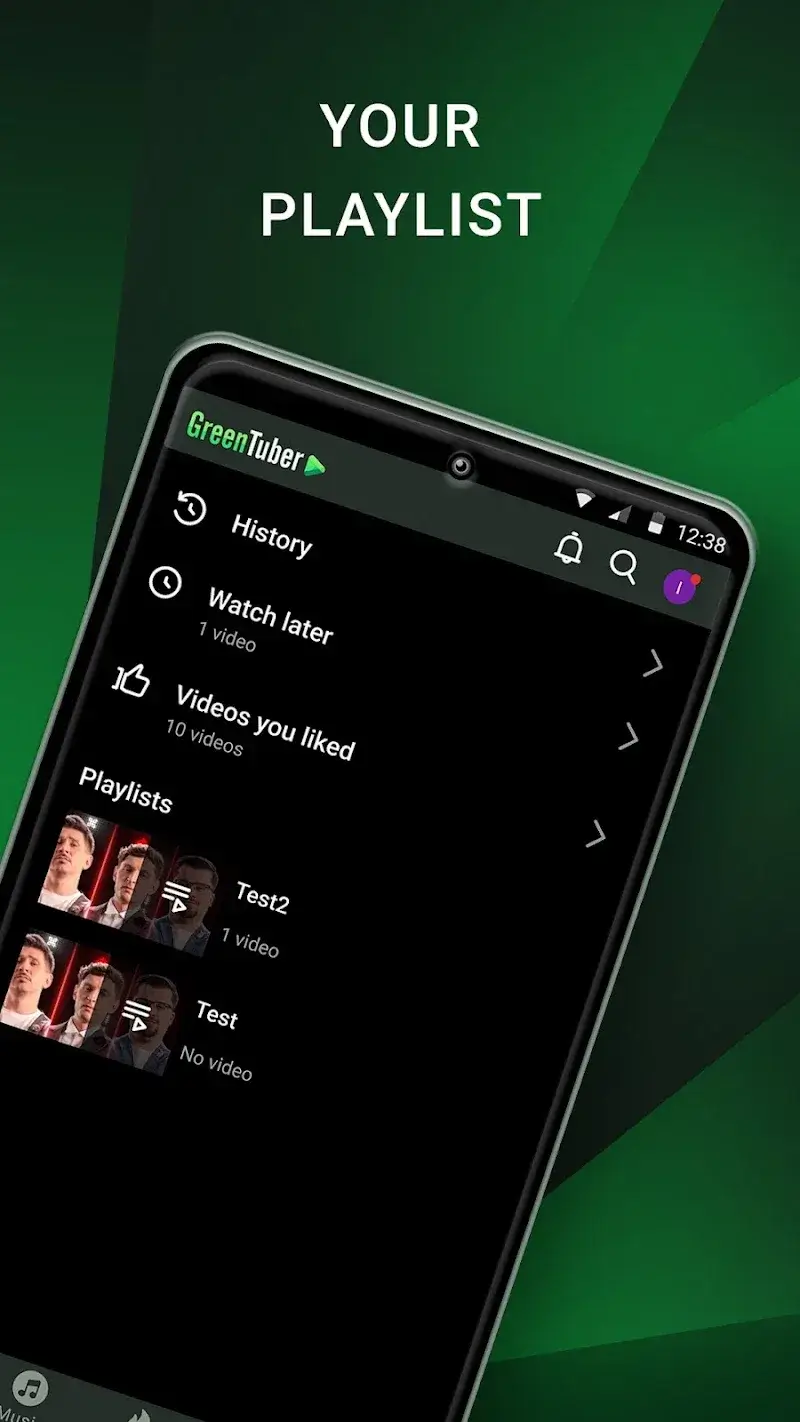
GreenTuber Mod is a utility application that modifies the YouTube client experience on Android devices. It is designed for users who want to watch YouTube content without advertisements and with enhanced playback features typically locked behind YouTube Premium. The app functions as a wrapper or alternative client, providing a streamlined interface focused on removing commercial interruptions and enabling multitasking capabilities.
What This Mod Unlocks
- All video advertisements are blocked before and during playback.
- Background playback is permanently enabled, allowing audio to continue when the app is minimized or the screen is off.
- Picture-in-picture (floating window) mode is unlocked for all devices and videos.
- Sponsorship segments integrated by content creators (via YouTube's platform) are not removed; this mod only blocks YouTube-served ads.
- The download feature for offline viewing is not available in this version.
The modded features are active immediately upon launching GreenTuber Mod. No configuration or activation menu is required. The ad-blocking and background playback functions work from the first video played.
This version of GreenTuber Mod requires Android 6.0 or higher. The APK file size is approximately 16 MB. Installation requires approximately 30-40 MB of free storage for the app and cached data. Root access is not required.
Installation follows the standard sideload process for modified APKs. First, enable installation from unknown sources in your Android security settings. Second, download the GreenTuber Mod APK file. Third, open the downloaded file using a file manager to begin installation. Fourth, launch GreenTuber Mod after installation completes.
Several edge cases exist with GreenTuber Mod. Using your primary Google account within the app is not recommended, as using modified clients violates YouTube's Terms of Service and may lead to account restrictions. The mod functions best in offline or single-user scenarios. Background playback may occasionally stop if the device aggressively optimizes battery usage for background apps. The picture-in-picture window may not appear on some custom Android launchers that alter window management. Ad-blocking efficacy depends on YouTube's current ad-serving methods and may require app updates to remain effective.

