



 ACG
ACG
 Action
 Adventure
 Arcade
 BeautifulGirl
 Board
Board
 Card
Card
 Casual
 Chess
Chess
 Educational
 Horror
 Multiplayer
 Music
Music
 NSFW
NSFW
 Puzzle
 Racing
 Sports
 Strategy
 Survival
 Business
 Communication
 Education
 Entertainment
 Family
 News
News
 Photography
 Social
 SportsLive
 Tools
Tools
 Traffic
 Video&Music
 Weather



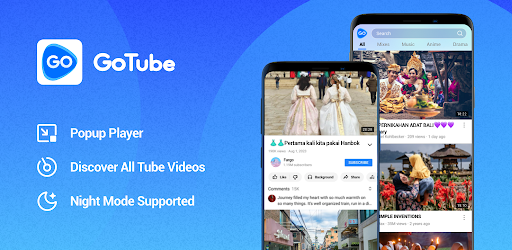
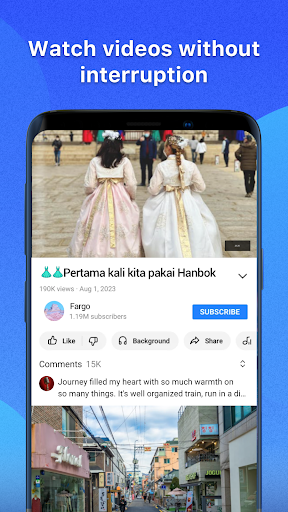
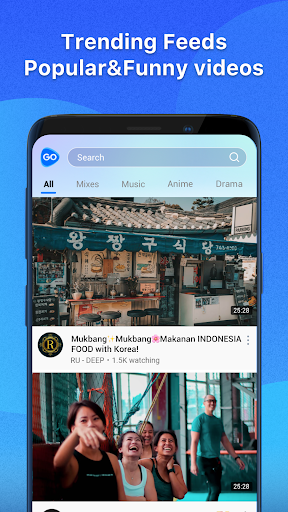
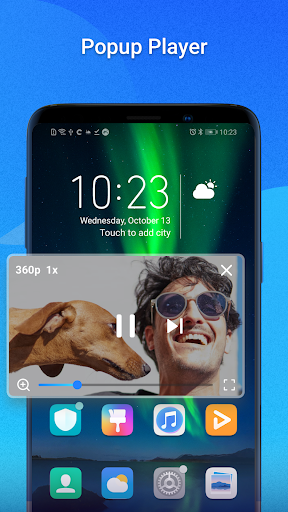
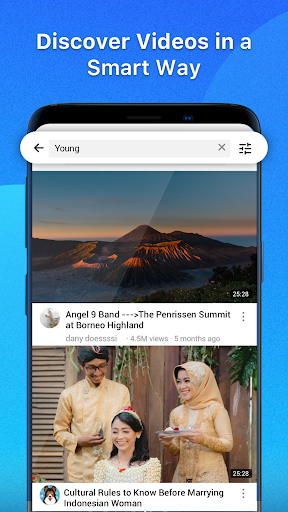
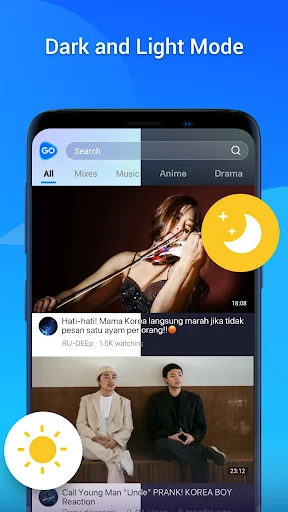


GoTube Mod is a third-party YouTube client designed for users who require uninterrupted video playback and multitasking capabilities. It functions as a wrapper for YouTube's content, providing a streamlined interface with enhanced control over video behavior. The primary audience consists of users who listen to music or podcasts on YouTube while using other applications, or those seeking a less intrusive ad experience. This app operates within the video and music utility category, focusing on playback features rather than content creation.
What This Mod Unlocks
- All video and banner advertisements are completely disabled.
- Pre-roll, mid-roll, and post-roll ad segments are removed from the video stream.
- Sponsored card overlays and promoted content tiles within the app interface are hidden.
- The mod does not unlock YouTube Premium features like offline downloads or YouTube Originals.
The mod's primary function is ad removal. This is achieved by intercepting and filtering network requests made by the GoTube Mod application to YouTube's ad-serving domains. The process is passive and does not require user activation.
GoTube Mod version 5.4.60.105 requires Android 5.0 or higher. The APK file size is approximately 29 MB. Installation does not require root access. The mod is integrated into the application package and is active upon launch.
Installation Steps
- Download the modified GoTube Mod APK file.
- Enable installation from unknown sources in your Android device settings.
- Open the downloaded file using a file manager to begin installation.
- Confirm the installation prompt and wait for the process to complete.
- Open the GoTube Mod app from your home screen or app drawer.
Known Edge Cases
Ad removal is most effective for standard video playback. Some non-video promotional elements served directly by YouTube's main API may occasionally appear. The mod functions in the background player and pop-up player modes. Clearing the app's cache or data does not disable the mod, as it is part of the application code. Using GoTube Mod with a logged-in Google account carries the same inherent risks as any unofficial YouTube client, including potential policy violations. The mod does not bypass YouTube's regional content restrictions or age-gated videos.

