



 ACG
ACG
 Action
 Adventure
 Arcade
 BeautifulGirl
 Board
Board
 Card
Card
 Casual
 Chess
Chess
 Educational
 Horror
 Multiplayer
 Music
Music
 NSFW
NSFW
 Puzzle
 Racing
 Sports
 Strategy
 Survival
 Business
 Communication
 Education
 Entertainment
 Family
 News
News
 Photography
 Social
 SportsLive
 Tools
Tools
 Traffic
 Video&Music
 Weather


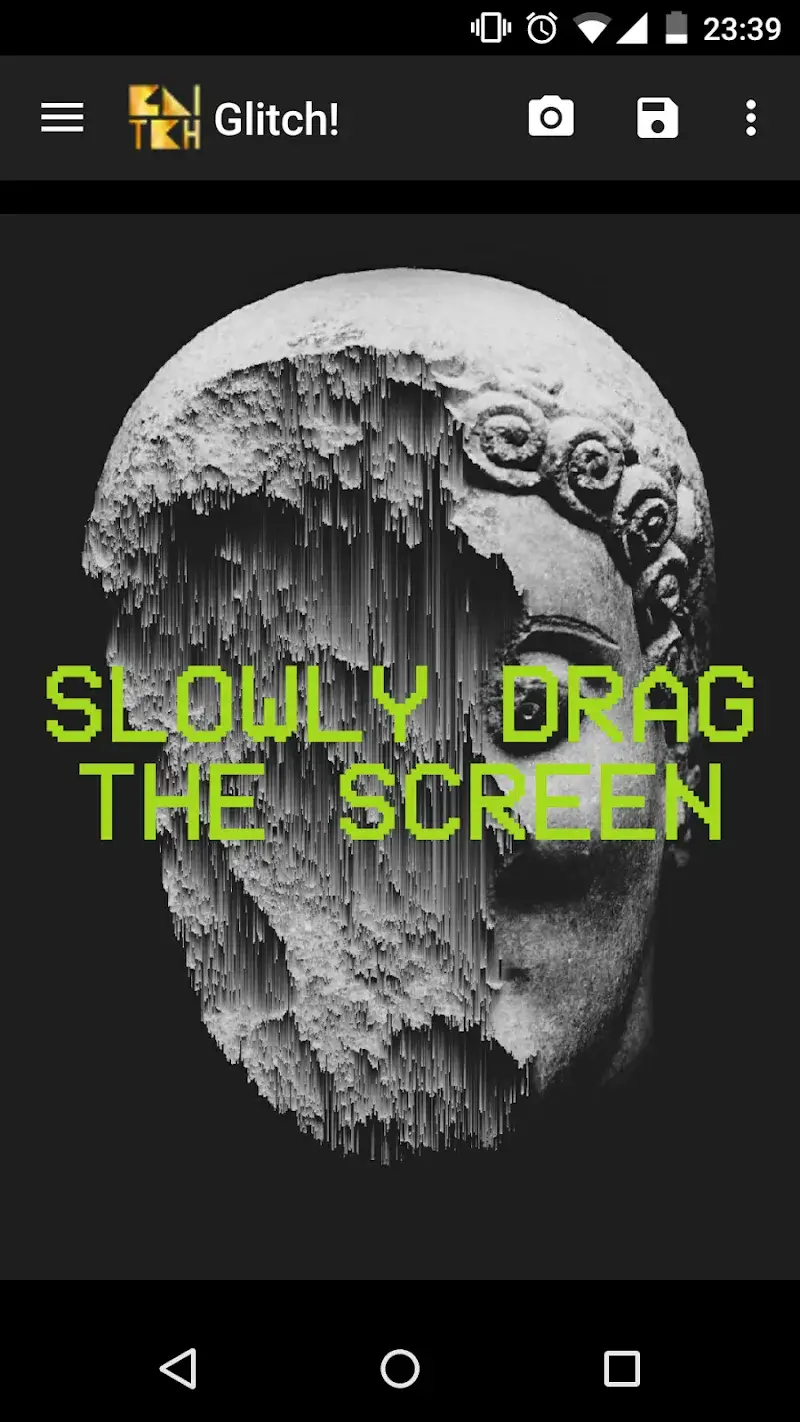
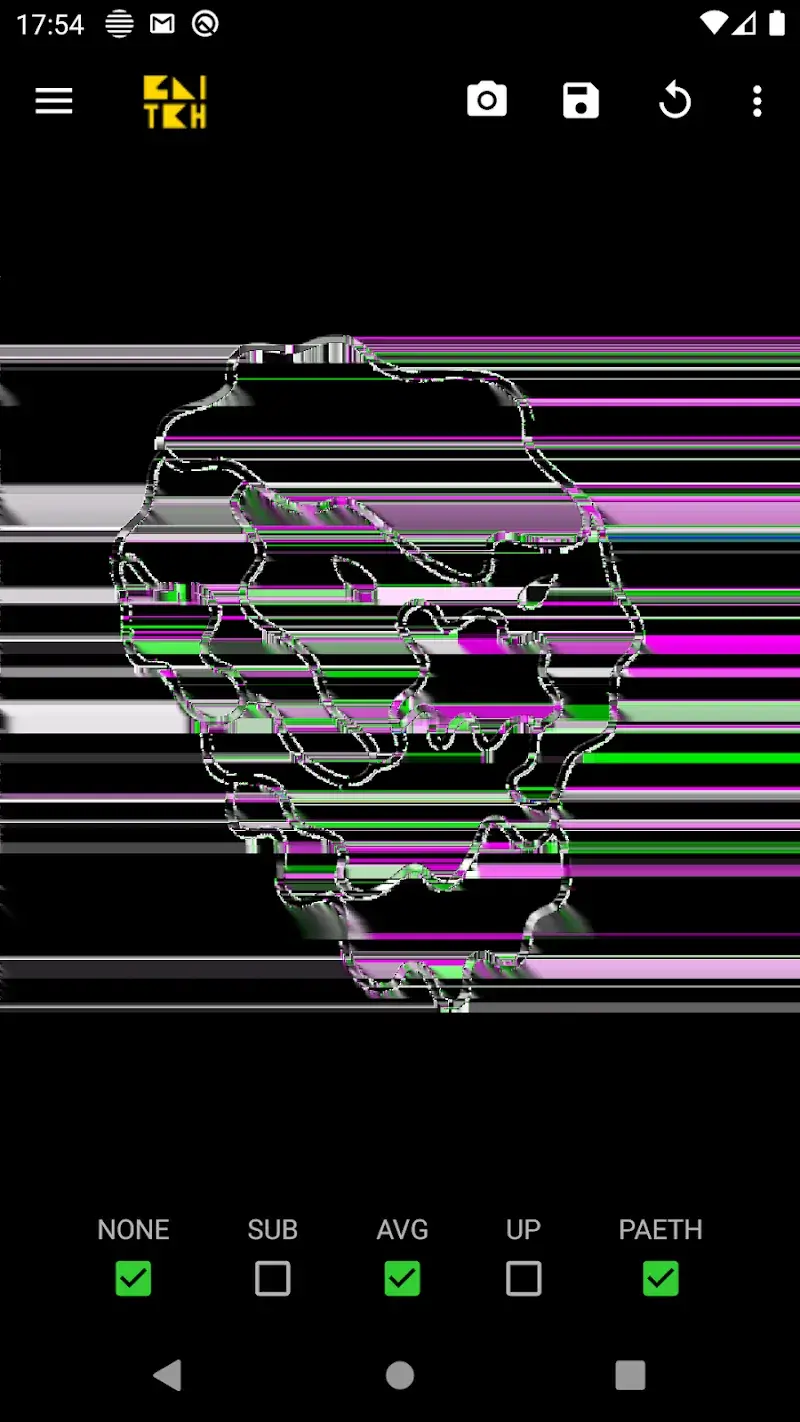
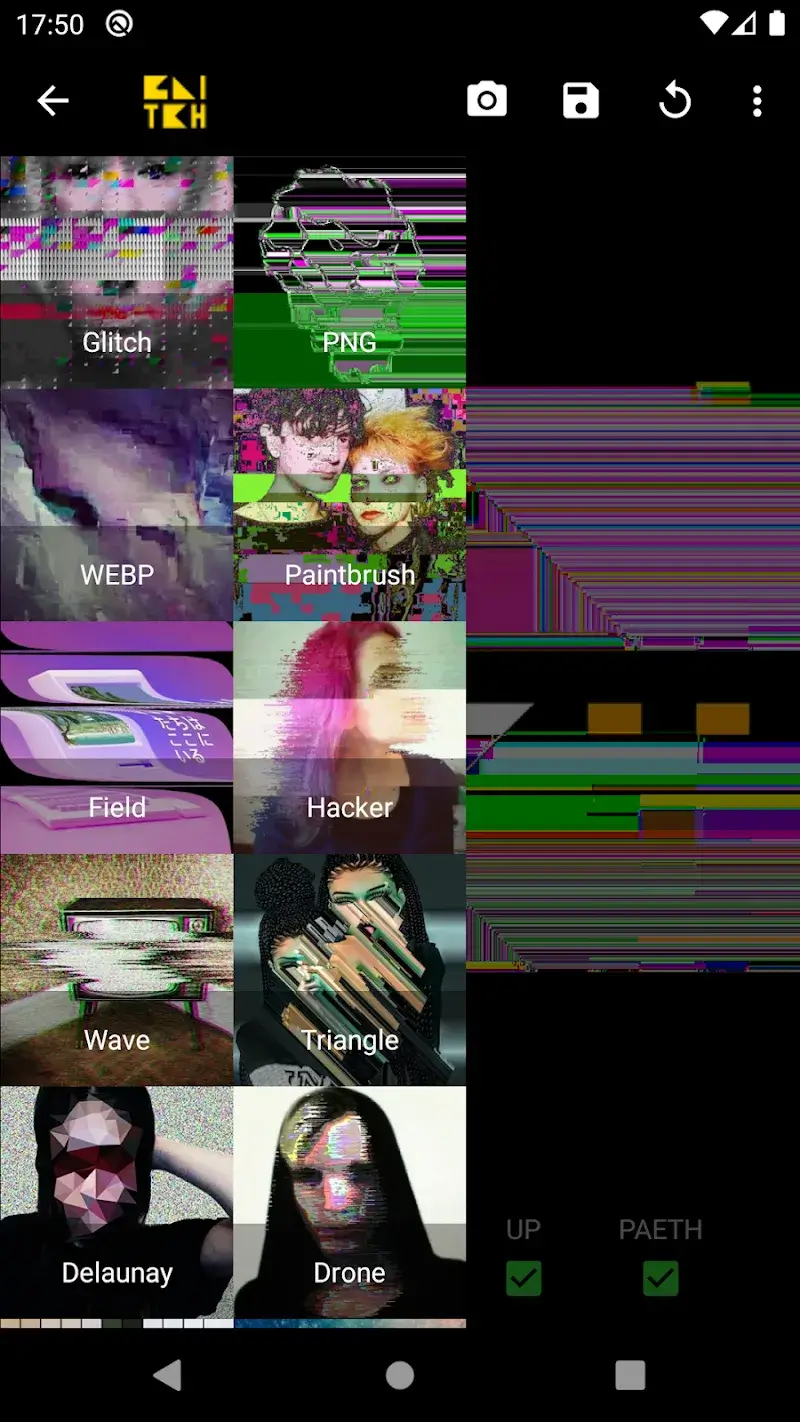
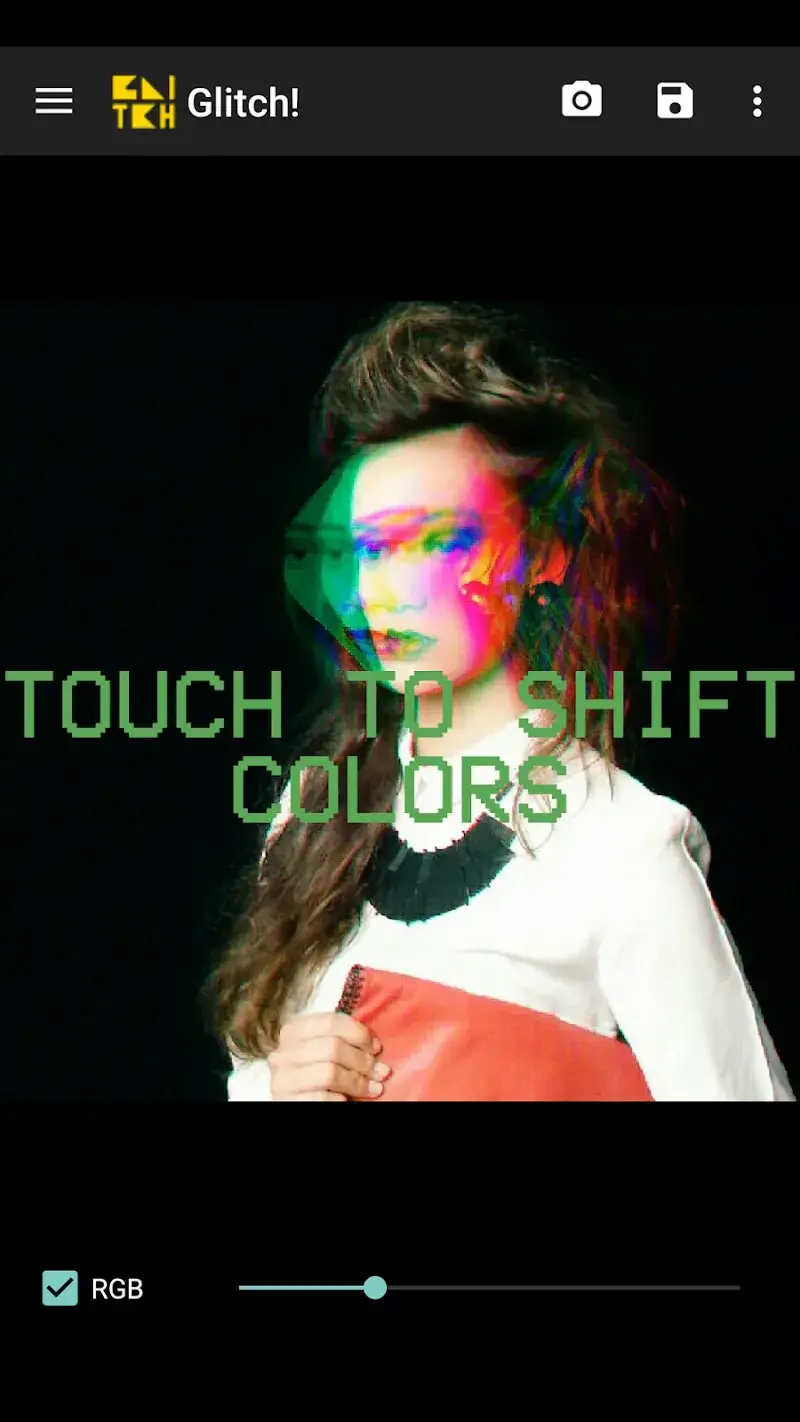
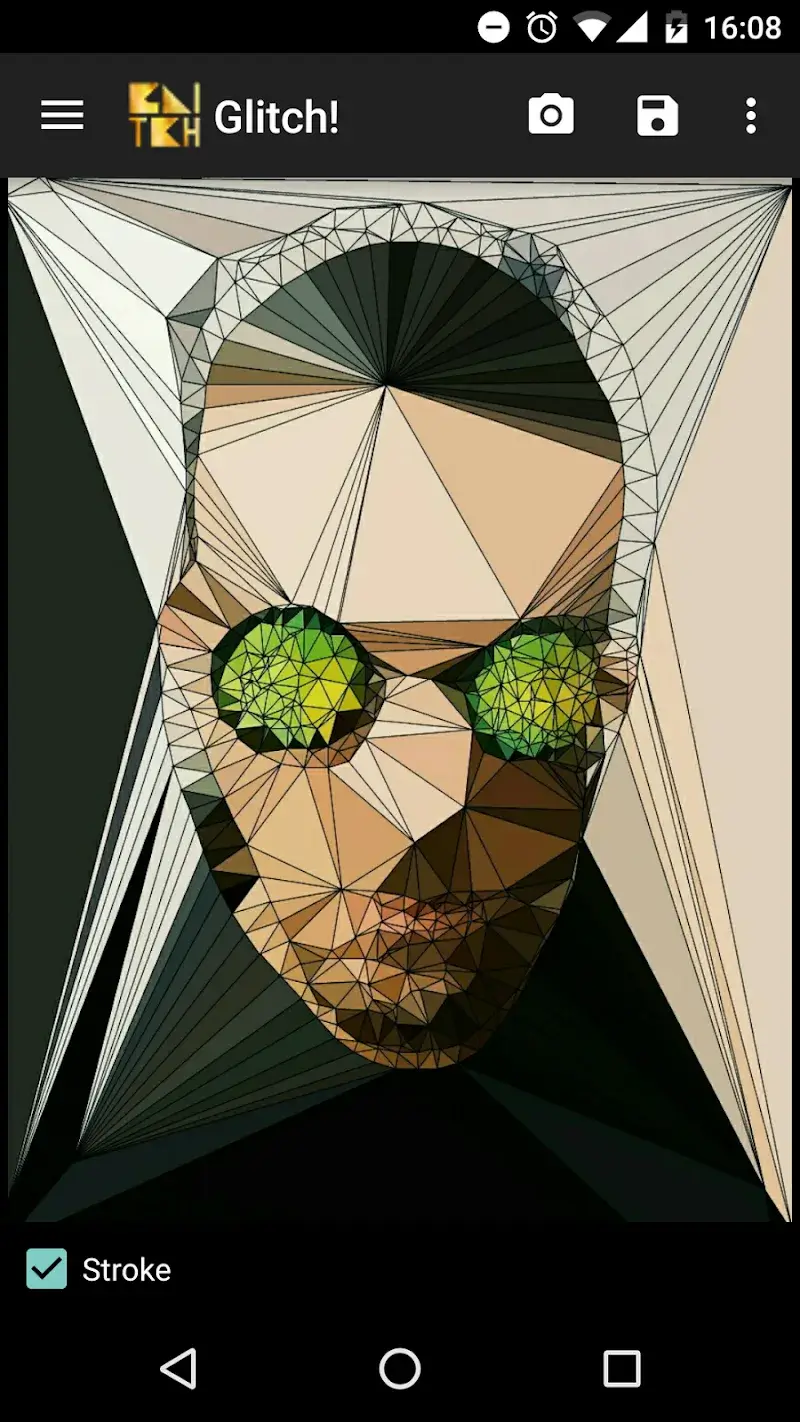
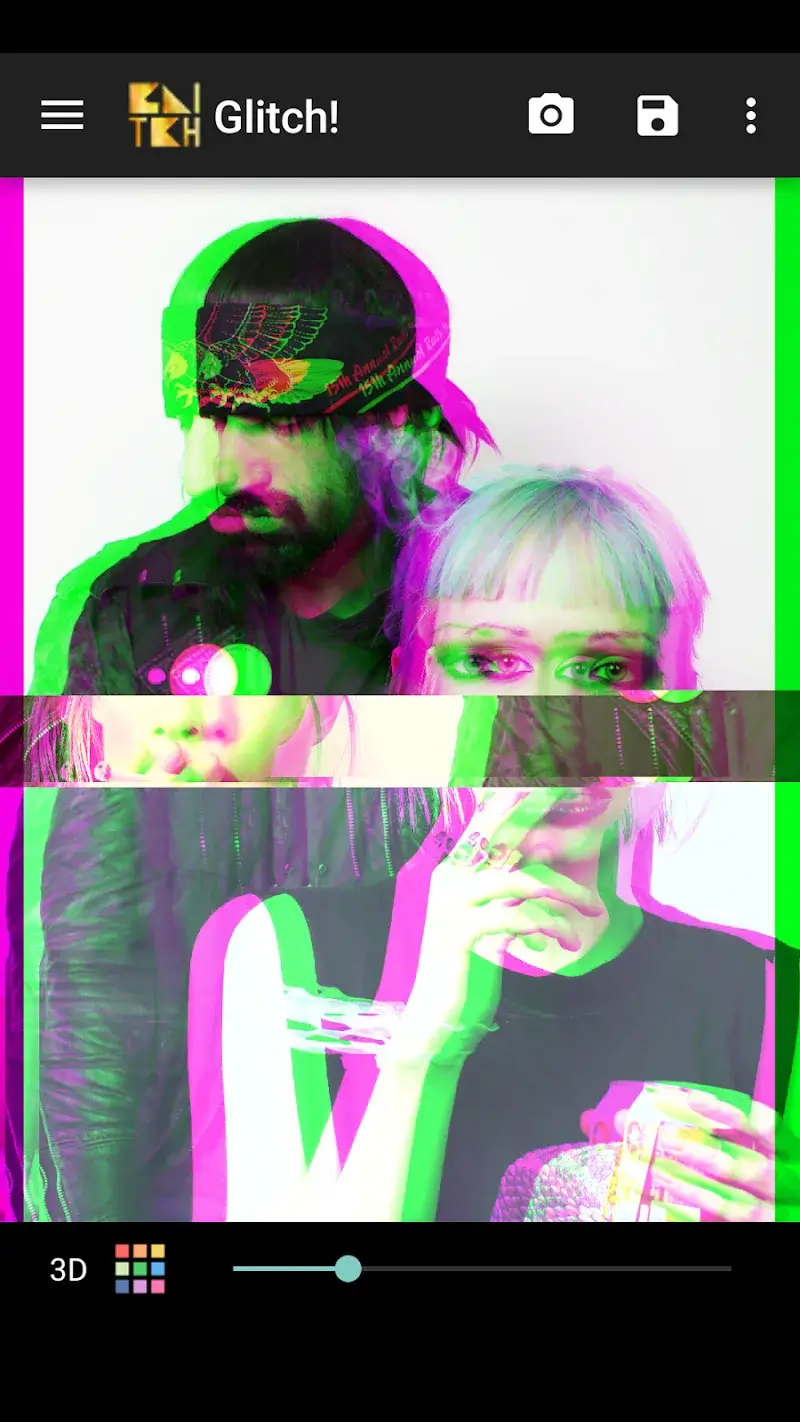
Glitch! Mod is a specialized photo and video editor focused on generating digital glitch art effects. It is designed for users who want to apply retro, data-bending, and analog-style visual distortions to their media. The app functions as a filter processor, applying pre-set and customizable glitch algorithms rather than offering broad editing tools like cropping or color correction.
What This Mod Unlocks
- Premium filter pack unlocked. All glitch effects, including VHS, CRT, Pixel Sort, and Data Moshing, are available without purchase.
- Advertisements removed. The interstitial and banner ads present in the free version are disabled.
- Watermark removal for exported media. The 'Glitch! Mod' branding watermark is omitted from saved photos and videos.
- High-resolution export enabled. The resolution limit for saving processed images is lifted.
The mod menu is not present. The unlocked features are integrated directly into the app interface upon launch.
Glitch! Mod requires Android 7.0 or higher. Installation requires approximately 45 MB of free storage. Root access is not required.
Installation Steps
- Download the Glitch! Mod mod APK file.
- Enable 'Install from Unknown Sources' in Android settings if prompted.
- Open the downloaded APK file and follow the installation prompts.
- Launch Glitch! Mod from the app drawer.
Known Edge Cases
- Some advanced filter parameters may reset to default if the app's cache is cleared.
- Exporting videos with complex glitch effects may cause longer processing times on older devices.
- The original app's cloud sync for custom filter presets is non-functional in the mod version.

