



 ACG
ACG
 Action
 Adventure
 Arcade
 BeautifulGirl
 Board
Board
 Card
Card
 Casual
 Chess
Chess
 Educational
 Horror
 Multiplayer
 Music
Music
 NSFW
NSFW
 Puzzle
 Racing
 Sports
 Strategy
 Survival
 Business
 Communication
 Education
 Entertainment
 Family
 News
News
 Photography
 Social
 SportsLive
 Tools
Tools
 Traffic
 Video&Music
 Weather
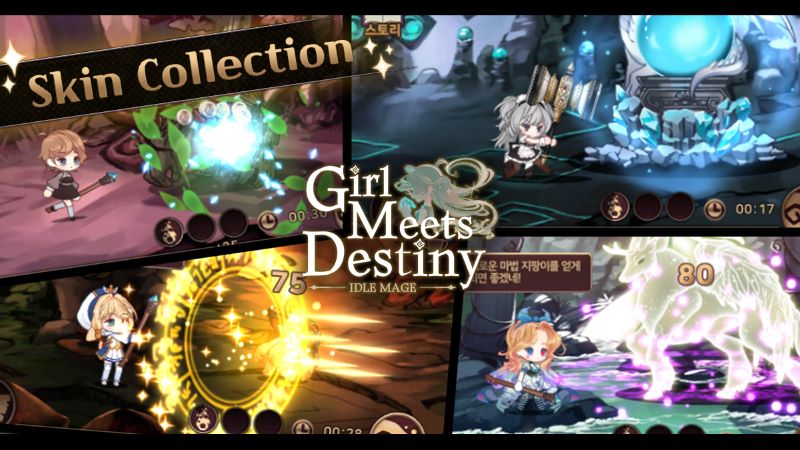


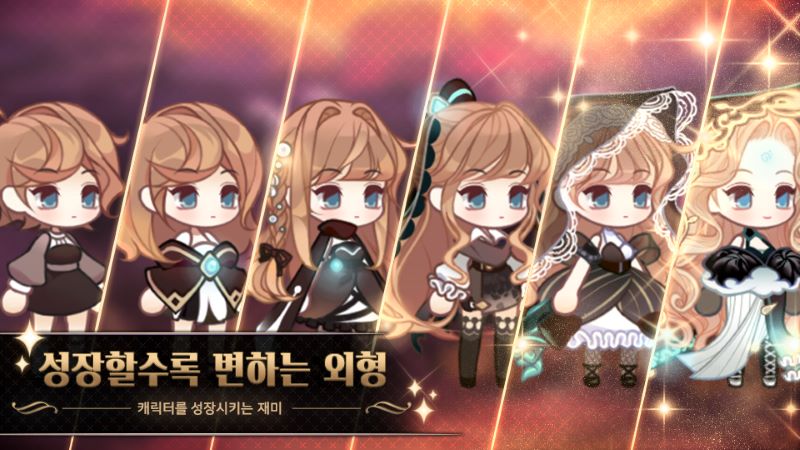

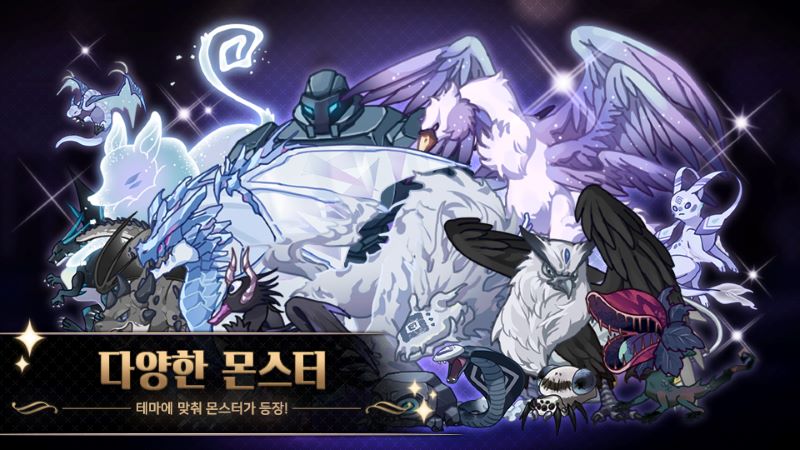
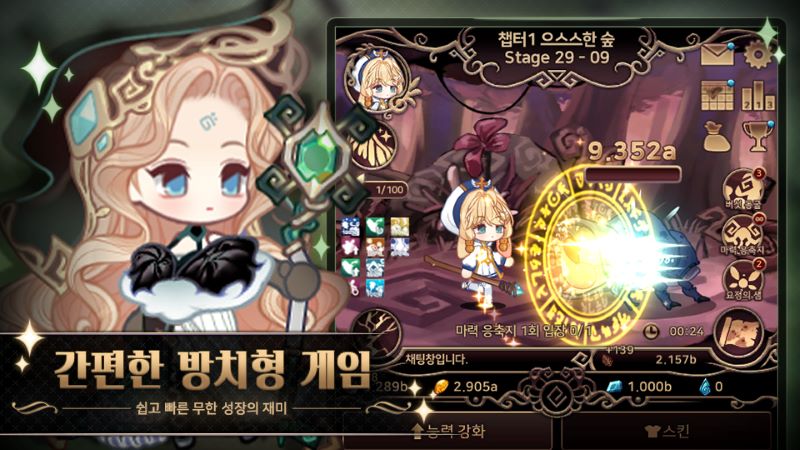

Girl Meets Destiny Mod is a mobile role-playing game developed by 고래가겜. It places players in a magical world where they build a team of characters, engage in automated battles, and develop their party through a rapid leveling system. The game is designed for players seeking a low-stress RPG experience with minimal manual control, focusing on team composition and strategic growth planning over real-time action. The core loop involves unlocking skills, equipping items, and progressing through adventure sagas against various foes.
What This Mod Unlocks
- No Skill Cooldown (CD): All character skills can be used consecutively without waiting for the standard cooldown timer to reset. This applies to both active and ultimate abilities in combat.
- Mod Menu Interface: A floating overlay menu is present, providing a toggle for the primary mod feature. The menu is accessible from any screen within the game.
The mod directly alters the game's internal logic for skill availability. In the official version of Girl Meets Destiny Mod, using a powerful skill triggers a timer before it can be cast again. This mod removes that timer entirely. The change is client-side and affects local gameplay data.
Activation Note
Upon launching Girl Meets Destiny Mod with the mod APK installed, a semi-transparent button labeled "MOD" appears on the right edge of the screen. Tap this button to open the mod menu panel. Inside, a single toggle switch for "No Skill CD" is available. Ensure this switch is turned on (showing a checkmark or highlighted state) before entering a battle for the effect to be active.
System Requirements
The mod requires Android 8.0 or higher. The installation package is approximately 145 MB. Additional storage for game data and cache will be needed after the first run. Root access is not required. The mod is built for version 1.018 of Girl Meets Destiny Mod.
Installation Steps
- Download the Girl Meets Destiny Mod mod APK file.
- Enable installation from unknown sources in your Android device's security settings.
- Locate the downloaded APK file using a file manager and tap to install.
- Launch Girl Meets Destiny Mod after installation completes. Grant any requested permissions that match the original app's requirements.
- Tap the MOD menu button on-screen and enable the No Skill CD feature.
Known Edge Cases
- The mod menu may fail to render on some devices with aggressive battery-saving modes that restrict overlay permissions. Granting draw-over-other-apps permission to Girl Meets Destiny Mod resolves this.
- If the game client is updated by the official Google Play Store, the mod features will cease to function and the app may crash. Disable auto-updates for Girl Meets Destiny Mod.
- While the mod is designed for single-player and story progression, using the No Skill CD in any potential asynchronous multiplayer or leaderboard events could lead to abnormal data being sent to servers, risking account flagging.
- Clearing the app data or cache resets all game progress but does not disable the mod menu itself. The toggle must be re-enabled after a fresh start.

