



 ACG
ACG
 Action
 Adventure
 Arcade
 BeautifulGirl
 Board
Board
 Card
Card
 Casual
 Chess
Chess
 Educational
 Horror
 Multiplayer
 Music
Music
 NSFW
NSFW
 Puzzle
 Racing
 Sports
 Strategy
 Survival
 Business
 Communication
 Education
 Entertainment
 Family
 News
News
 Photography
 Social
 SportsLive
 Tools
Tools
 Traffic
 Video&Music
 Weather



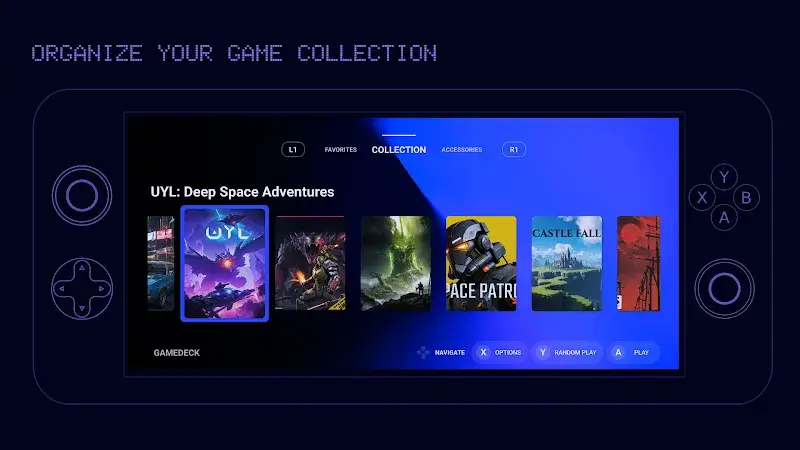
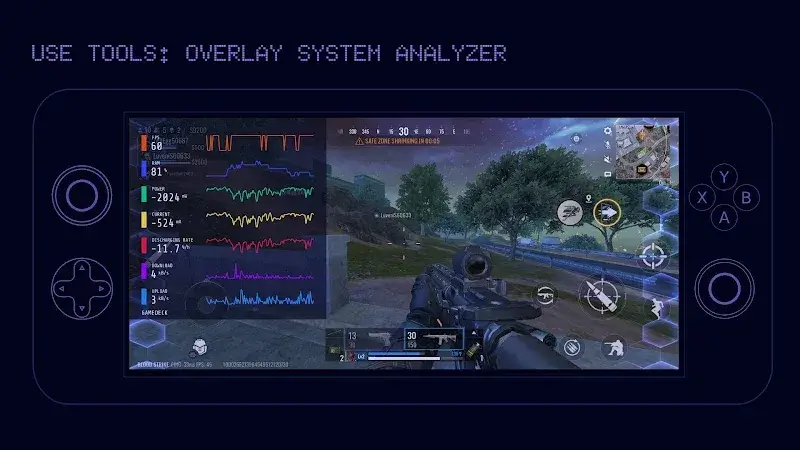
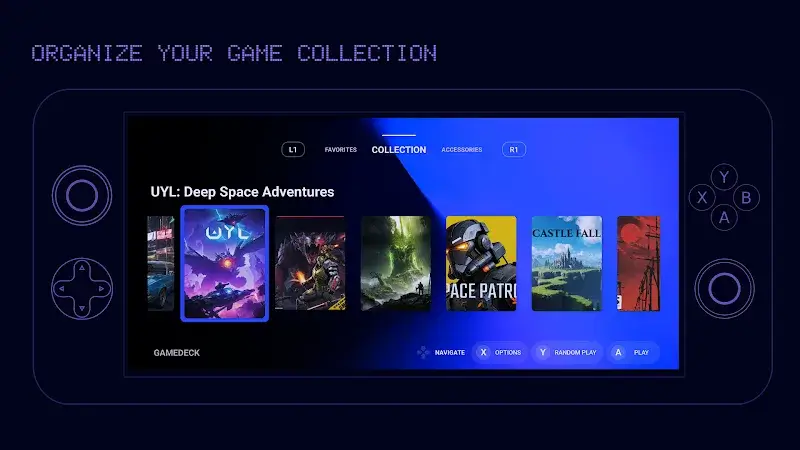
Gamedeck Mod is a utility launcher designed for Android gamers who manage multiple titles. It aggregates installed games into a single, customizable interface with performance monitoring widgets. This app is for users who want to declutter their home screen and access games faster, with additional overlay tools for frame rate and system resource tracking.
What This Mod Unlocks
- Pro subscription features are permanently activated.
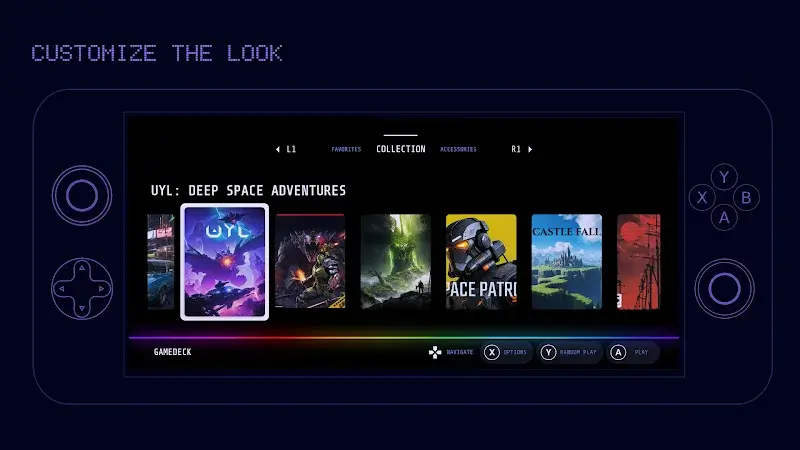
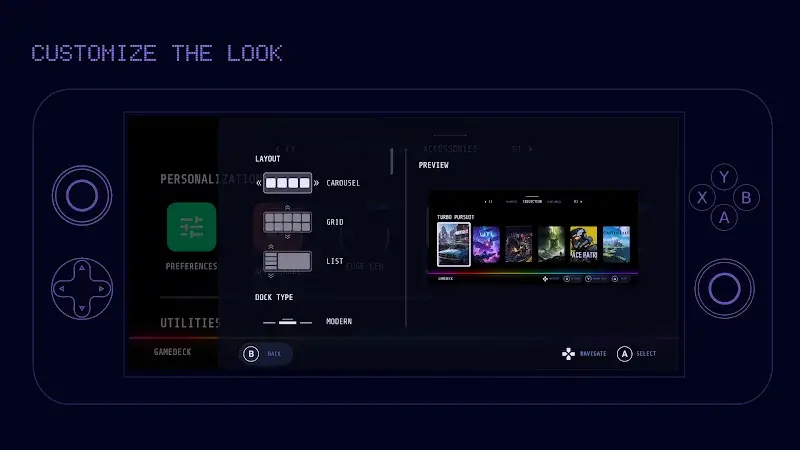
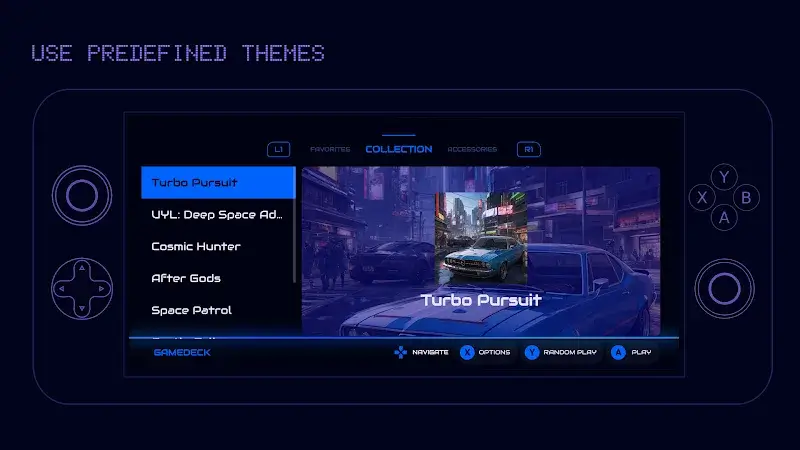
- All premium dashboard themes and layout customizations are available.
- Advanced performance overlay widgets are unlocked.
- Advertisements within the Gamedeck Mod interface are removed.
- Cloud backup and sync features for game collections are enabled.
The mod is applied automatically upon installation. No activation steps or mod menu are required. The Pro status is reflected immediately in the app's settings menu under the account section.
Gamedeck Mod requires Android 7.0 or higher. Installation consumes approximately 12 MB of storage. Root access is not required.
Installation steps are standard for sideloaded APKs. First, download the modded Gamedeck Mod APK file. Second, enable installation from unknown sources in Android settings if not already done. Third, use a file manager to locate and tap the downloaded APK file. Fourth, follow the on-screen prompts to complete installation.
Known edge cases include the potential for the Pro unlock to revert if the app is updated through the Google Play Store. The performance overlay may not be compatible with all games, particularly those with their own anti-cheat or overlay systems. Cloud sync features require a valid login but do not require payment verification.

