



 ACG
ACG
 Action
 Adventure
 Arcade
 BeautifulGirl
 Board
Board
 Card
Card
 Casual
 Chess
Chess
 Educational
 Horror
 Multiplayer
 Music
Music
 NSFW
NSFW
 Puzzle
 Racing
 Sports
 Strategy
 Survival
 Business
 Communication
 Education
 Entertainment
 Family
 News
News
 Photography
 Social
 SportsLive
 Tools
Tools
 Traffic
 Video&Music
 Weather



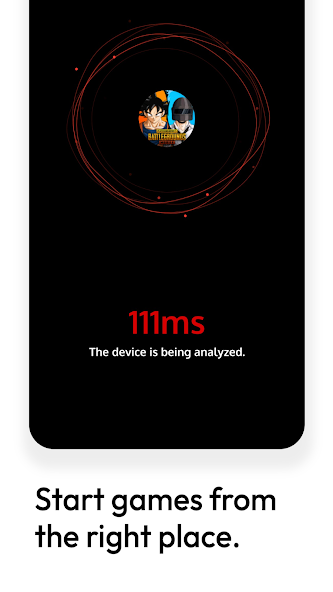
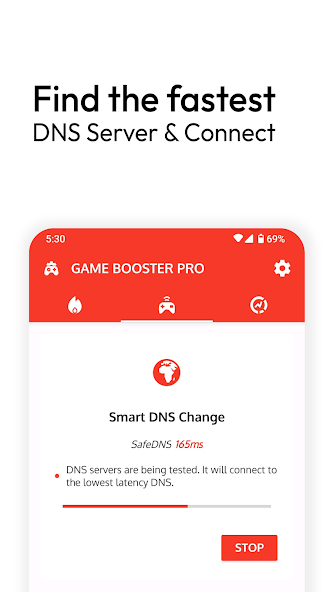
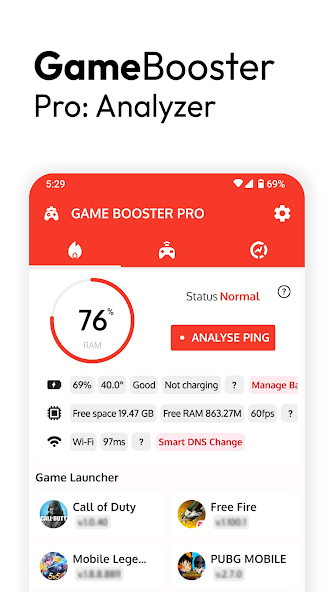
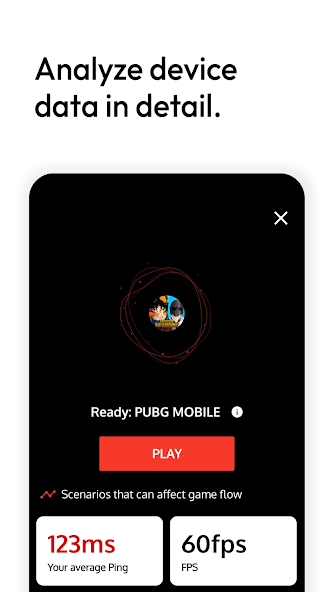
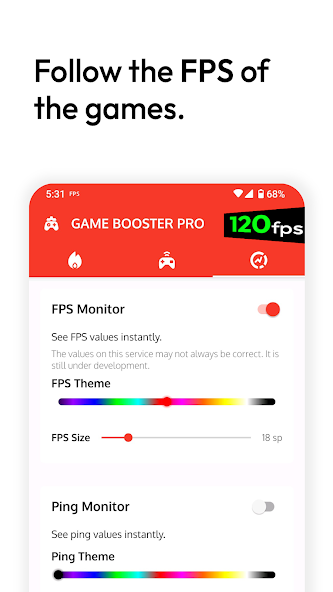
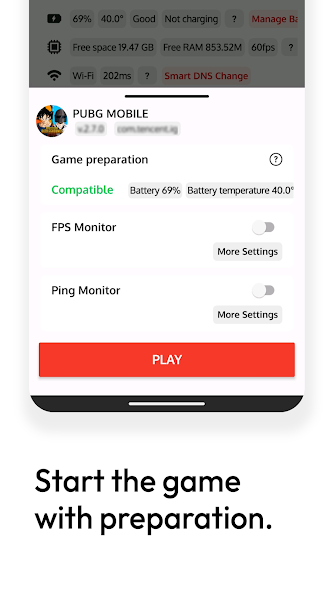
Game Booster Pro Mod is a utility application designed for Android gamers who require performance monitoring and organizational tools. It functions as a centralized game launcher, providing real-time FPS overlay, network ping analysis, and automatic DNS optimization. The app targets users who experience lag or stutter during gameplay and need diagnostic data to identify bottlenecks in device performance or network connectivity.
What This Mod Unlocks
- Pro Version Unlocked: All premium features are activated without requiring a subscription or license verification.
- Ads Disabled: All advertising modules within the app are deactivated.
- Full DNS Optimization Access: The automatic DNS testing and switching feature, typically a Pro function, is available.
- Unlimited Game Slots: The restriction on the number of games that can be added to the launcher is removed.
- Advanced Performance Graphs: Detailed historical FPS and ping charts, locked in the official version, are accessible.
The Pro features are active immediately upon launching Game Booster Pro Mod. No activation code or menu is required; the mod bypasses the license check entirely. The interface will reflect the unlocked state, typically indicated by the absence of 'Upgrade' prompts and the full functionality of tools like the DNS optimizer.
Game Booster Pro Mod requires Android 6.0 or higher. The installation requires approximately 7 MB of storage for the APK file, plus additional space for app data. Root access is not required. The mod does not add any new permissions beyond those required by the official Game Booster Pro Mod app.
Installation follows the standard sideload process. First, download the modded Game Booster Pro Mod APK file. Second, enable installation from unknown sources in the Android security settings. Third, locate the downloaded file using a file manager and tap to install. Fourth, launch the app after installation completes.
Several edge cases exist. The FPS overlay may not be compatible with all games, particularly those using anti-cheat systems or specific rendering methods. The DNS optimization feature creates a local VPN connection; some devices may show a persistent VPN key icon in the status bar while it is active. Clearing the app data will not revert the Pro unlock, but it will reset the user's personalized game list and settings. The mod is designed for the v3.8.1rs version; using it on other versions may cause instability.

