



 ACG
ACG
 Action
 Adventure
 Arcade
 BeautifulGirl
 Board
Board
 Card
Card
 Casual
 Chess
Chess
 Educational
 Horror
 Multiplayer
 Music
Music
 NSFW
NSFW
 Puzzle
 Racing
 Sports
 Strategy
 Survival
 Business
 Communication
 Education
 Entertainment
 Family
 News
News
 Photography
 Social
 SportsLive
 Tools
Tools
 Traffic
 Video&Music
 Weather
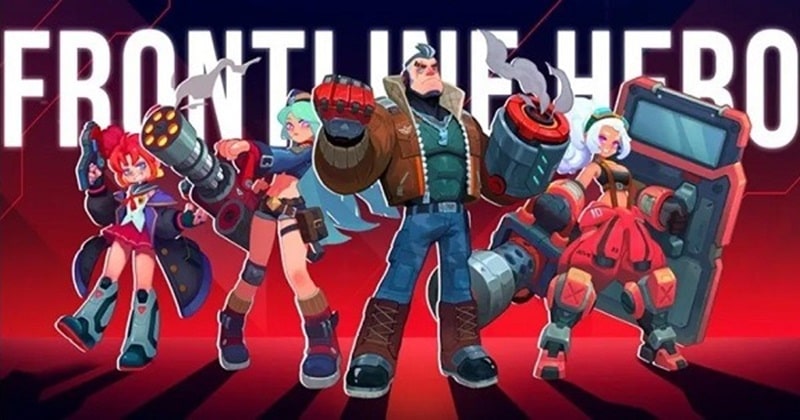


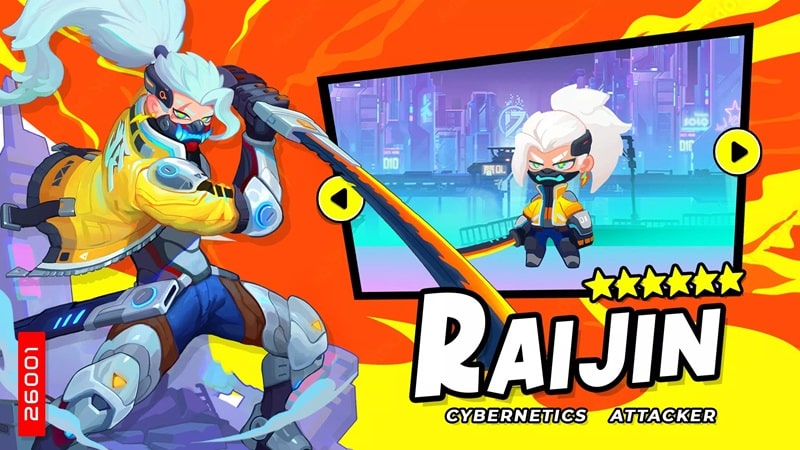
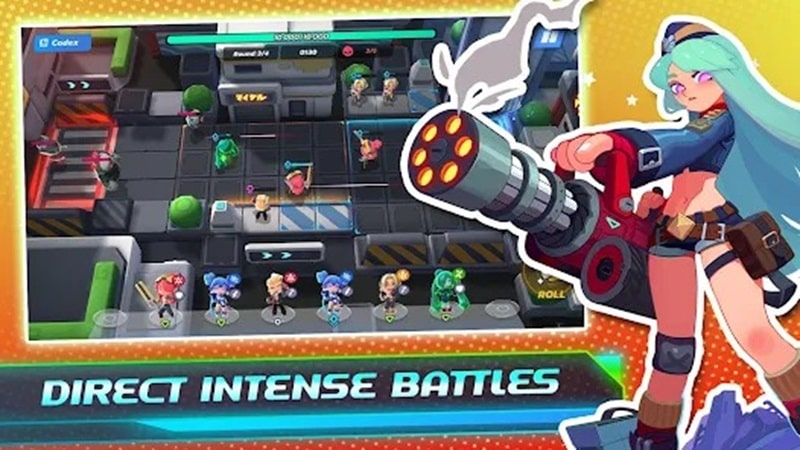
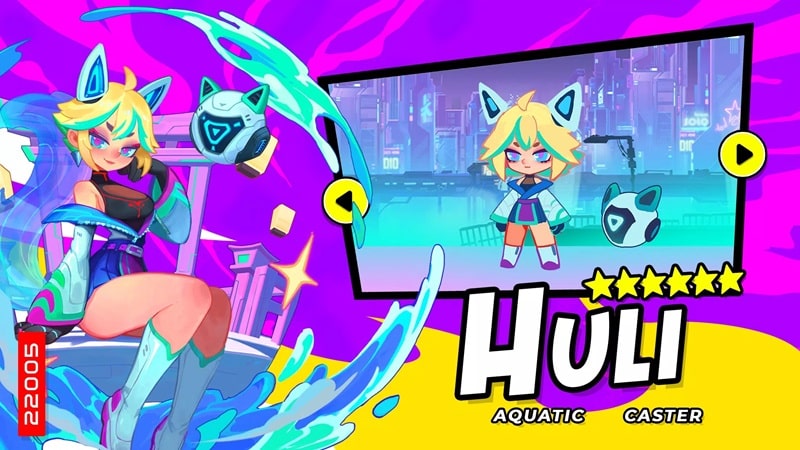
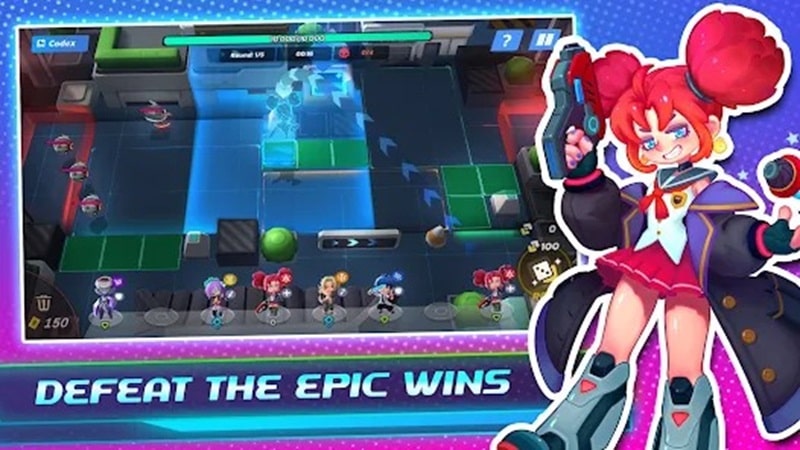

Frontline Hero Mod is a tower defense role-playing game set in a futuristic world under siege by titans. The player commands a roster of heroes, deploying them in defensive positions and utilizing fusion technology to enhance their combat capabilities. The core loop involves managing hero placement, upgrading their skills and equipment, and repelling waves of enemies across progressively challenging levels. The target audience is players of strategy RPGs and tower defense hybrids who seek direct control over unit progression and tactical positioning.
What This Mod Unlocks
- A mod menu overlay is injected into the game interface, accessible via an on-screen toggle.
- God Mode is enabled, rendering all player-controlled heroes immune to damage from enemy attacks.
- A damage multiplier is applied to all hero attacks; the exact multiplier value is selectable within the mod menu.
- These modifications are applied client-side and affect the core combat calculations.
The mod menu is the primary interface for the modifications. It appears as a semi-transparent button or panel on the game screen after launch. Tapping this button expands the menu to reveal toggle switches for God Mode and sliders or buttons for adjusting the damage multiplier. The menu persists across different game screens, including battle preparations and active combat.
Frontline Hero Mod requires Android 6.0 or higher. The installation package is approximately 150 MB. Additional storage for game data and cache will be required after the first launch. Root access is not required for installation or functionality of this mod.
- Download the Frontline Hero Mod MOD APK file.
- Enable installation from unknown sources in your Android device settings.
- Locate the downloaded APK file using a file manager and tap to install.
- Launch the game; the mod menu should be visible on the main interface.
Several edge cases are present. The mod features function in offline or campaign modes. If the game connects to an online server for events or leaderboards, the modified values may be reset or could trigger detection mechanisms. Clearing the app's data or cache will reset all progress, including mod settings, requiring a reconfiguration of the mod menu. On some Android 12+ devices with strict overlay permissions, the mod menu button may require explicit permission grants via system settings to remain visible.

