



 ACG
ACG
 Action
 Adventure
 Arcade
 BeautifulGirl
 Board
Board
 Card
Card
 Casual
 Chess
Chess
 Educational
 Horror
 Multiplayer
 Music
Music
 NSFW
NSFW
 Puzzle
 Racing
 Sports
 Strategy
 Survival
 Business
 Communication
 Education
 Entertainment
 Family
 News
News
 Photography
 Social
 SportsLive
 Tools
Tools
 Traffic
 Video&Music
 Weather



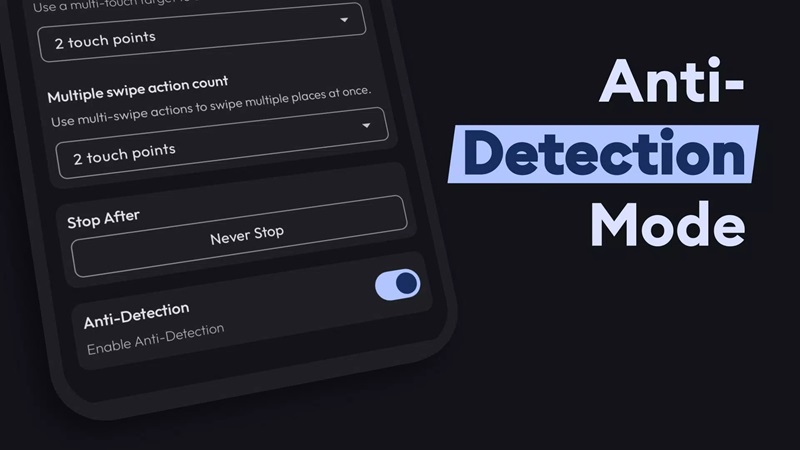
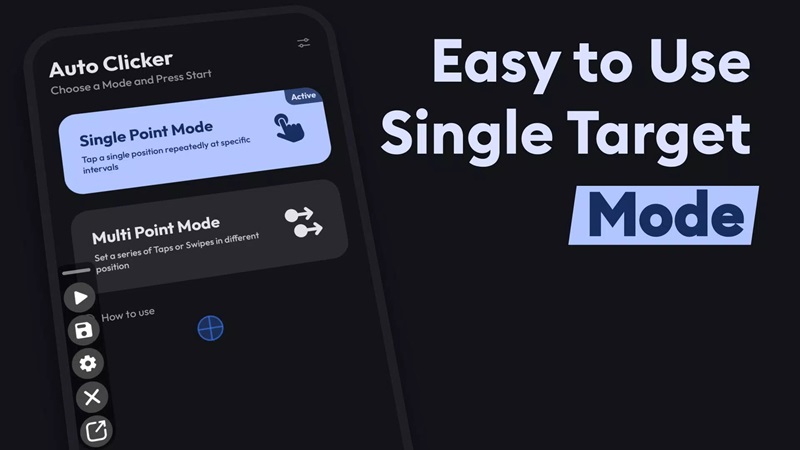
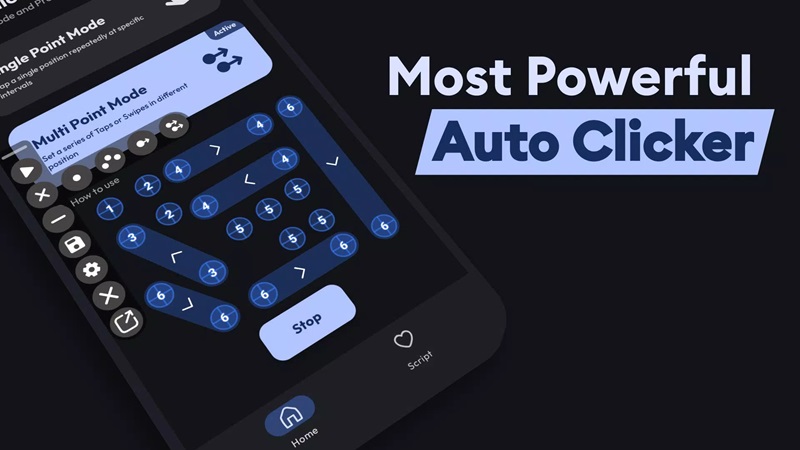
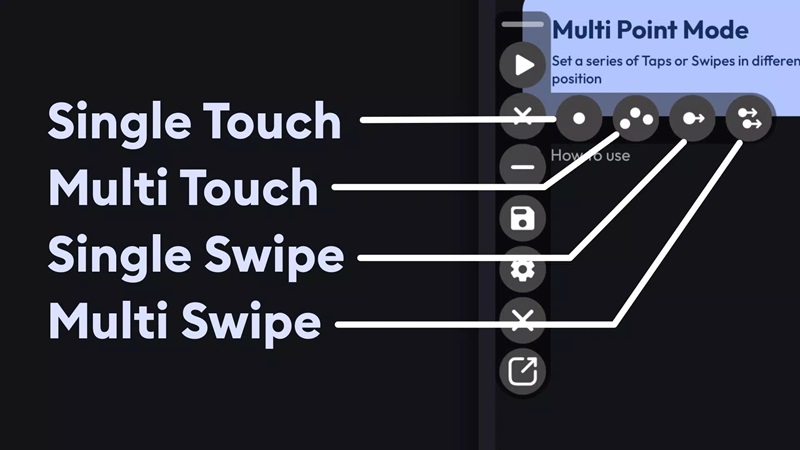
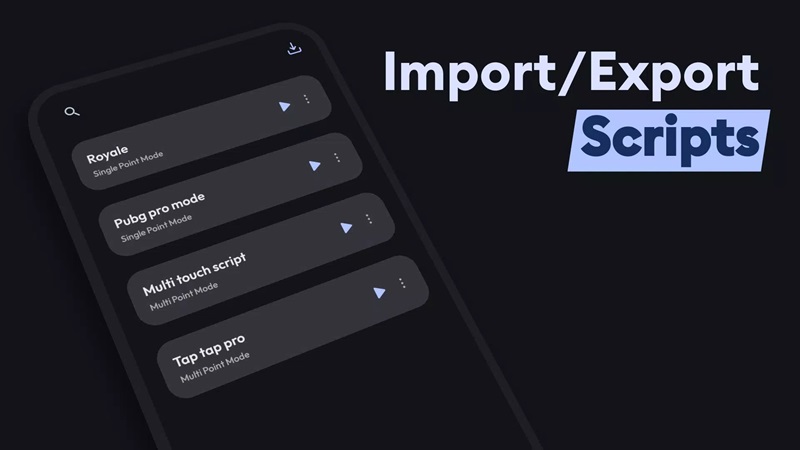
Flow Auto Clicker Mod is an accessibility-based automation tool for Android that simulates touch inputs. It is designed for users who need to automate repetitive tapping, holding, or swiping gestures on their device screen, commonly used in incremental games, grinding tasks, or UI testing scenarios. The app operates via a floating overlay panel and requires the standard Android accessibility service permission to function.
What This Mod Unlocks
- Pro version features are permanently enabled, removing all paywalls.
- The limitation on the number of recordable actions per script is removed.
- All export and import script file functionalities are unlocked.
- Advanced action scheduling and timing controls within the Pro tier are accessible.
- Customization options for the floating panel's appearance and behavior are fully available.
- Advertisements within the app interface are disabled.
The mod activates automatically upon installation. No activation code, license check, or mod menu is required. The app will present itself as the unlocked Pro version from the first launch.
Flow Auto Clicker Mod requires Android 7.0 or higher. It does not require root access. The APK file size is approximately 9 MB, with an additional 10-50 MB recommended for script storage and operation cache.
Installation Steps
- Download the modded APK file.
- Enable installation from unknown sources in your device settings.
- Open the downloaded file and proceed with the installation.
- After installation, open Flow Auto Clicker Mod and grant the Accessibility service permission when prompted.
- The floating control panel will appear, and all Pro features will be immediately available.
Known Edge Cases
Some online games or apps with robust anti-cheat systems may detect and block input from accessibility services like Flow Auto Clicker Mod. This is an app-level detection, not a mod-specific issue. Scripts and configurations are stored locally; clearing the app's data will erase all custom scripts. The mod is confirmed for version 1.3.9; future official updates may break compatibility until the mod is updated. The floating panel may not appear over certain secure screens, such as banking apps or password entry fields, due to Android system restrictions.

