



 ACG
ACG
 Action
 Adventure
 Arcade
 BeautifulGirl
 Board
Board
 Card
Card
 Casual
 Chess
Chess
 Educational
 Horror
 Multiplayer
 Music
Music
 NSFW
NSFW
 Puzzle
 Racing
 Sports
 Strategy
 Survival
 Business
 Communication
 Education
 Entertainment
 Family
 News
News
 Photography
 Social
 SportsLive
 Tools
Tools
 Traffic
 Video&Music
 Weather


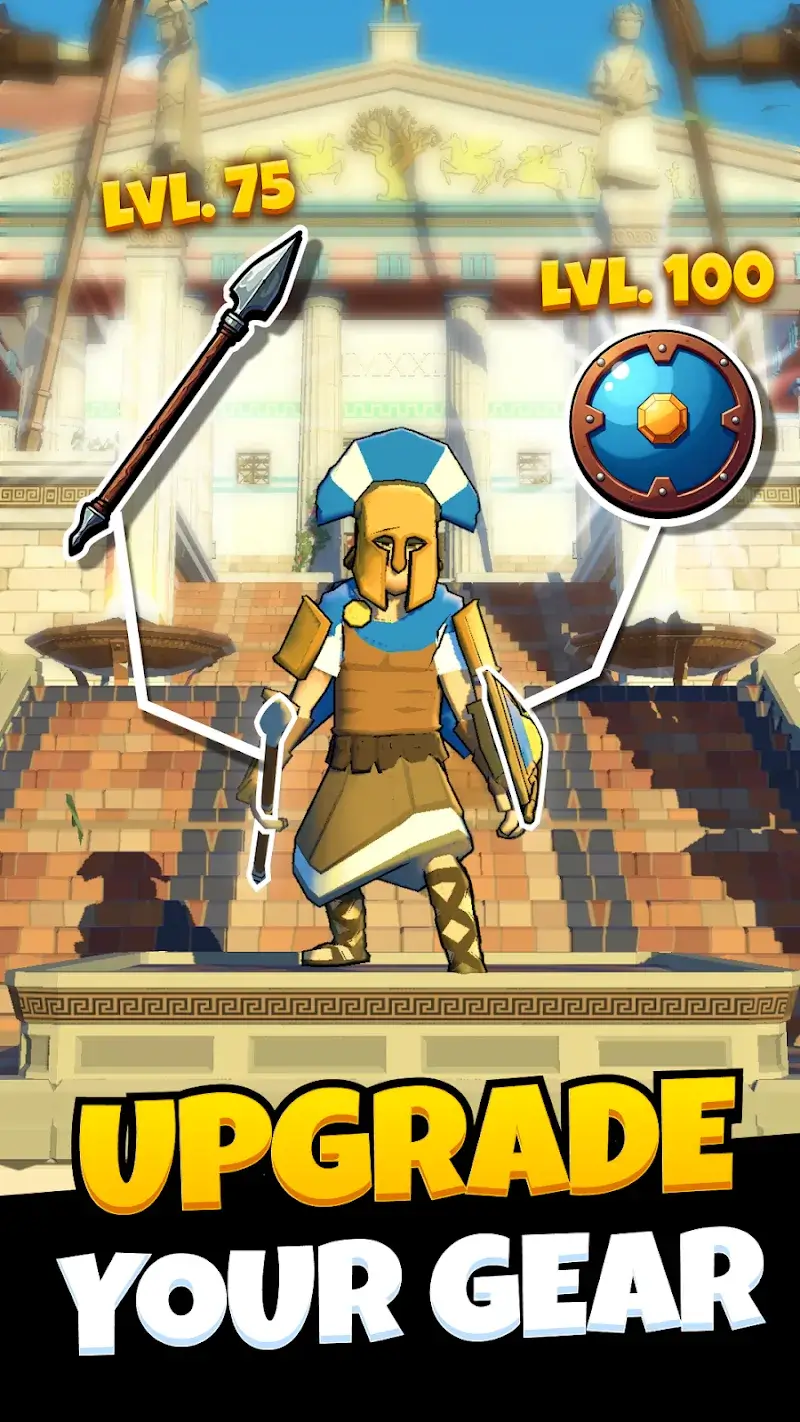
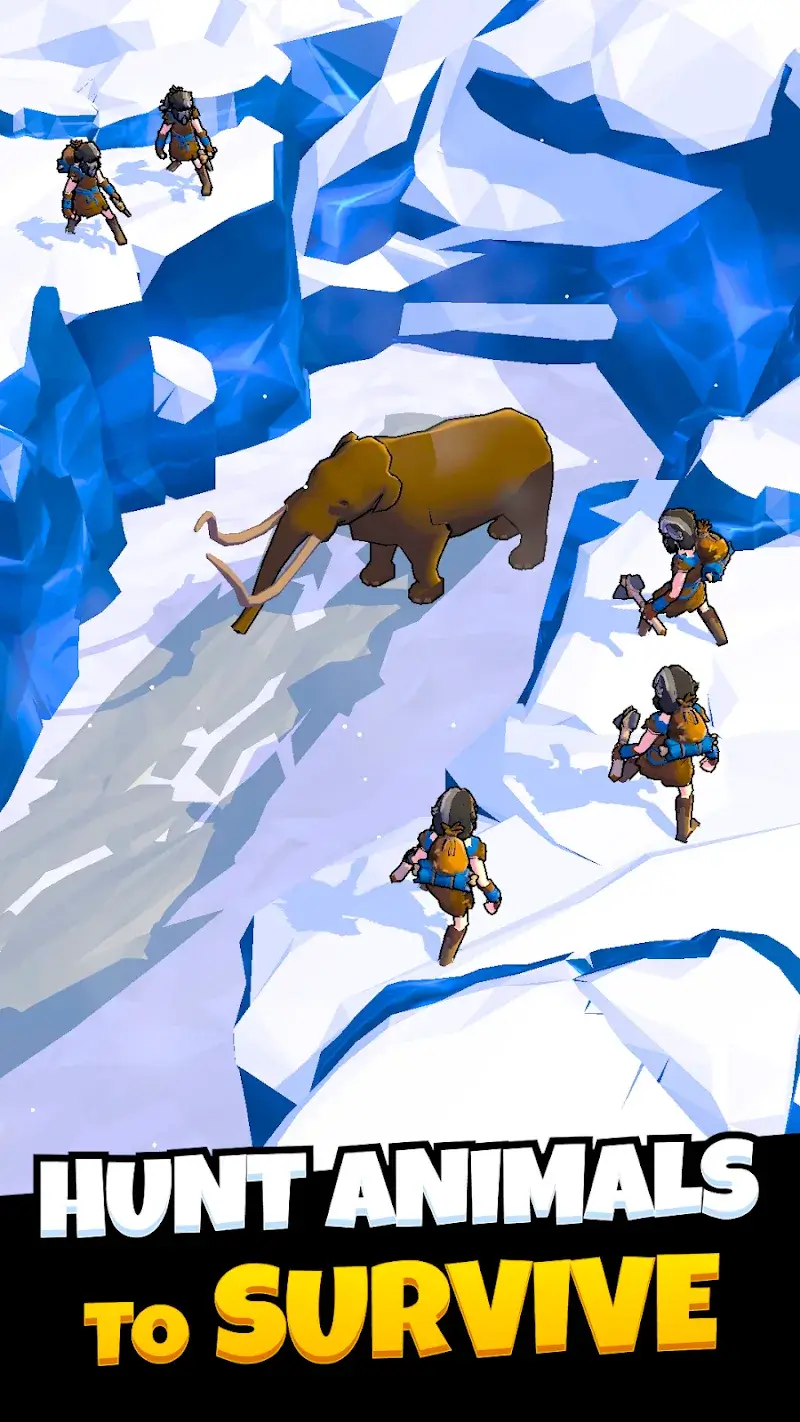
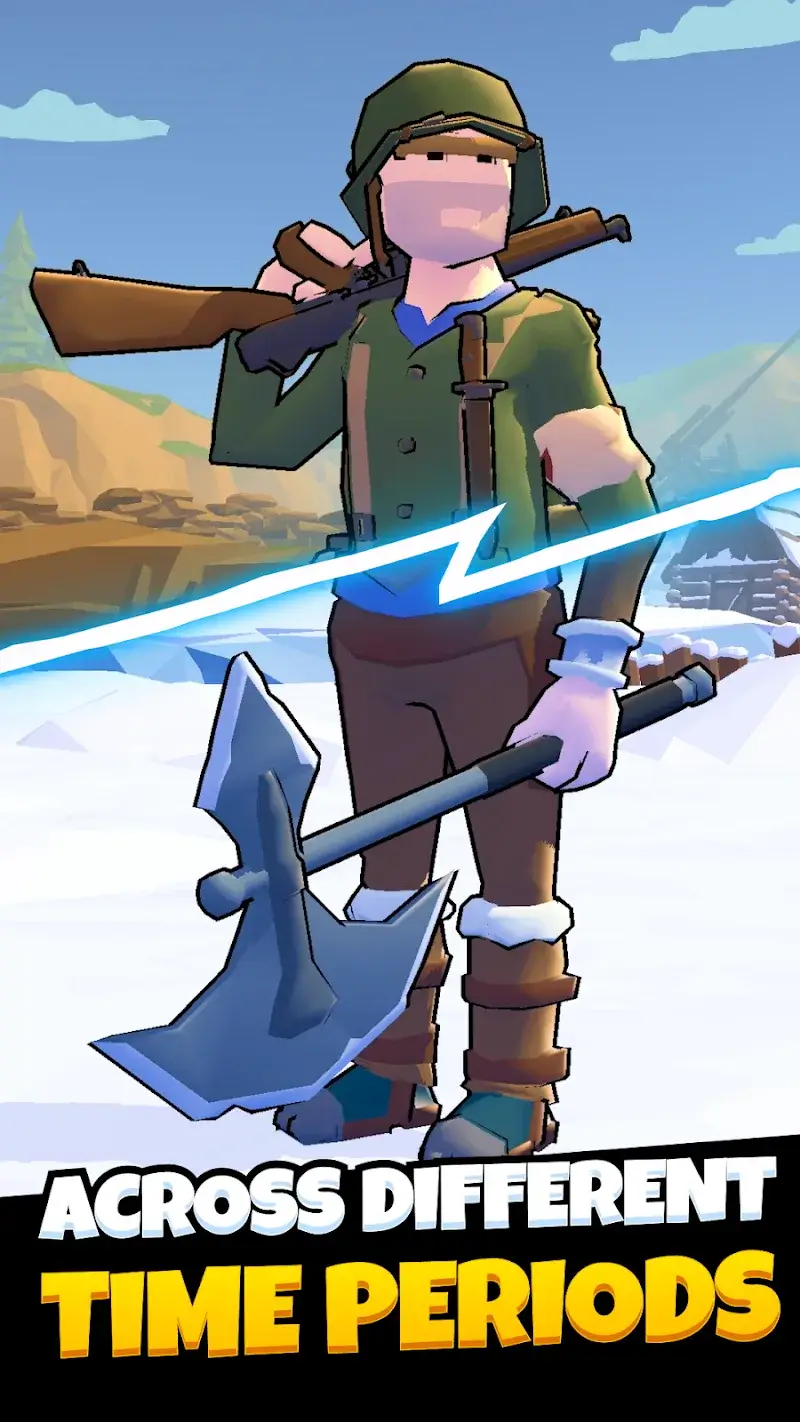
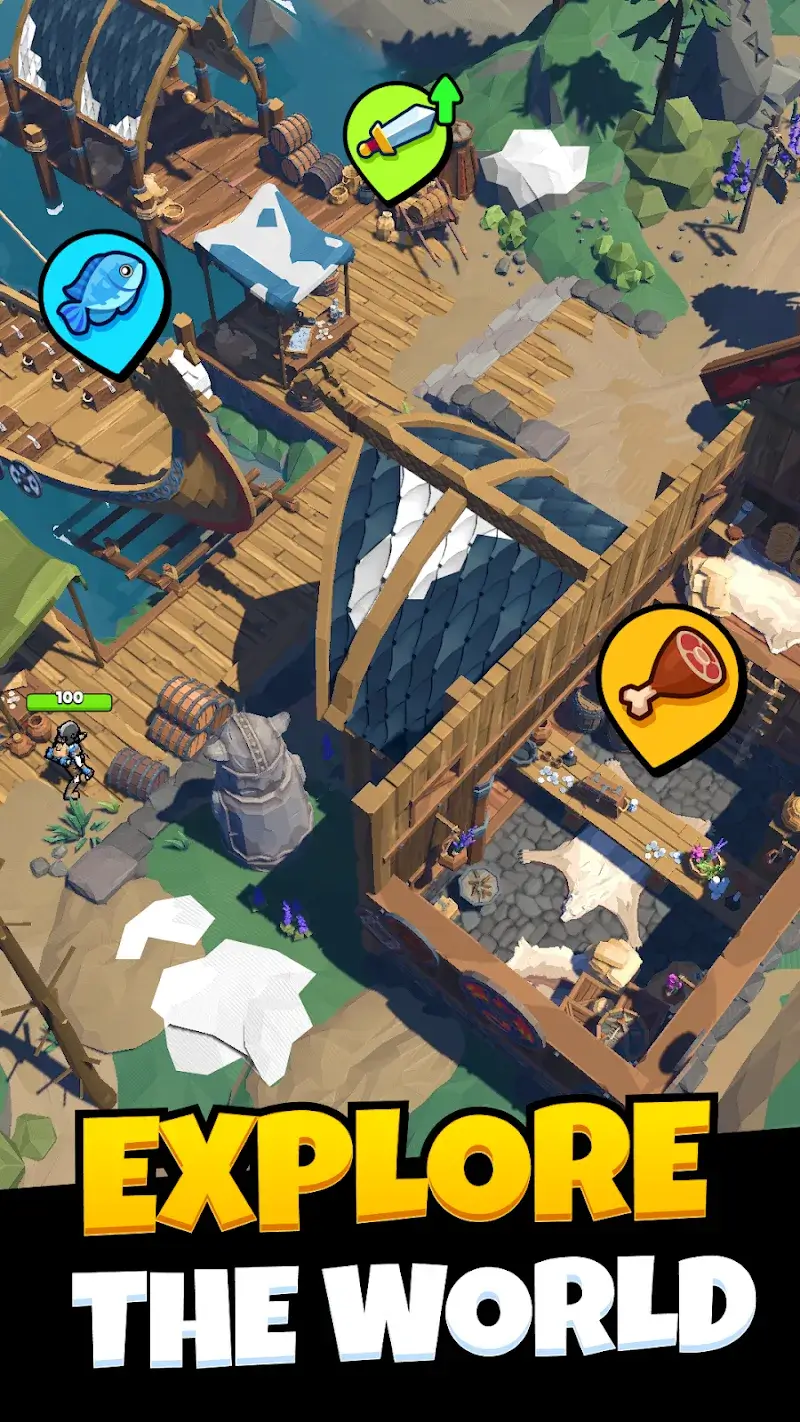
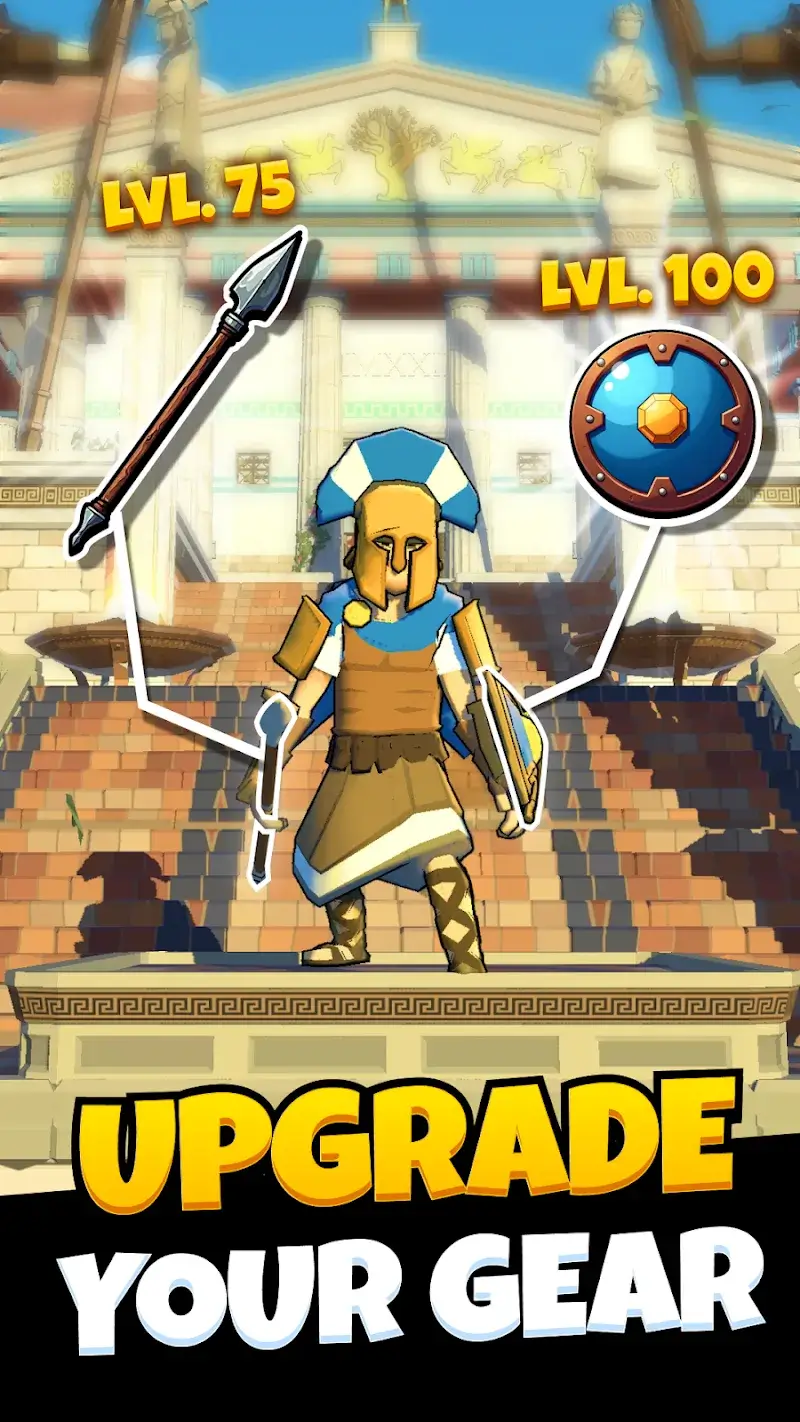
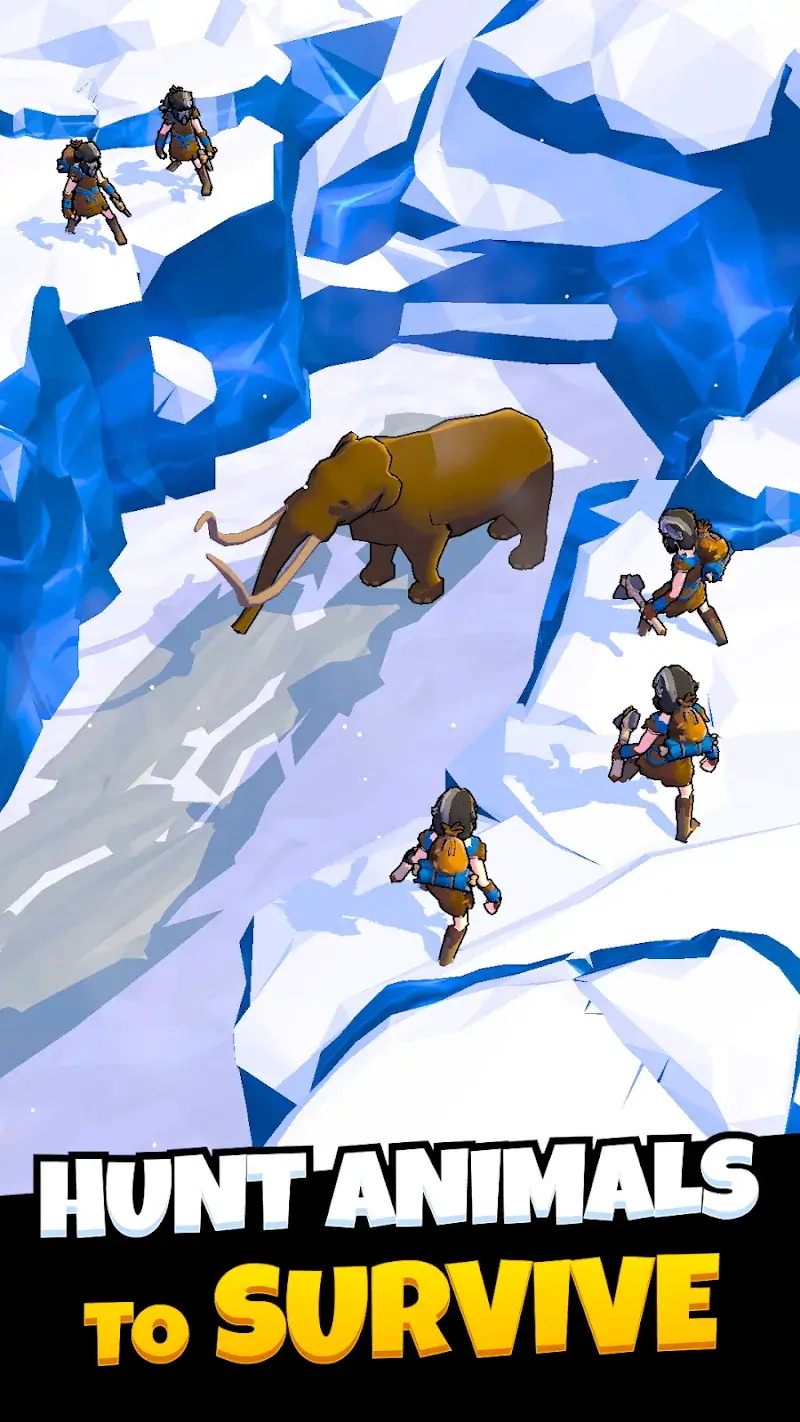
Evolution Idle RPG is an idle progression game where players oversee the evolution of life from prehistoric times to space exploration. The core loop involves managing populations, unlocking new species and technologies across distinct eras, and engaging in strategic, turn-based battles. It targets players who enjoy incremental growth systems layered with RPG mechanics like skill trees and hero development, set within a broad historical and biological simulation.
What This Mod Unlocks
- Mod Menu: A toggle interface overlay providing direct control over mod features.
- Unlimited Resources: Primary in-game currencies (like food, wood, stone) are set to an infinite value and do not decrease on use.
- Unlimited Gems: The premium currency is set to an infinite value and does not decrease on use.
- All resource modifications function on an increase-only logic; values are set high and cannot be reduced through normal gameplay expenditure.
The most critical mod feature is accessed via a floating icon that appears on the main game screen after launch. Tapping this icon opens the mod menu interface where the Unlimited Resources and Unlimited Gems toggles are located. These are enabled by default in version 1.1.17.
This mod requires Android 6.0 or higher. The installation package is approximately 137 MB, with additional data downloads likely upon first launch. Root access is not required.
Installation follows the standard sideload process for modified APK files. First, enable installation from unknown sources in Android settings. Second, download the provided APK file. Third, locate the file using a file manager and tap to install. Fourth, launch the game and confirm the mod menu icon is present on the main interface.
Several edge cases are known. The mod's effects are client-side only; any server-synced features or competitive leaderboards may not reflect modded resources. Progress made with infinite resources may become unstable or fail to save if the mod is removed. The mod menu overlay may not render correctly on some devices with custom navigation gestures or screen recording active. Clearing the app's data will reset all progression, though the mod itself will remain installed.

