



 ACG
ACG
 Action
 Adventure
 Arcade
 BeautifulGirl
 Board
Board
 Card
Card
 Casual
 Chess
Chess
 Educational
 Horror
 Multiplayer
 Music
Music
 NSFW
NSFW
 Puzzle
 Racing
 Sports
 Strategy
 Survival
 Business
 Communication
 Education
 Entertainment
 Family
 News
News
 Photography
 Social
 SportsLive
 Tools
Tools
 Traffic
 Video&Music
 Weather
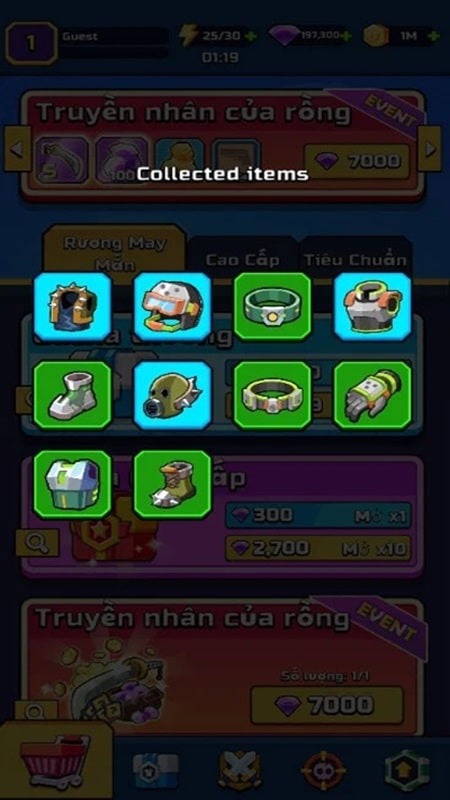



Endurance Clash Mod is a fast-paced arena action game where players control a hero to fight waves of monsters. It targets users who enjoy incremental progression through hero upgrades and weapon evolution within a hack-and-slash framework. The core loop involves surviving enemy waves, unlocking new gear, and customizing talent builds for subsequent battles.
What This Mod Unlocks
- Mod Menu: A floating overlay interface providing direct control over mod parameters.
- Damage Multiplier: Adjustable multiplier for all outgoing hero damage.
- MoveSpeed Multiplier: Adjustable multiplier for hero movement speed.
- God Mode: Player character becomes immune to all damage from enemies.
- Unlimited Everythings: Grants infinite quantities of all in-game currencies and resources used for upgrades and purchases.
The mod menu is the central access point. It appears as a semi-transparent button on the screen shortly after Endurance Clash Mod launches. Tapping this button expands the menu to reveal sliders for damage and speed, and toggle switches for god mode and unlimited resources. Changes apply in real-time.
This mod for Endurance Clash Mod requires Android 7.0 or higher. It does not require root access. Installation requires approximately 55 MB of free storage for the APK file, plus additional space for game data.
Installation Steps
- Download the modified Endurance Clash Mod APK file.
- Enable installation from unknown sources in Android settings.
- Open the downloaded file to begin installation.
- Launch the game and look for the mod menu button.
Known Edge Cases
- The mod menu may fail to appear if overlay permissions are denied. Grant the permission if prompted.
- Extreme values for damage or speed multipliers can cause visual glitches or soft locks during certain animations.
- Unlimited resources are client-side. Progress tied to server validation in any potential online events would not be affected.
- Clearing the app data resets all mod settings to their default state.

