



 ACG
ACG
 Action
 Adventure
 Arcade
 BeautifulGirl
 Board
Board
 Card
Card
 Casual
 Chess
Chess
 Educational
 Horror
 Multiplayer
 Music
Music
 NSFW
NSFW
 Puzzle
 Racing
 Sports
 Strategy
 Survival
 Business
 Communication
 Education
 Entertainment
 Family
 News
News
 Photography
 Social
 SportsLive
 Tools
Tools
 Traffic
 Video&Music
 Weather


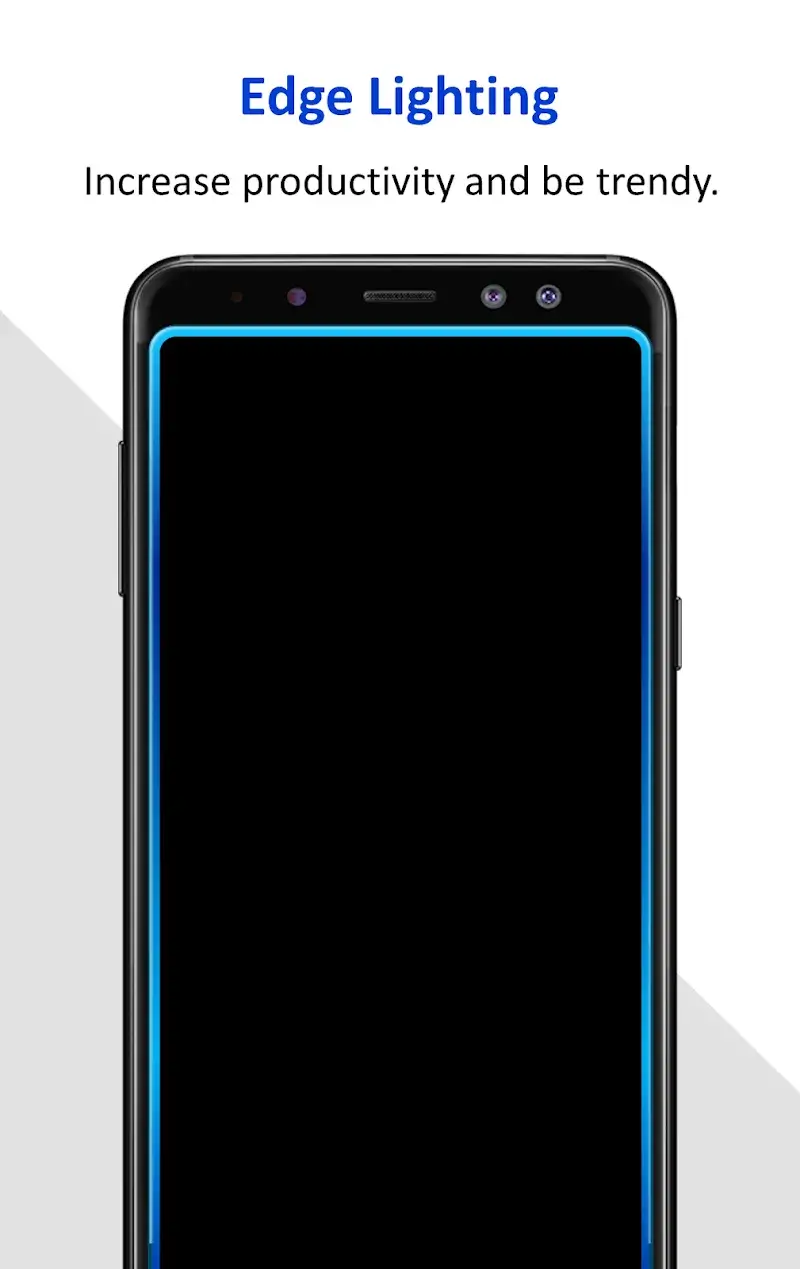
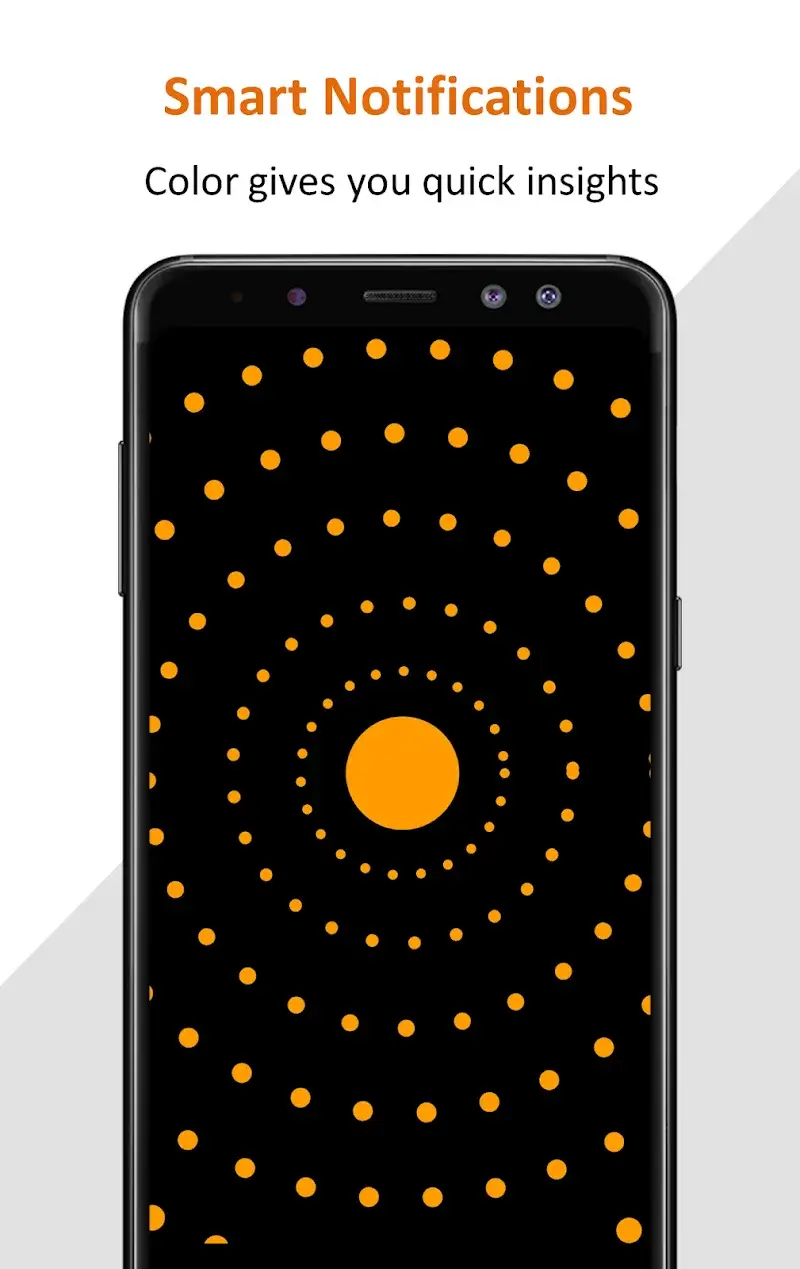
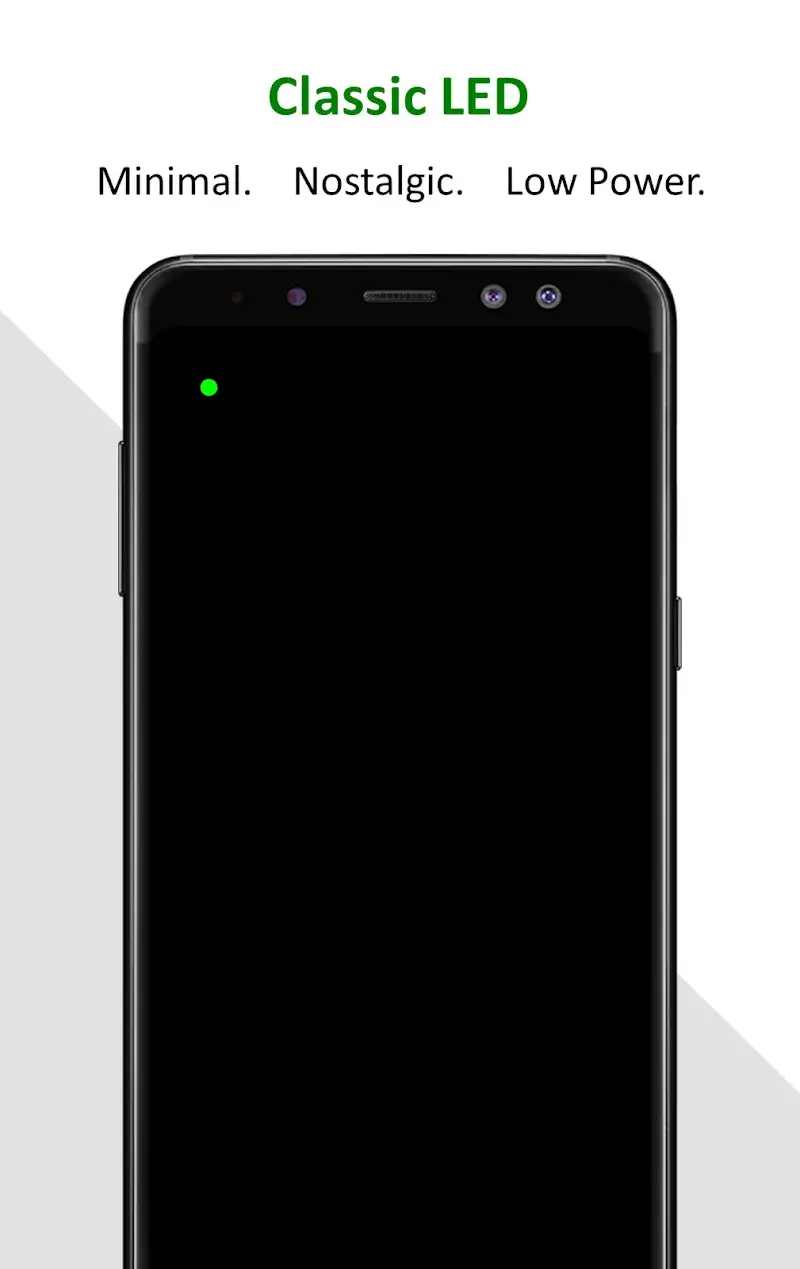
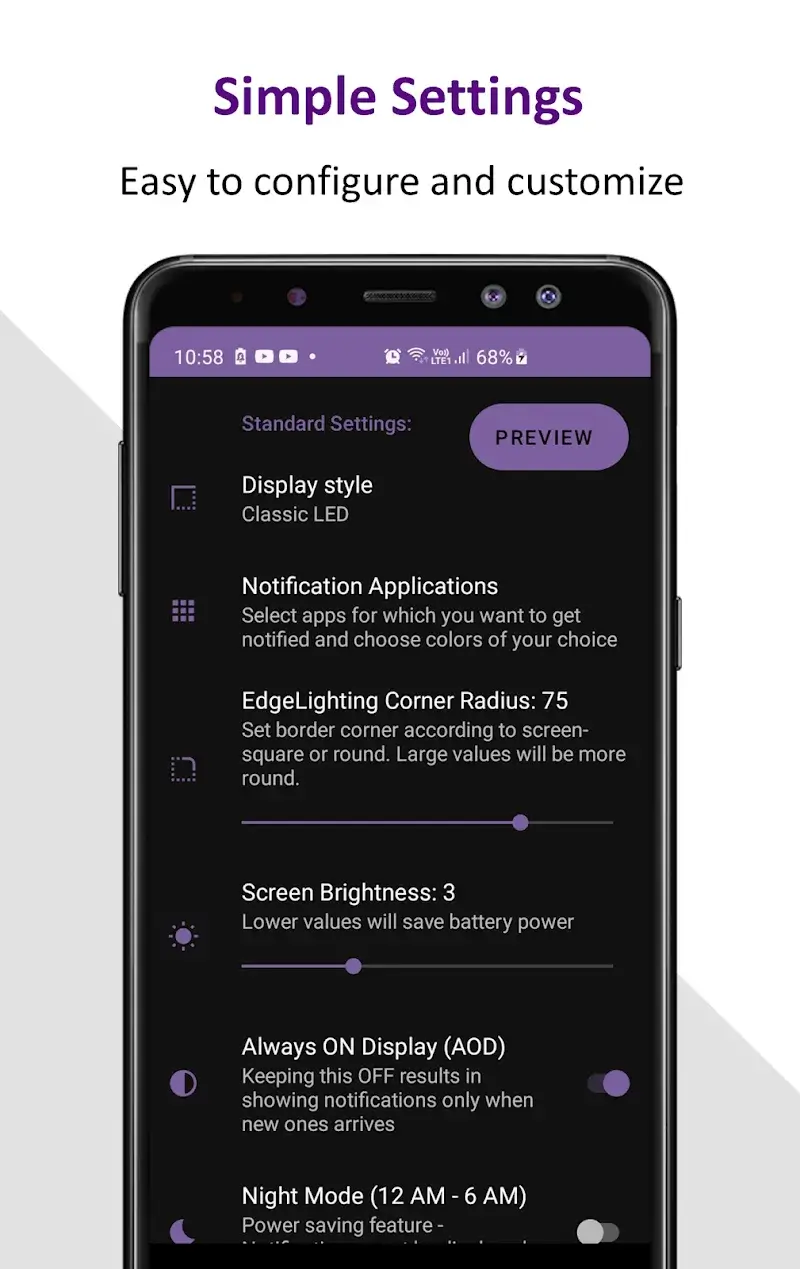
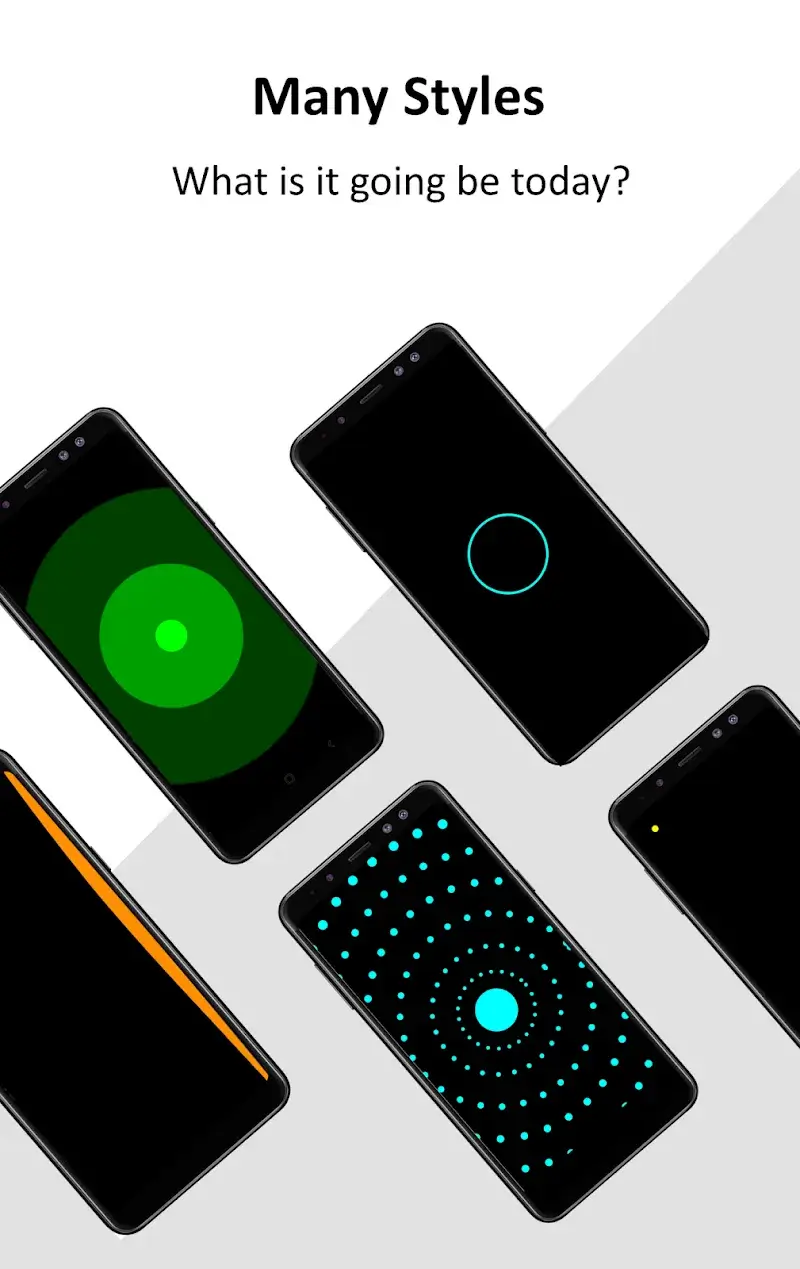
Edge Notification Mod – Always On is a personalization tool for Android that replaces the default notification display with an edge-lighting system. It targets users who want visual privacy and aesthetic control over alert presentation without requiring an always-on display panel. The app functions as an overlay service, intercepting notifications to render them with custom animations and colors along the screen perimeter.
What This Mod Unlocks
- All premium themes and design patterns are unlocked, removing the paywall.
- Advertisements within the app interface are disabled.
- Pro-level customization options for animation speed and lighting effects are available.
- Battery optimization settings, typically restricted, are fully accessible.
Activation of the mod features is automatic upon launching Edge Notification Mod. The premium catalog appears without purchase prompts, and ad slots remain empty. No mod menu or manual toggle is required; the unlocked state is persistent across sessions.
The APK requires Android 5.0 or higher. It does not need root access. Installation consumes approximately 4 MB of storage, with additional space needed for cached theme assets. The overlay permission must be granted during setup for Edge Notification Mod to function.
Installation follows standard sideload steps. First, enable installation from unknown sources in Android settings. Second, download the mod APK file. Third, open the downloaded file to initiate the package installer. Fourth, confirm the installation. Fifth, launch Edge Notification Mod and grant the necessary overlay and notification access permissions.
Known edge cases include potential conflicts with other overlay or screen-dimming applications, which may prevent the edge lighting from rendering. On some custom ROMs, the battery optimization whitelist setting may not stick after a reboot, requiring reconfiguration. The mod does not bypass server-side checks for cloud-synced themes, which are not a feature of the base app. Clearing app data will reset user-configured preferences but will not re-lock the premium content.

