



 ACG
ACG
 Action
 Adventure
 Arcade
 BeautifulGirl
 Board
Board
 Card
Card
 Casual
 Chess
Chess
 Educational
 Horror
 Multiplayer
 Music
Music
 NSFW
NSFW
 Puzzle
 Racing
 Sports
 Strategy
 Survival
 Business
 Communication
 Education
 Entertainment
 Family
 News
News
 Photography
 Social
 SportsLive
 Tools
Tools
 Traffic
 Video&Music
 Weather



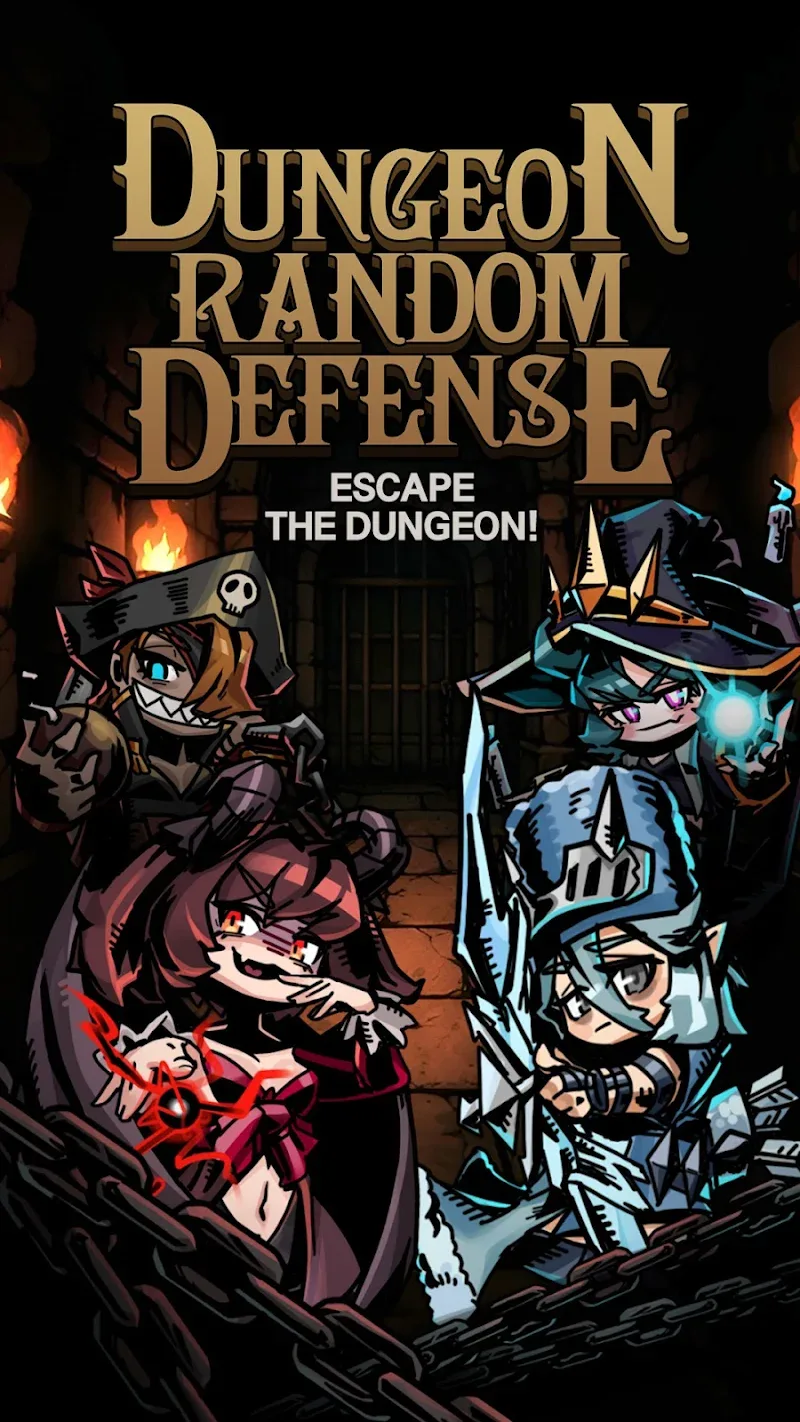
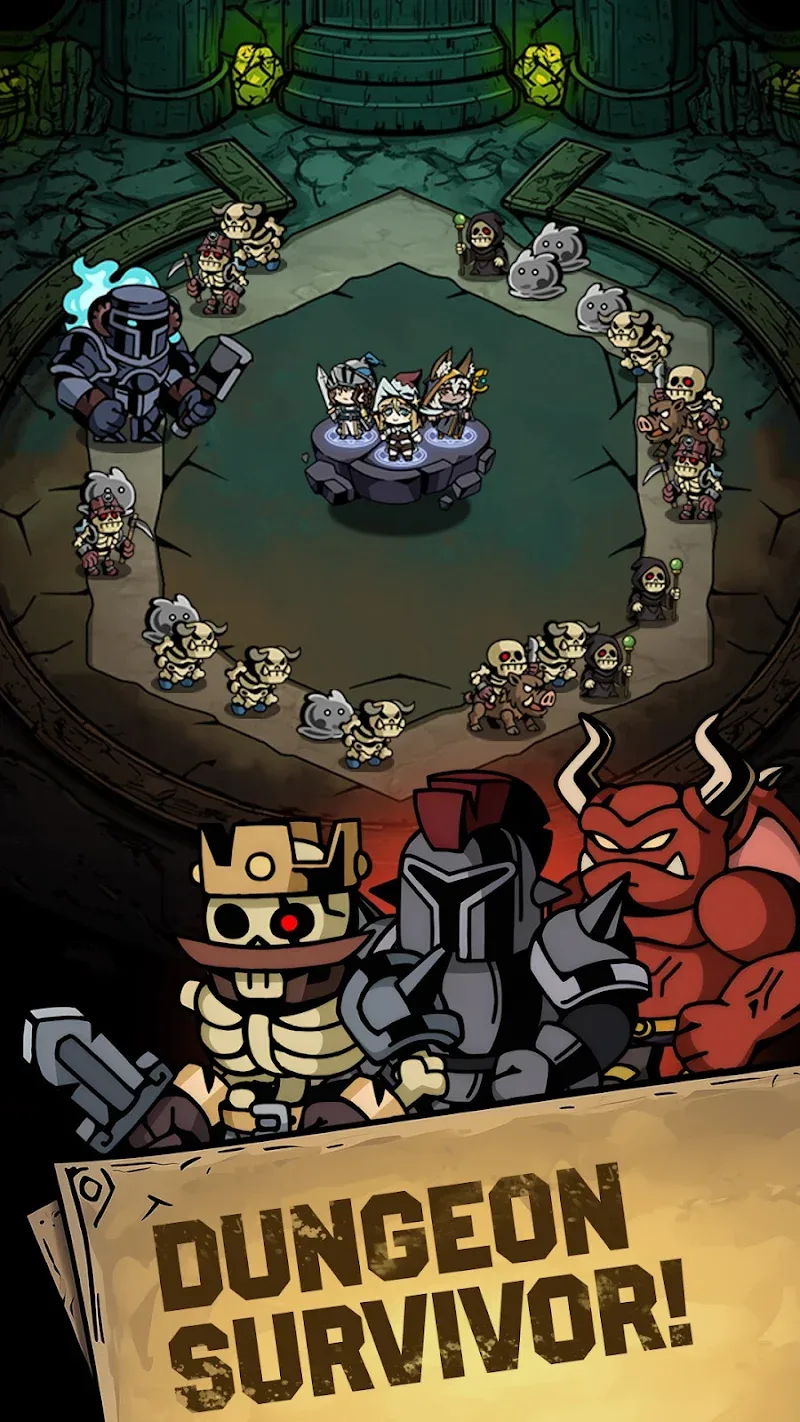
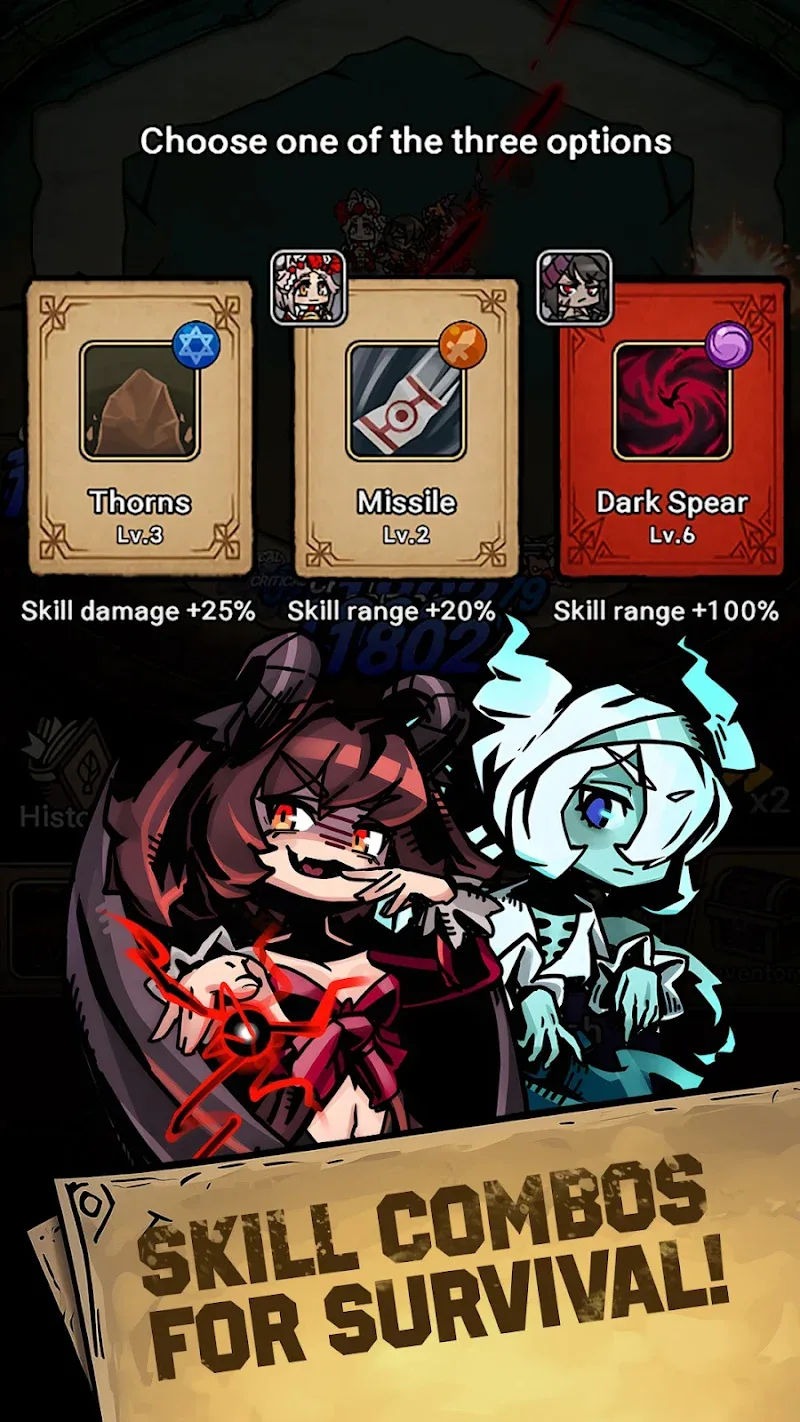

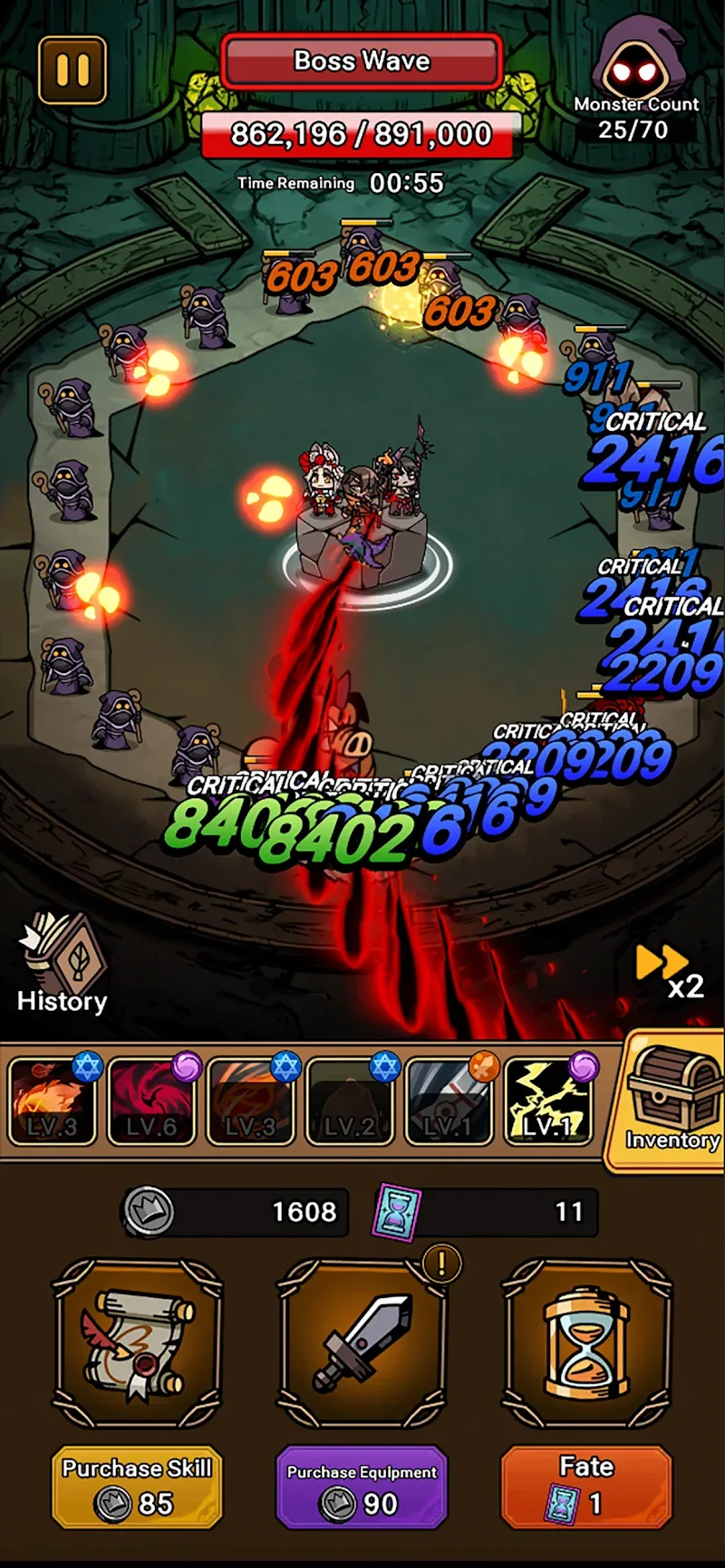
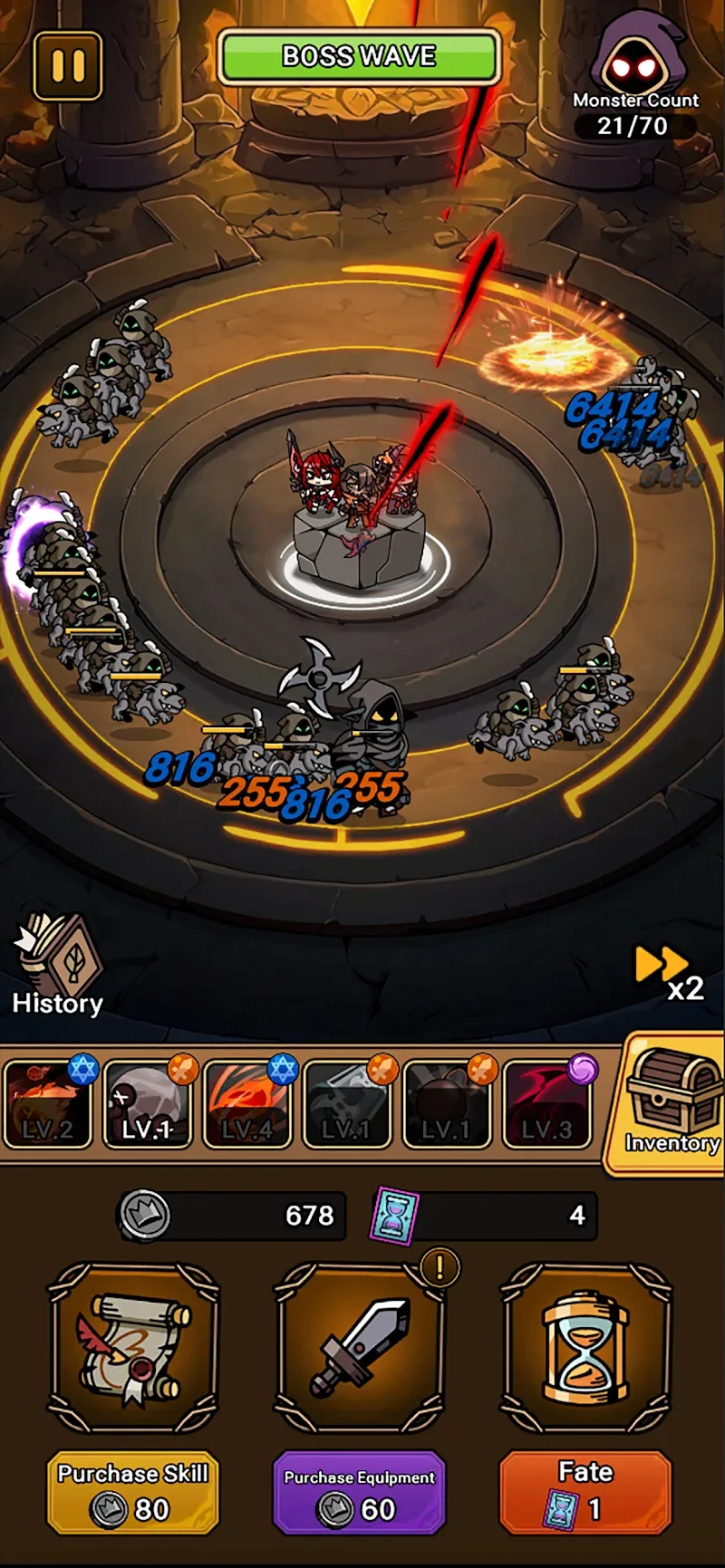
Dungeon Random Defense Mod is a casual tower defense game with automated combat and skill-based progression. It targets players seeking a low-complexity, high-visual-feedback experience where resource collection and hero selection are the primary strategic inputs. The game's core loop involves deploying heroes who fight automatically against waves of monsters, with player agency focused on upgrading skills and assembling teams.
What This Mod Unlocks
- A mod menu overlay is injected into the game's main interface.
- The menu provides a configurable damage multiplier for the player's units.
- No other gameplay variables, such as defense, gold, or skill cooldowns, are modified by this specific mod.
The mod's functionality is isolated to offensive output. This allows for faster clearing of waves but does not grant invincibility or infinite resources. The balance of the game shifts toward offense over defense.
To activate the mod features, launch Dungeon Random Defense Mod and look for a floating icon or a semi-transparent button on the edge of the screen after the main menu loads. Tapping this element opens the mod menu panel. The damage multiplier slider is the primary control; adjusting it applies the change in real-time to subsequent combat encounters.
The APK requires Android 7.1 or higher. Installation consumes approximately 270 MB of storage. Root access is not required. The original game's permissions are retained; the mod does not introduce requests for SMS, contacts, or call logs.
Installation follows standard sideloading procedure. First, enable "Install from Unknown Sources" for your file manager or browser in Android settings. Second, download the provided Dungeon Random Defense Mod APK file. Third, locate the downloaded file using a file manager app. Fourth, tap the file to initiate the package installer and confirm the installation. Fifth, open the game from your app drawer.
Several edge cases are present. The mod menu may not render correctly on some devices with custom navigation gesture overlays. The damage multiplier is a client-side modification; its effects are local and do not carry over to any potential online leaderboards or competitive modes. Clearing the app's data or cache will reset the mod menu's position and any custom multiplier settings to their defaults. On Android 14 and above, you may need to grant the "Display over other apps" permission manually if the mod menu icon fails to appear.

