



 ACG
ACG
 Action
 Adventure
 Arcade
 BeautifulGirl
 Board
Board
 Card
Card
 Casual
 Chess
Chess
 Educational
 Horror
 Multiplayer
 Music
Music
 NSFW
NSFW
 Puzzle
 Racing
 Sports
 Strategy
 Survival
 Business
 Communication
 Education
 Entertainment
 Family
 News
News
 Photography
 Social
 SportsLive
 Tools
Tools
 Traffic
 Video&Music
 Weather
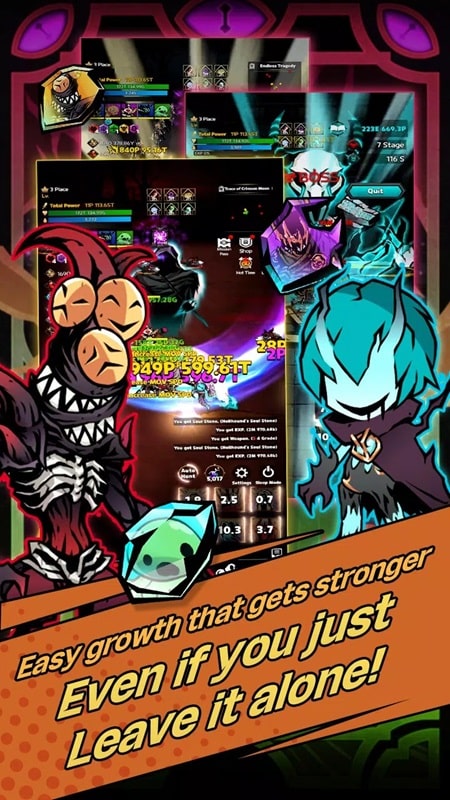


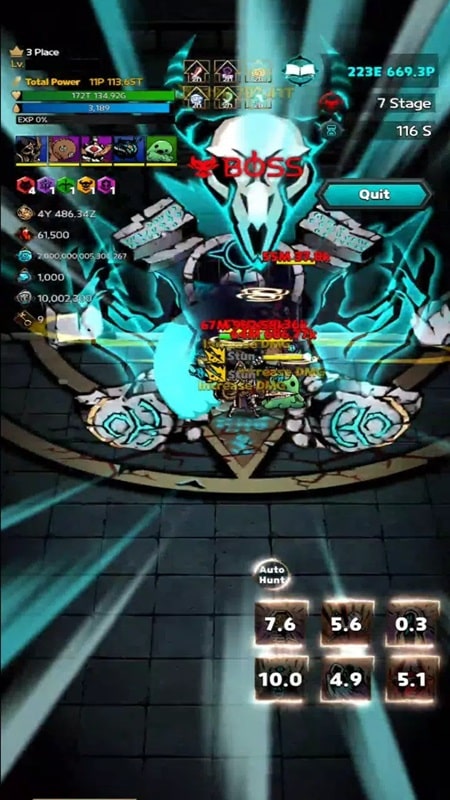
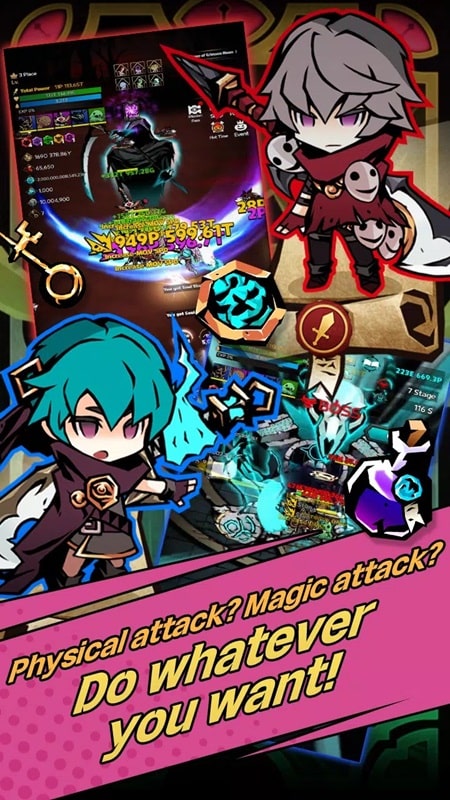
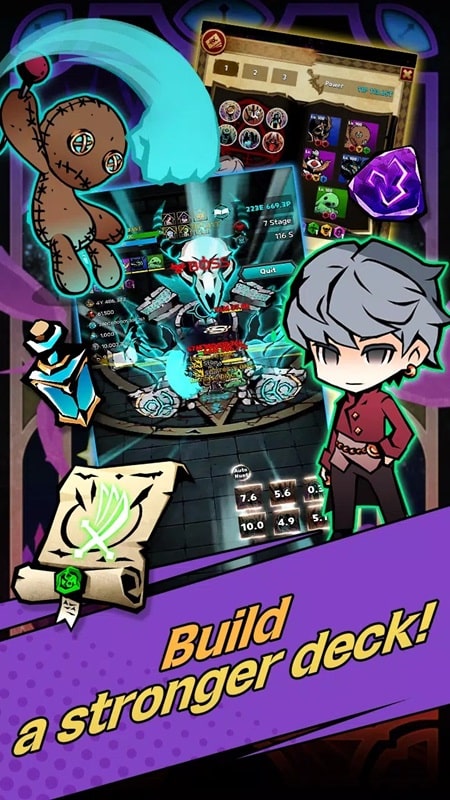
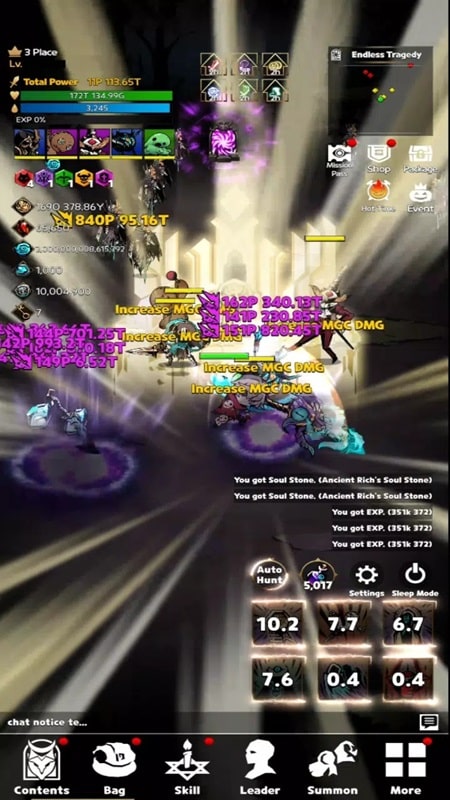

Dark Warlock Mod is a vertical-screen action RPG focused on dungeon exploration, character progression, and loot collection. The game targets players who enjoy incremental stat growth, gear upgrades, and a chibi art style within a dark fantasy setting. Its core loop involves navigating procedurally generated dungeons, battling monsters, and enhancing a character's abilities through equipment and skill upgrades.
What This Mod Unlocks
- Mod Menu overlay accessible from the game's main interface.
- Unlimited Gold currency, which does not decrease on purchase or upgrade.
- Unlimited Gems premium currency, which does not decrease on purchase or upgrade.
- All premium shop items and bundles unlocked for free acquisition.
- All gacha pulls (summons) available without resource cost.
- All weapon and equipment tiers (C, B, A, AA, S, SR, SSR) available for free claiming.
- Ads removed from all gameplay and reward screens.
The mod is activated via a floating icon that appears on the game's main screen after launch. Tapping this icon opens the mod menu panel. The most important features, such as infinite gold and gems, are toggled on by default upon menu activation. No further configuration is required for basic resource generation.
The mod requires Android 7.0 or higher. Installation requires approximately 150 MB of free storage. Root access is not required. The mod functions entirely through sideloading the modified APK file.
Installation follows a standard sideload process. First, enable installation from unknown sources in the device security settings. Second, download the Dark Warlock Mod mod APK file. Third, locate the downloaded file using a file manager and tap to install. Fourth, launch the game from the home screen.
Several edge cases are present. The mod menu may fail to render on certain Android 12+ devices with specific overlay permission restrictions, requiring manual permission granting in app settings. Unlocked gear and currency persist across sessions but may reset to default if the game's app data is cleared. Using the mod in any online competitive or ranking mode carries a high risk of account flagging or suspension, as server-side validation can detect abnormal resource accumulation.

