



 ACG
ACG
 Action
 Adventure
 Arcade
 BeautifulGirl
 Board
Board
 Card
Card
 Casual
 Chess
Chess
 Educational
 Horror
 Multiplayer
 Music
Music
 NSFW
NSFW
 Puzzle
 Racing
 Sports
 Strategy
 Survival
 Business
 Communication
 Education
 Entertainment
 Family
 News
News
 Photography
 Social
 SportsLive
 Tools
Tools
 Traffic
 Video&Music
 Weather
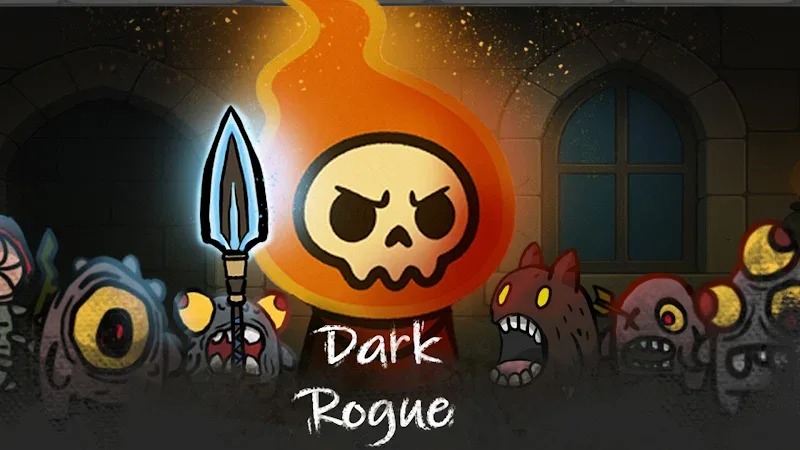



Dark Rogue Mod is a real-time tower defense game where players construct and upgrade defensive structures to repel waves of monsters and armored vehicles. The core loop involves strategic tower placement, resource management for upgrades, and unlocking new units and buffs to counter increasingly powerful enemy assaults. This mod APK targets players who want to bypass the game's progression grind and focus on tactical experimentation.
What This Mod Unlocks
- A floating mod menu is injected into the game's main interface, accessible via an on-screen toggle.
- God Mode prevents all damage to the player's core structure, making it invulnerable.
- Damage Multiplier allows adjustment of tower and unit damage output, typically from 1x to 10x.
- Unlimited Currency sets the primary in-game resources (gold/gems) to a high static value that does not decrease on purchase.
- All hero equipment and tower upgrade paths are available for purchase without resource cost.
- Buff selection cards in the 'Choose Buff' phase can be applied without cooldown or resource restrictions.
The mod menu appears as a semi-transparent button overlay on the right edge of the screen after the main game loads. Tapping it expands the menu with sliders for damage multiplier and toggles for god mode. The unlimited currency feature is automatically active; no manual activation is required.
This mod requires Android 7.1 or higher and approximately 120 MB of free storage for the APK and OBB data. Root access is not required. Installation follows the standard sideload process: download the APK and OBB file, install the APK, then place the OBB folder in the correct directory before launching the game.
Known edge cases include the mod menu potentially disappearing during specific cutscenes or transition screens, requiring a game restart to restore. In-app purchase prompts from the official store are disabled but may cause a soft lock if accidentally triggered; force-closing the app resolves this. The unlimited currency is client-side only; any server-synced events or leaderboards are unaffected and may display unmodified values.

