



 ACG
ACG
 Action
 Adventure
 Arcade
 BeautifulGirl
 Board
Board
 Card
Card
 Casual
 Chess
Chess
 Educational
 Horror
 Multiplayer
 Music
Music
 NSFW
NSFW
 Puzzle
 Racing
 Sports
 Strategy
 Survival
 Business
 Communication
 Education
 Entertainment
 Family
 News
News
 Photography
 Social
 SportsLive
 Tools
Tools
 Traffic
 Video&Music
 Weather


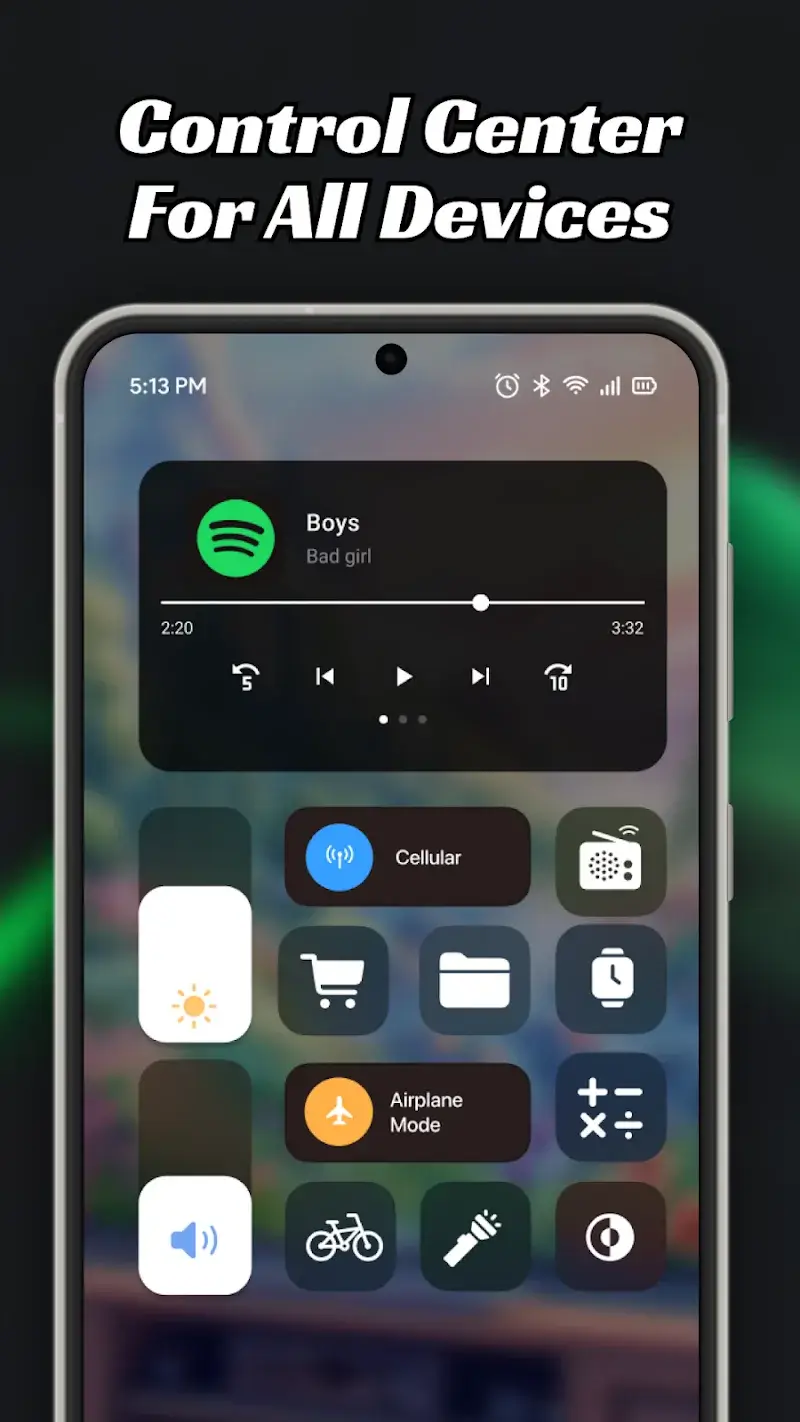
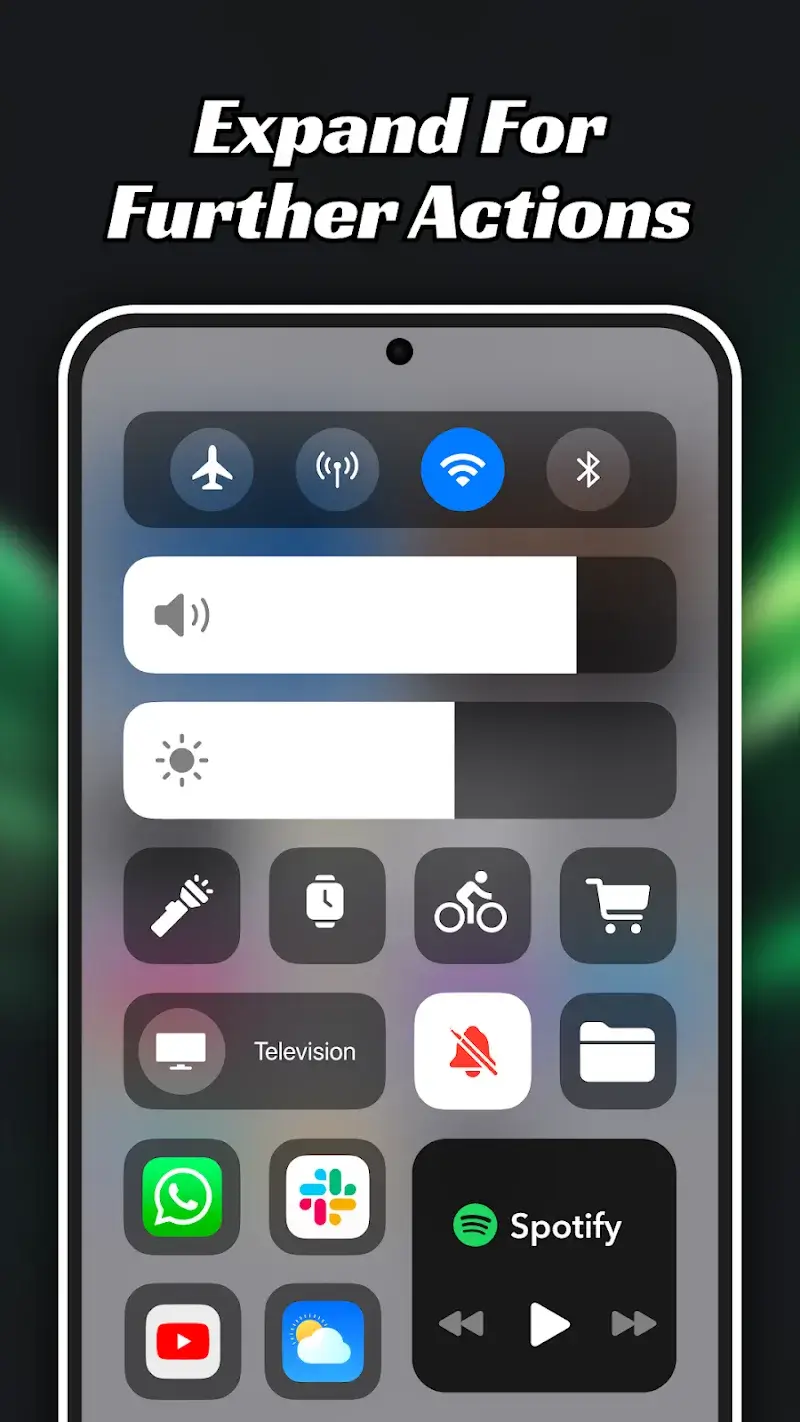
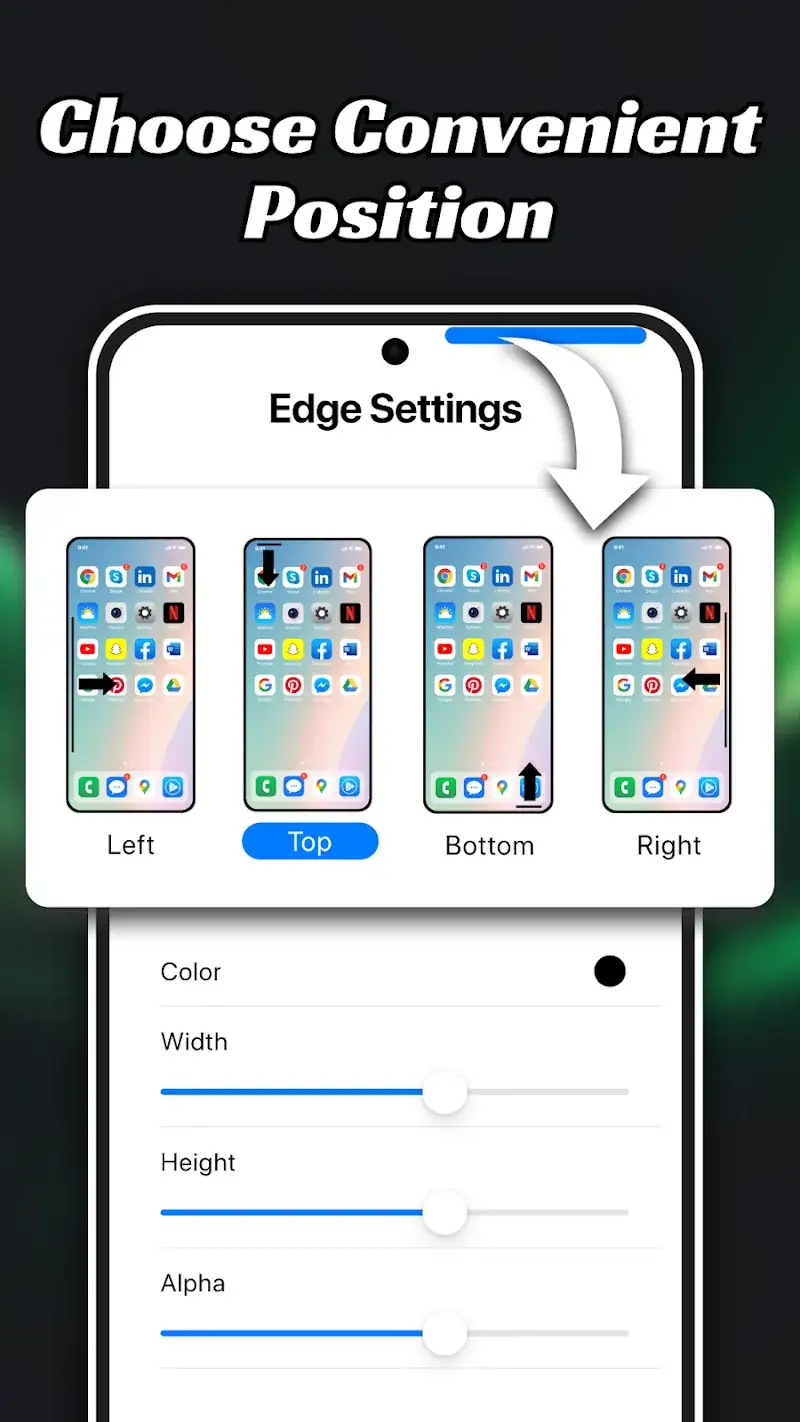
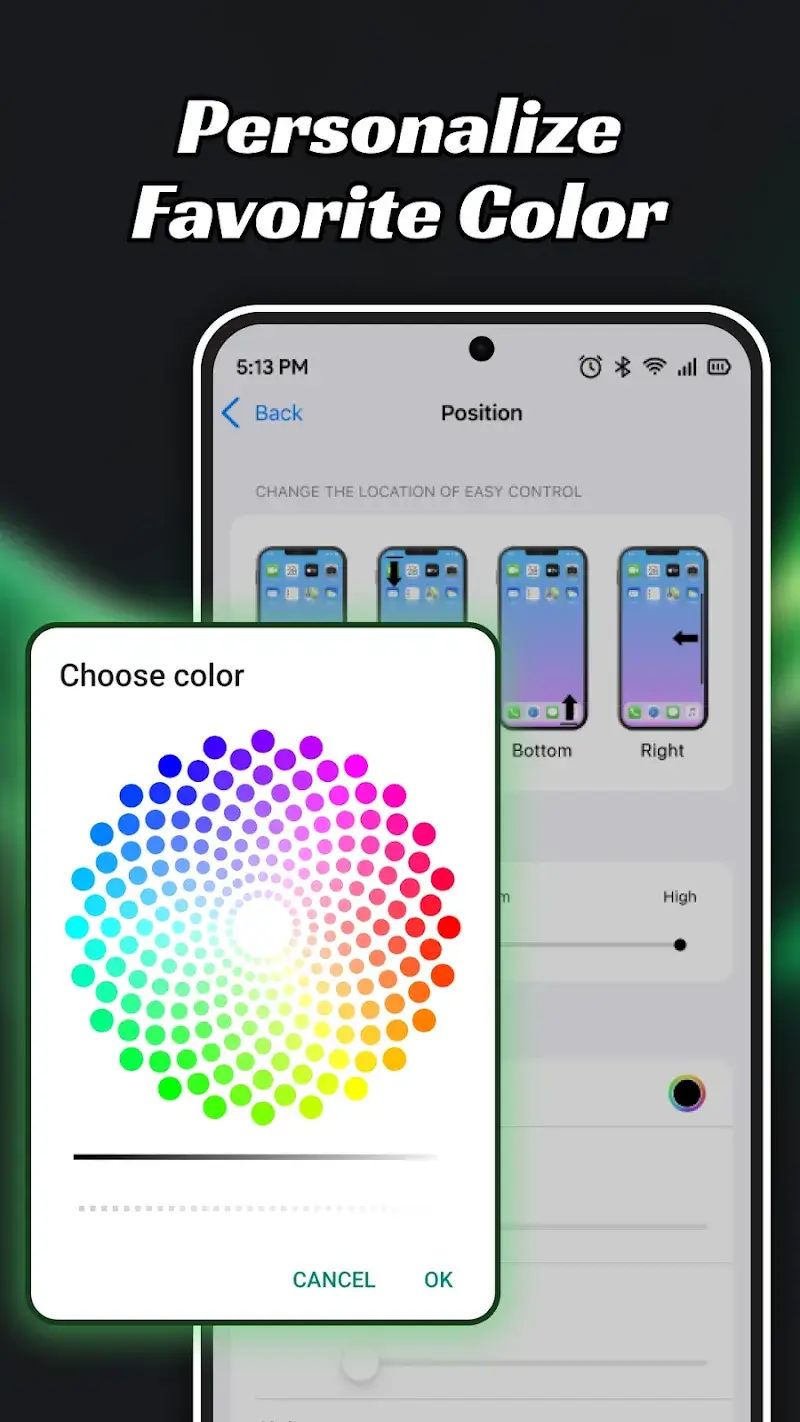
Easy Control AZ Mod is a utility application that overlays a floating control panel on the Android system. It is designed for users who require quick access to system toggles, app shortcuts, and media controls without navigating through the standard settings menu or notification shade. The app functions as a secondary, customizable control center, primarily targeting power users who frequently adjust settings like Wi-Fi, Bluetooth, screen brightness, or media playback.
What This Mod Unlocks
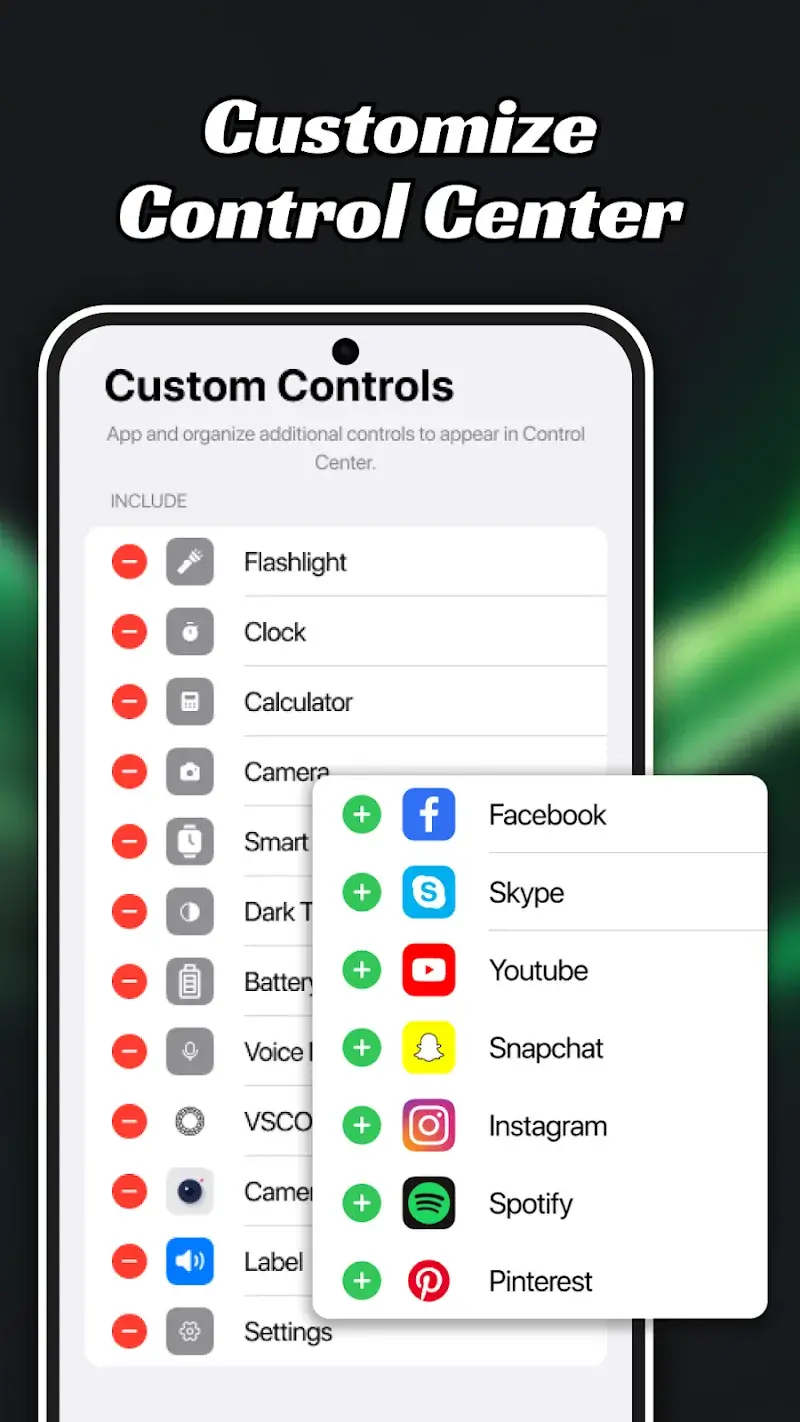
- Premium widgets and app shortcuts (e.g., Facebook, Skype, YouTube, Instagram, Spotify) are unlocked and available for addition to the control center.
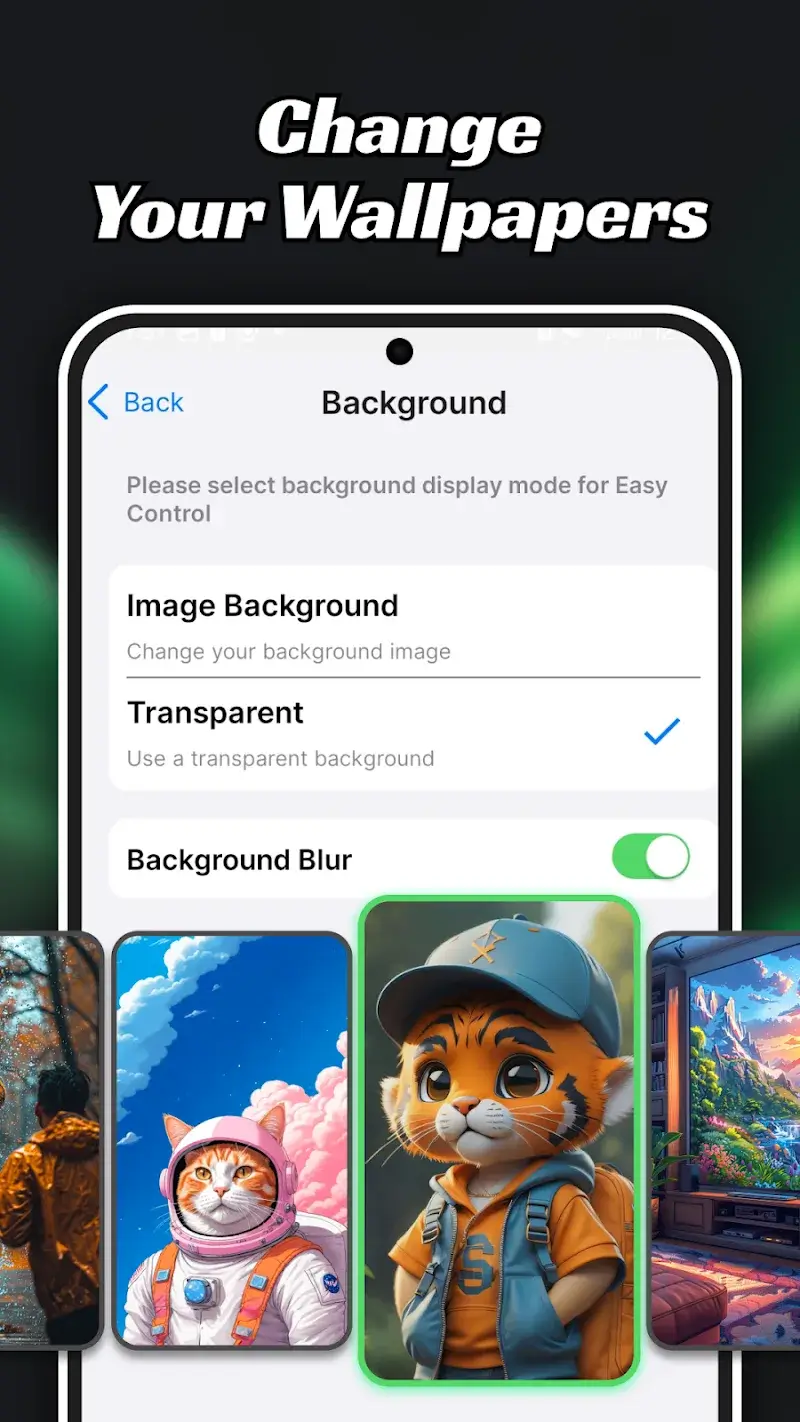
- All premium wallpaper themes (Halloween, Workspace, Texture, Nature, Galaxy, Color) are accessible without payment.
- The advanced color palette for customizing the control bar's appearance is fully available.
- Background blur adjustment and transparency settings for the control center are unlocked.
- Height, width, and opacity adjustment sliders for the control bar are fully functional.
Upon first launch of Easy Control AZ Mod after installation, the modded features are integrated directly into the app's interface. There is no separate mod menu to activate. The premium widgets appear available in the widget addition menu (blue plus icon), and all wallpaper themes are selectable in the background customization section without any prompts for payment.
The mod requires Android 7.0 or higher. It does not require root access. Installation will consume approximately 30 MB of storage for the APK file and additional space for app data.
Installation Steps
- Download the modded Easy Control AZ Mod APK file.
- Enable installation from unknown sources in Android settings if prompted.
- Open the downloaded file and proceed with the installation.
- Launch Easy Control AZ Mod and grant the necessary overlay permissions when requested.
Known Edge Cases
The floating control bar may occasionally conflict with other apps that also use the overlay permission, such as screen recorders or other floating tools. This can cause visual glitches or unresponsiveness. Some device-specific system toggles, like those for proprietary manufacturer features, may not be accessible through Easy Control AZ Mod. If the app data is cleared, all custom widget arrangements and position settings will reset to default, though the premium content remains unlocked. On devices with aggressive battery optimization, the background service for Easy Control AZ Mod may be stopped, requiring a manual restart of the app.

