



 ACG
ACG
 Action
 Adventure
 Arcade
 BeautifulGirl
 Board
Board
 Card
Card
 Casual
 Chess
Chess
 Educational
 Horror
 Multiplayer
 Music
Music
 NSFW
NSFW
 Puzzle
 Racing
 Sports
 Strategy
 Survival
 Business
 Communication
 Education
 Entertainment
 Family
 News
News
 Photography
 Social
 SportsLive
 Tools
Tools
 Traffic
 Video&Music
 Weather


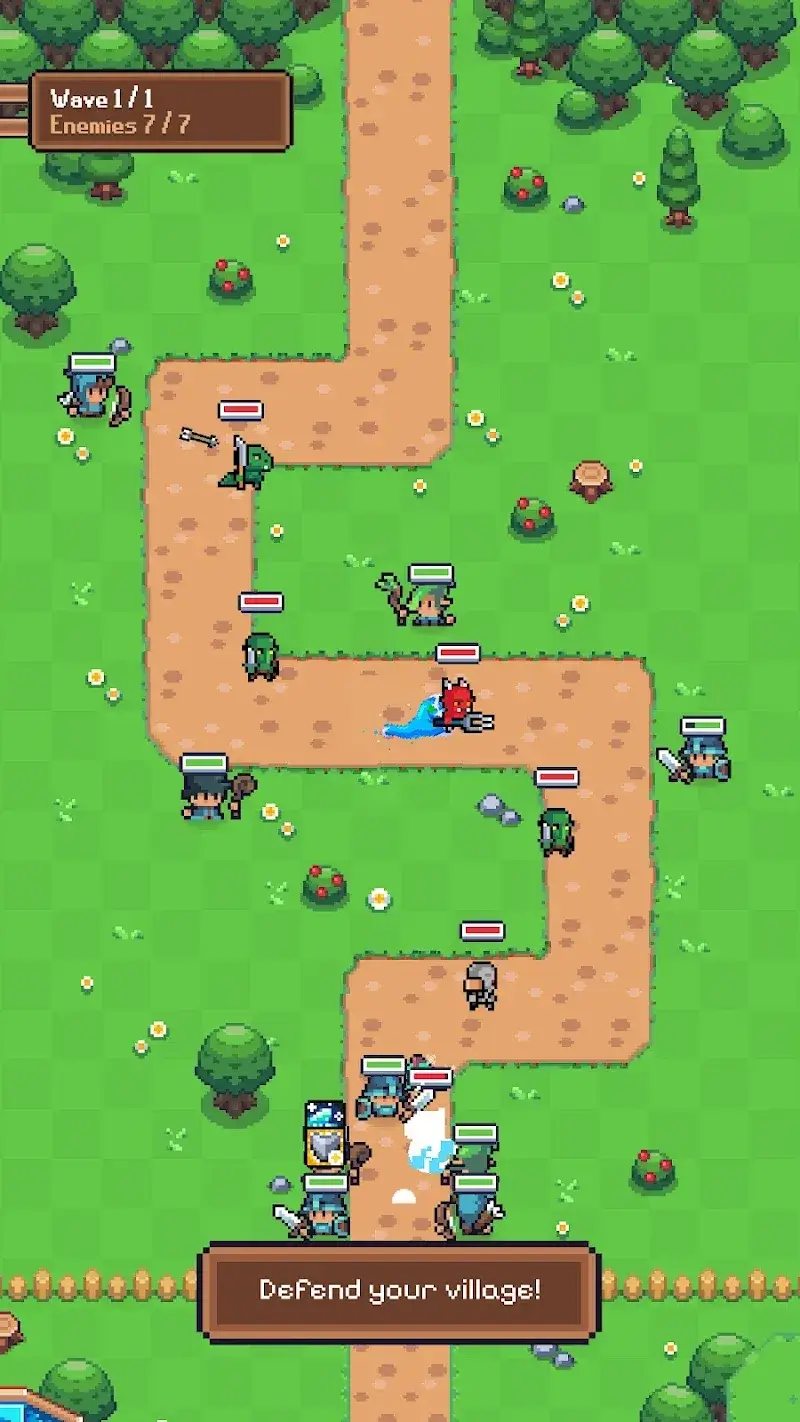
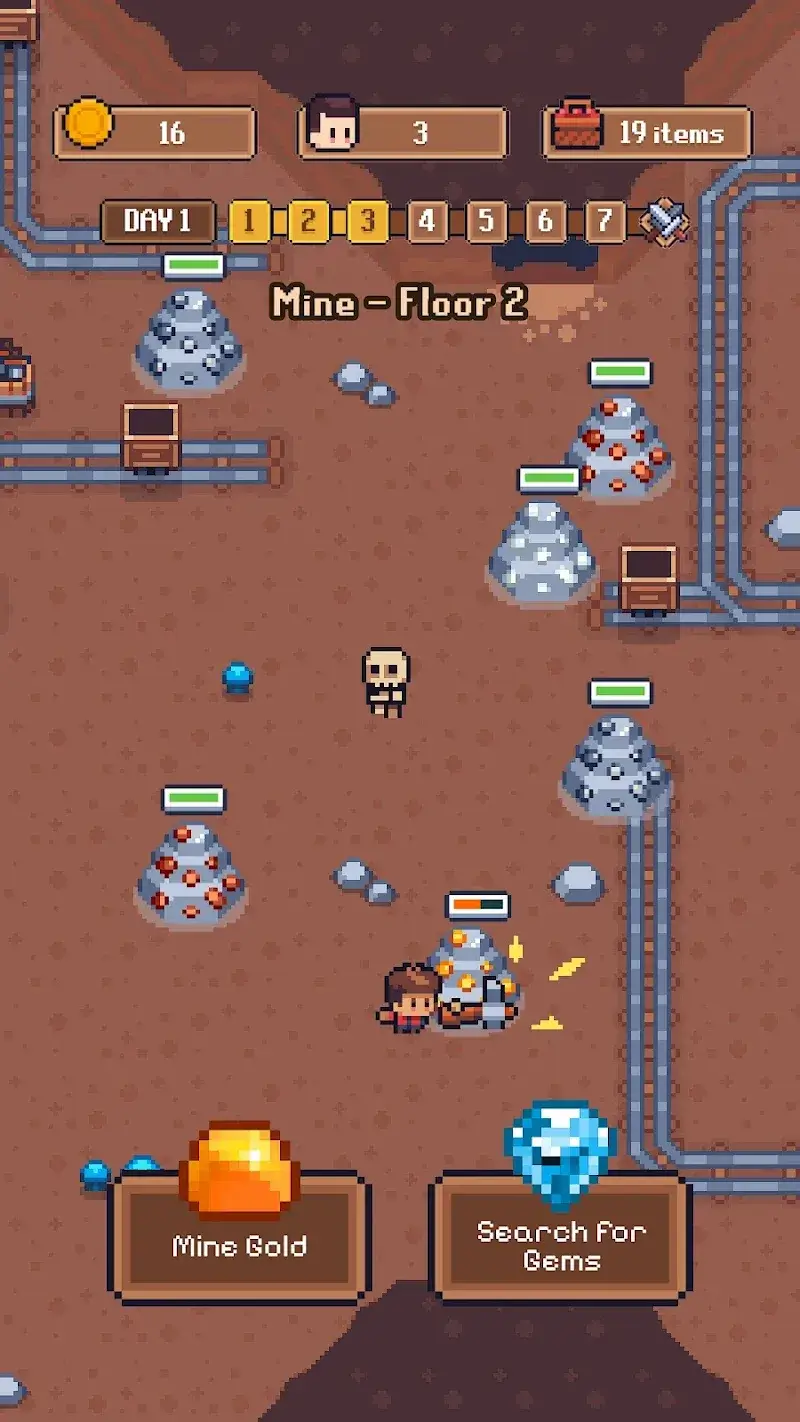
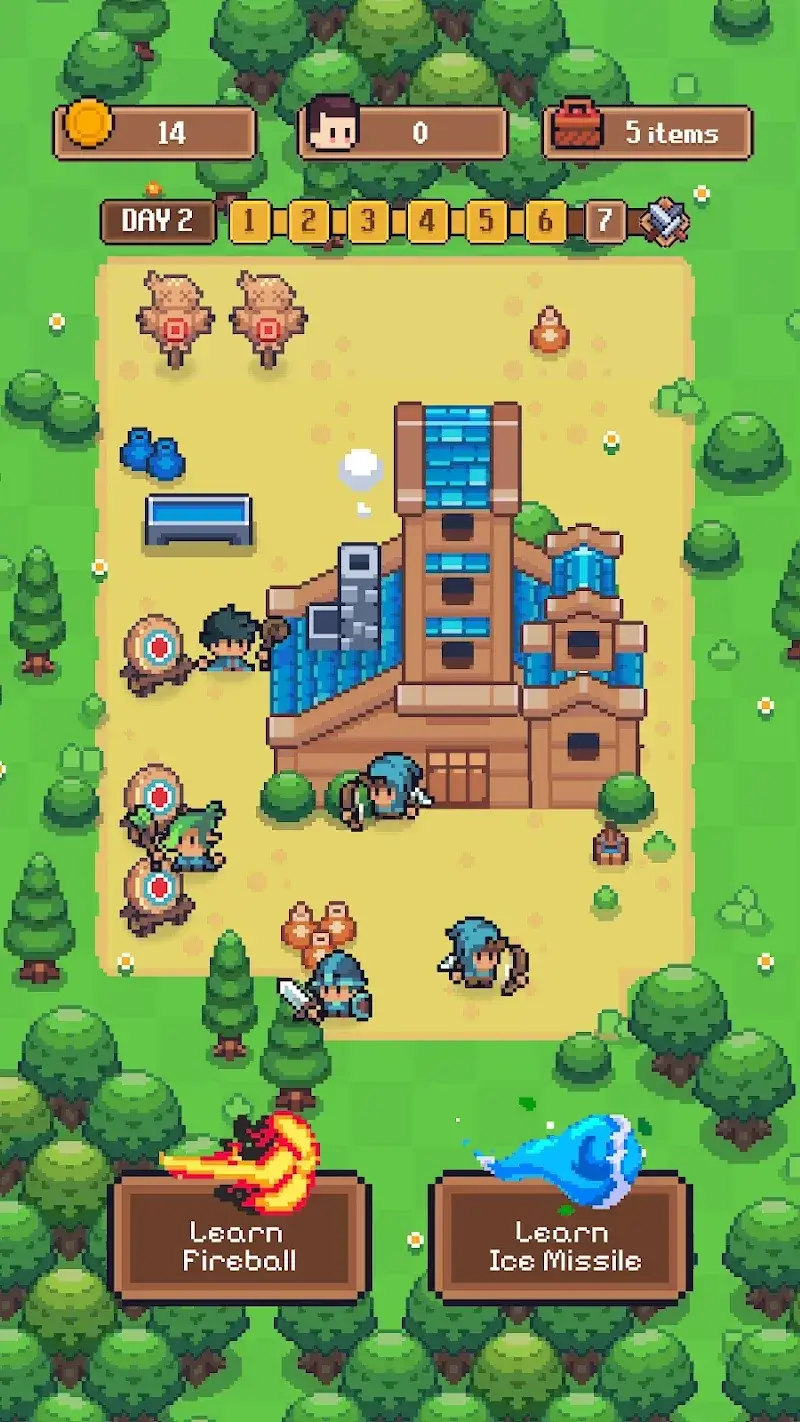
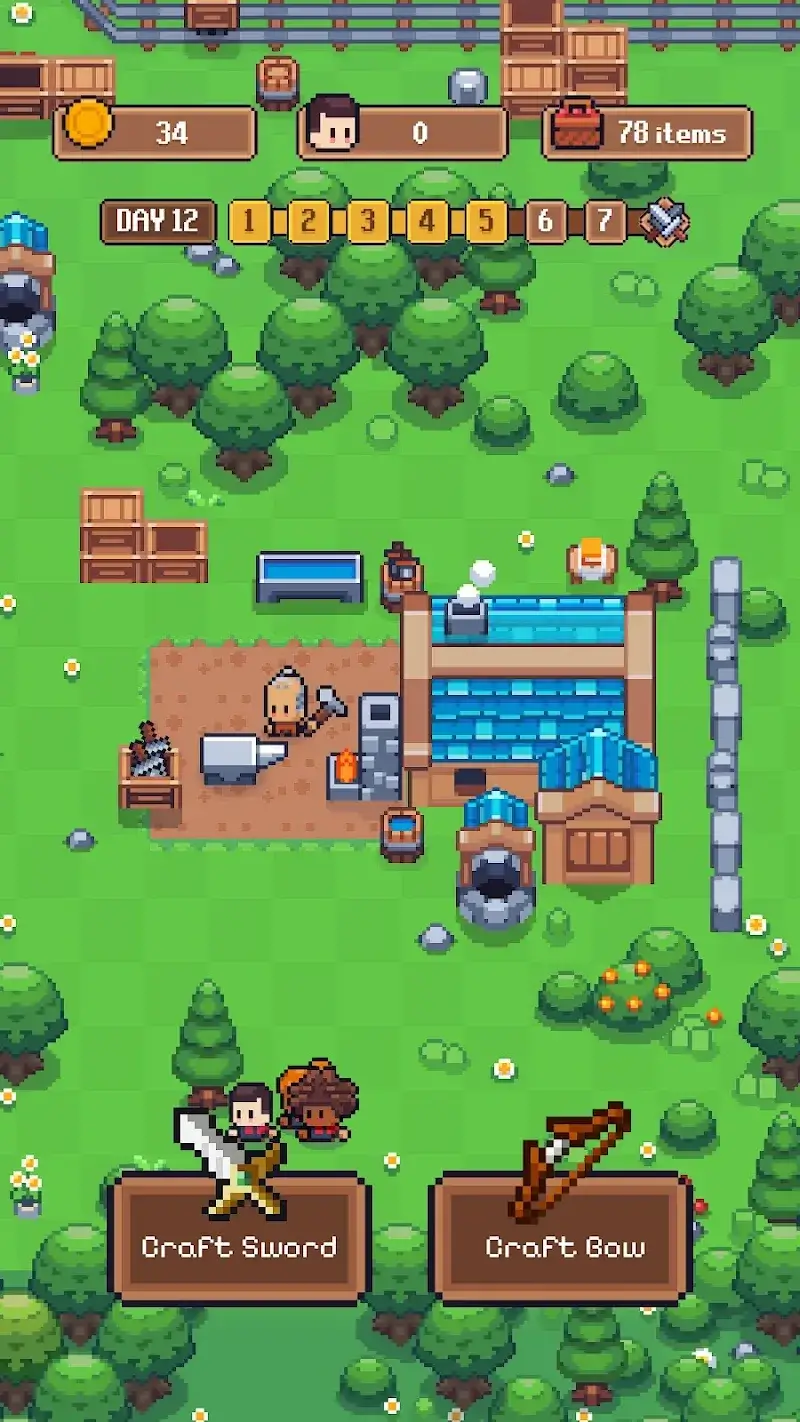
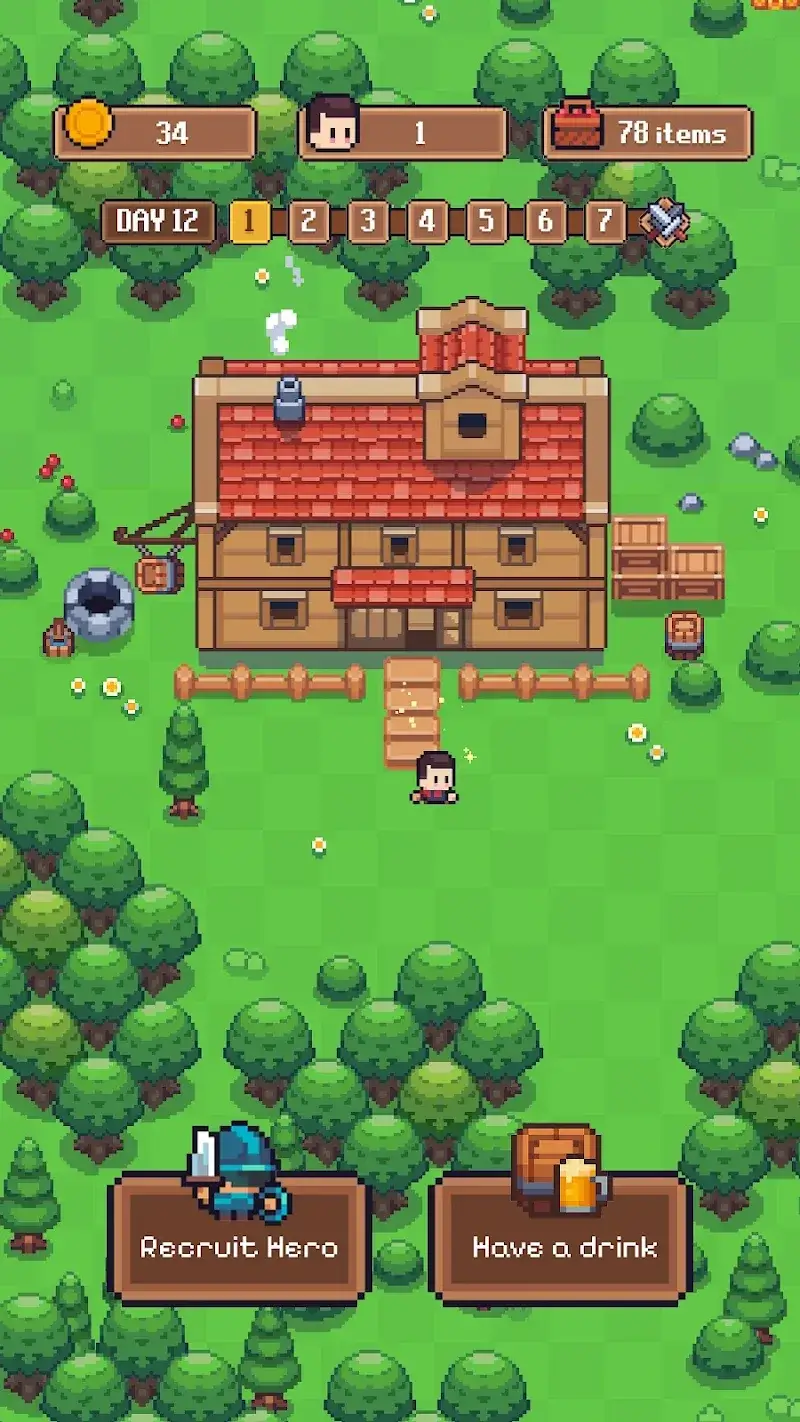
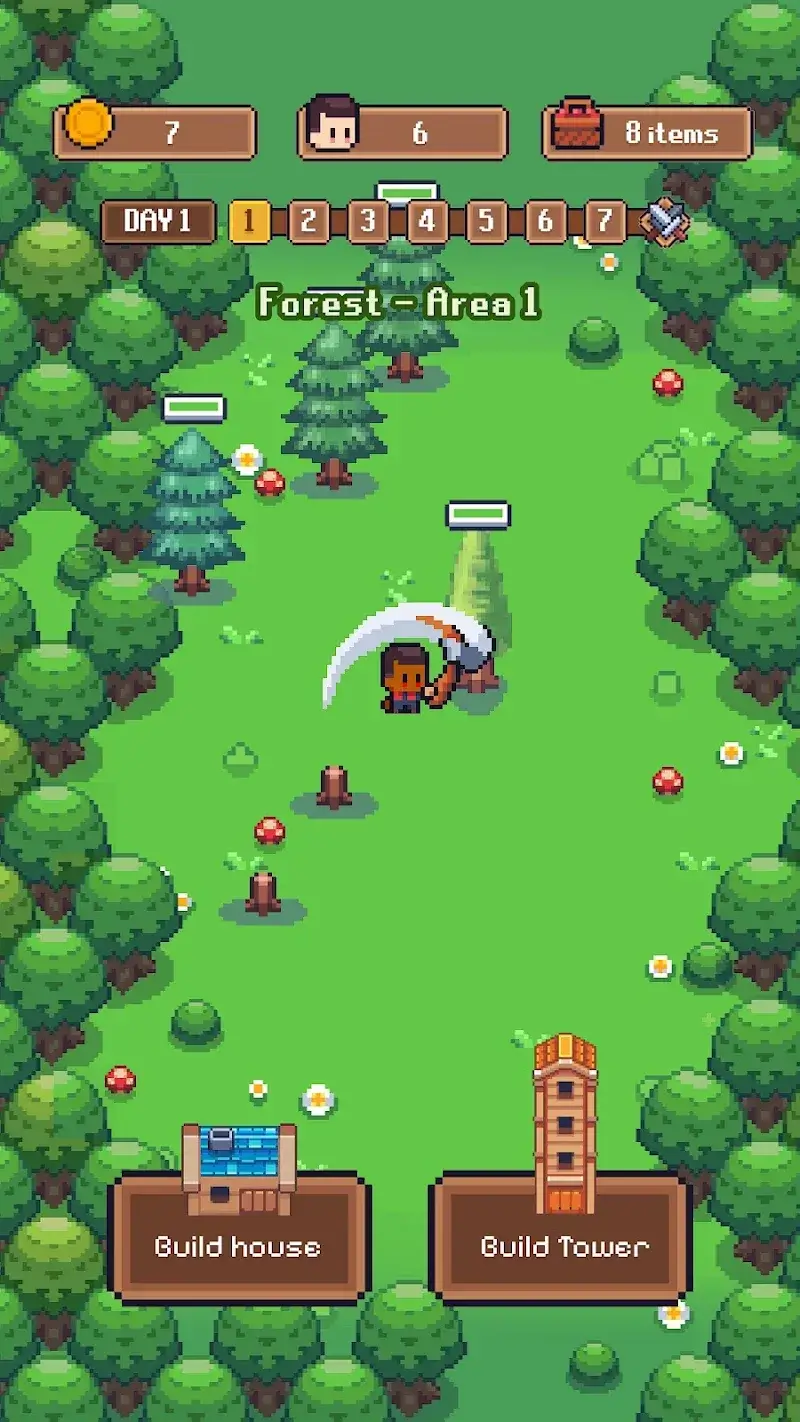
Cloverhold Mod is a hybrid simulation game combining daytime farm management with nighttime tower defense against monster invasions. Players manage resources, build structures, and develop their land during the day, then defend it using watchtowers at night. The mod APK is for players seeking to reduce the grind and pressure of the roguelite survival mechanics.
What This Mod Unlocks
- Mod Menu: A toggleable overlay providing access to cheat functions.
- Damage Multiplier: Increases the damage output of your watchtowers by a configurable factor.
- Kill All Enemies: Instantly defeats all monsters on the screen during a night defense wave.
The mod menu is activated by tapping a small, semi-transparent icon that appears on the edge of the screen after launching Cloverhold Mod. The icon is persistent across menus and gameplay. Tapping it opens a panel with sliders for the damage multiplier and a button for the instant kill function. Changes are applied in real-time.
Cloverhold Mod requires Android 5.1 or higher. The APK file size is approximately 59 MB. Installation requires additional space for data extraction. Root access is not required.
Installation steps: 1. Download the Cloverhold Mod mod APK file. 2. Enable installation from unknown sources in Android settings. 3. Use a file manager to locate the downloaded file and tap to install. 4. Launch Cloverhold Mod and look for the mod menu icon.
Known edge cases: The instant kill function may cause the game to skip reward calculations if triggered at the very end of a wave. The mod menu icon can obscure UI elements in certain screen configurations; it can be dragged to a different position. Progress is saved locally; clearing app data will reset all game progress, but the mod functions remain.

