



 ACG
ACG
 Action
 Adventure
 Arcade
 BeautifulGirl
 Board
Board
 Card
Card
 Casual
 Chess
Chess
 Educational
 Horror
 Multiplayer
 Music
Music
 NSFW
NSFW
 Puzzle
 Racing
 Sports
 Strategy
 Survival
 Business
 Communication
 Education
 Entertainment
 Family
 News
News
 Photography
 Social
 SportsLive
 Tools
Tools
 Traffic
 Video&Music
 Weather



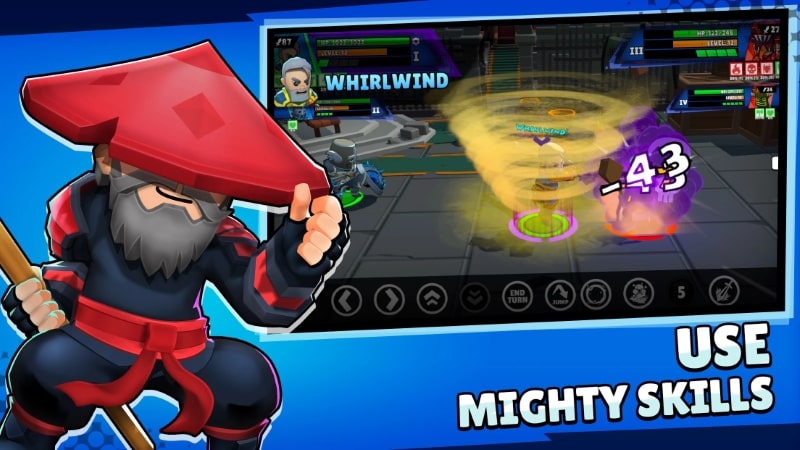
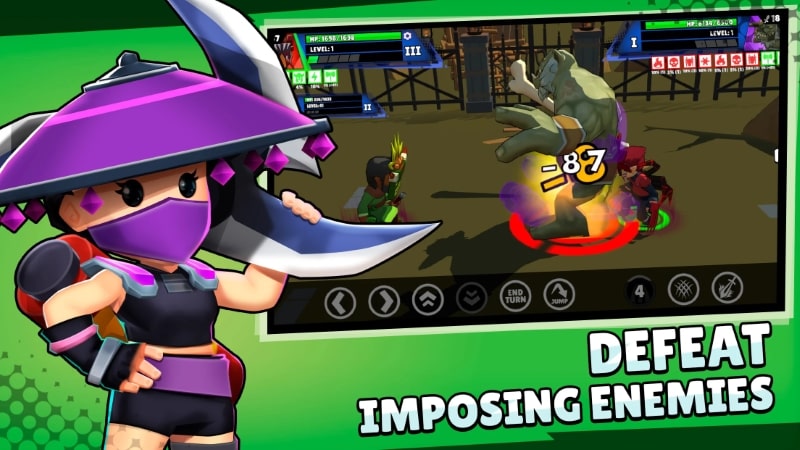

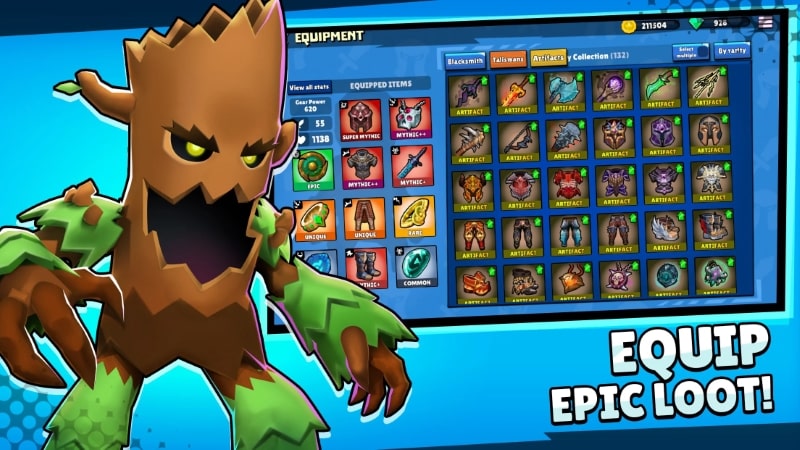

Clash of Destiny Mod is a mobile RPG with roguelike campaign progression and real-time PvP arena battles. Players select a warrior from one of two factions, upgrade gear, and develop skills through randomly generated levels. The game targets users seeking a fast-paced action RPG with character collection and competitive multiplayer elements.
What This Mod Unlocks
- Mod menu overlay accessible via an on-screen button.
- Damage multiplier adjustable from 1x to 10x.
- Defense multiplier adjustable from 1x to 10x.
- All menu functions work in both campaign and PvP modes.
- No server-side validation for stat modifications detected in version 1.6.5.
The mod menu is persistent across all game screens. Multiplier values apply globally to the player's selected character and summoned units.
Android 7.0 or higher is required. Installation requires approximately 250 MB of free storage. Root access is not necessary.
Installation Steps
- Download the Clash of Destiny Mod mod APK file.
- Enable installation from unknown sources in Android settings.
- Open the downloaded file and proceed with installation.
- Launch the game; the mod menu button appears on the main interface.
Known Edge Cases
- Using high multipliers in PvP may trigger opponent reports, leading to manual review.
- Campaign progress is saved locally; clearing app data resets all story progression.
- The mod menu button may not render correctly on devices with non-standard screen aspect ratios.
- Multiplier settings revert to 1x after a game restart but are stored while the app runs.

