



 ACG
ACG
 Action
 Adventure
 Arcade
 BeautifulGirl
 Board
Board
 Card
Card
 Casual
 Chess
Chess
 Educational
 Horror
 Multiplayer
 Music
Music
 NSFW
NSFW
 Puzzle
 Racing
 Sports
 Strategy
 Survival
 Business
 Communication
 Education
 Entertainment
 Family
 News
News
 Photography
 Social
 SportsLive
 Tools
Tools
 Traffic
 Video&Music
 Weather



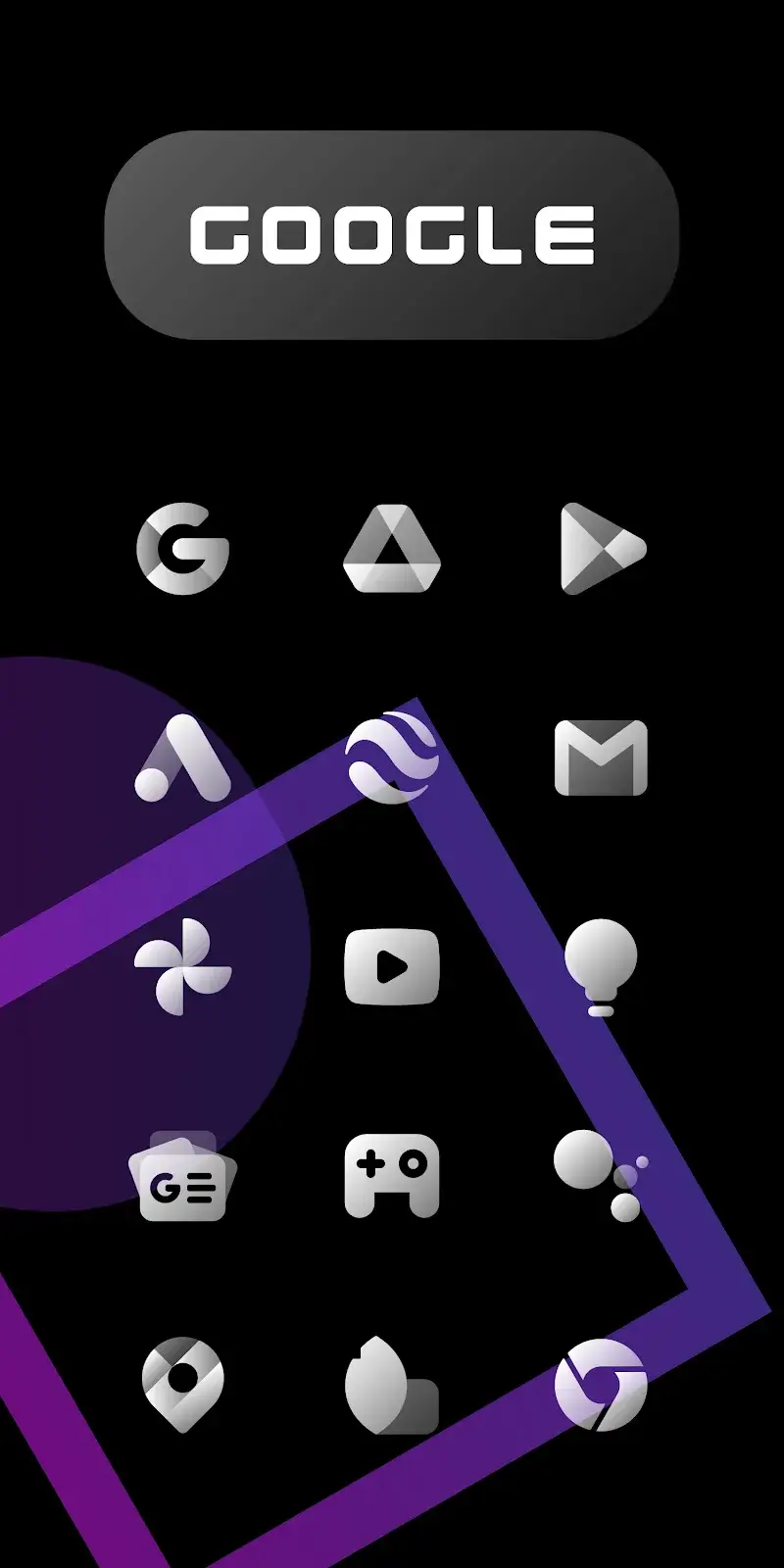
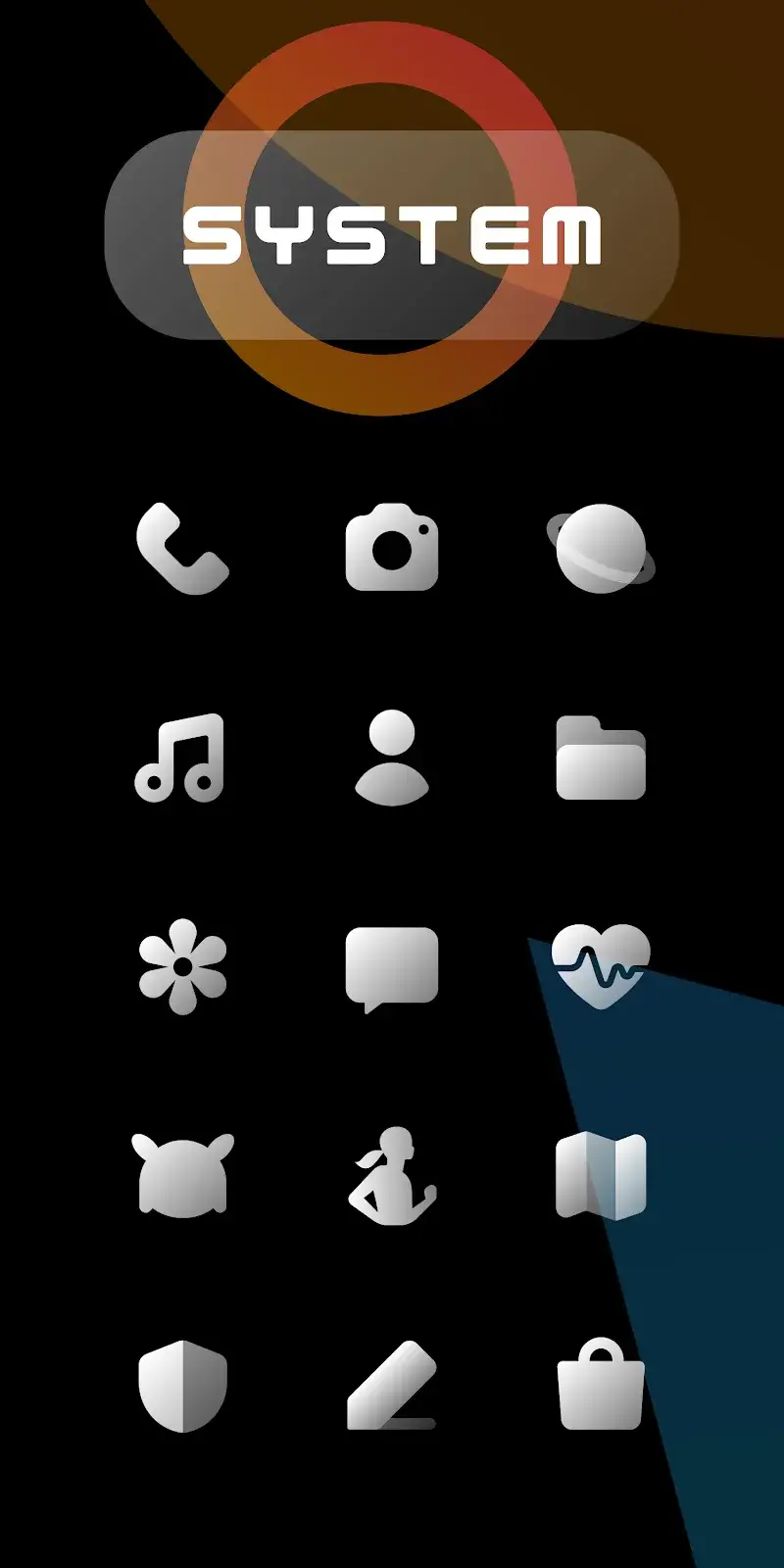
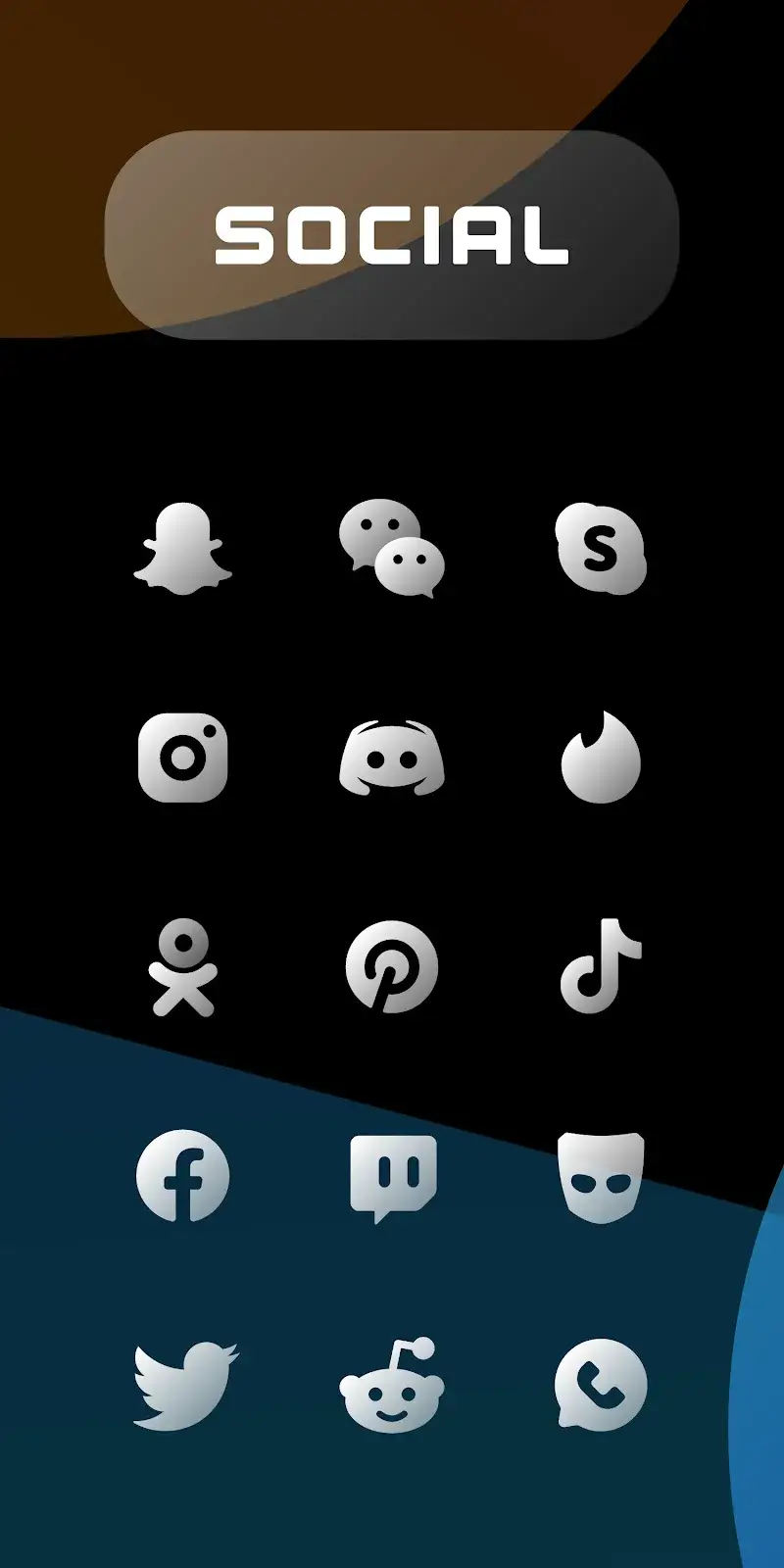
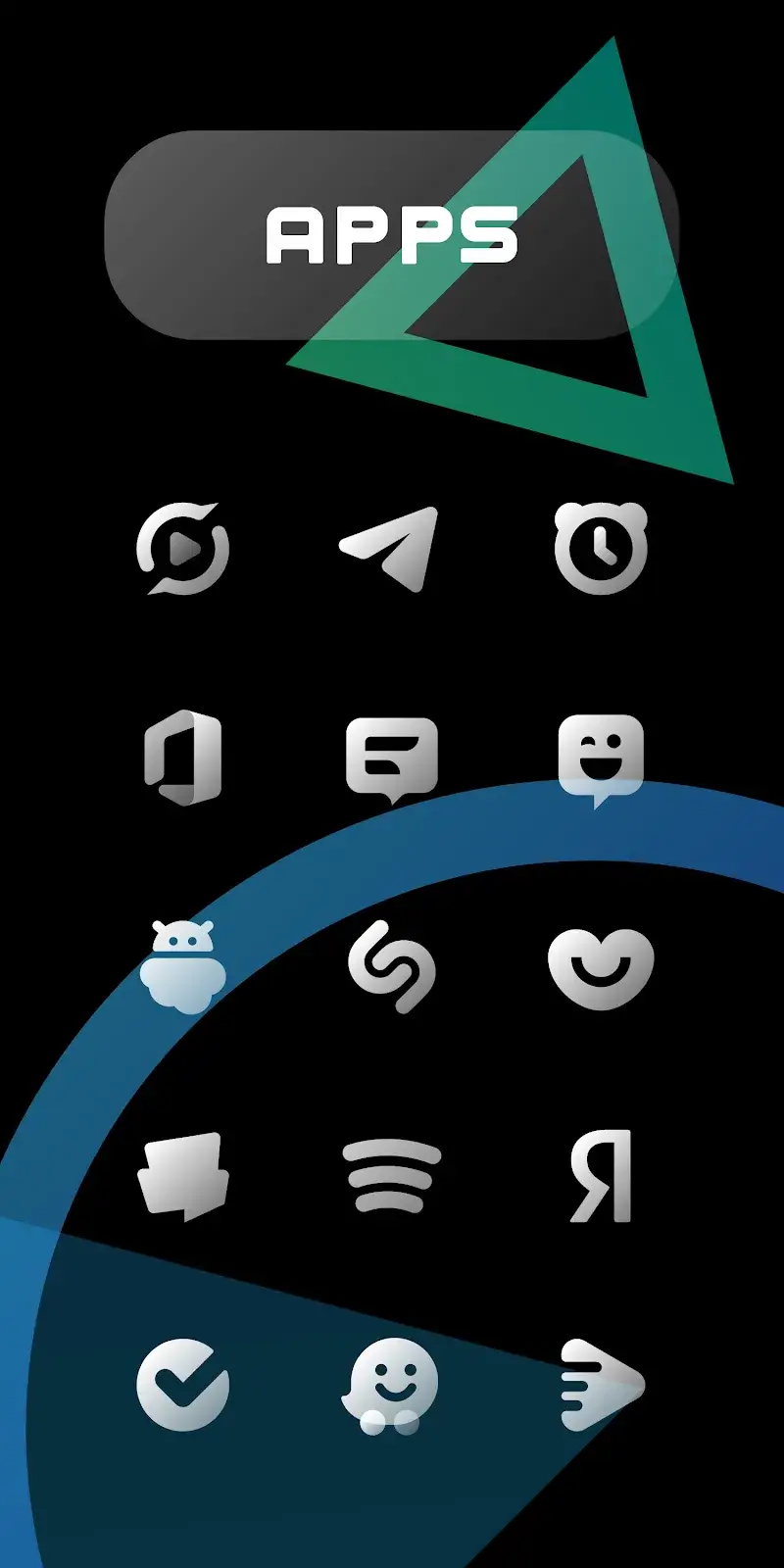
CHIC LIGHT Icon Pack Mod is a personalization utility for Android that replaces system and app icons with a uniform minimalist design. The pack features bold white glyphs on transparent backgrounds, targeting users who prefer a clean, monochromatic aesthetic for their home screen and app drawer. It functions as a standard icon pack, requiring a compatible launcher for full application.
What This Mod Unlocks
- Paid version of the icon pack unlocked.
- All premium icons and cloud-based wallpapers are accessible without purchase.
- The in-app purchase prompt to unlock the full pack is removed.
- Icon request functionality is enabled.
The modded APK presents the icon pack as already licensed. Upon opening CHIC LIGHT Icon Pack Mod after installation, the app will show all icons as available for application. No further activation steps are required within the app interface.
The application requires Android 5.0 or higher. It does not require root access. Estimated storage use is 35 MB for the initial download and icon cache. A compatible third-party launcher, such as Nova, Action, or Lawnchair, is necessary to apply the icons.
Installation Steps
- Download the modded CHIC LIGHT Icon Pack Mod APK file.
- Enable installation from unknown sources in Android settings.
- Open the downloaded file and proceed with the installation.
- Open the app and apply the icon pack through your launcher's settings.
Known Edge Cases
- The mod may not apply to system-level icons (settings, phone, messages) on some OEM skins without a compatible launcher.
- Icon masking for unsupported apps may revert to the default system icon shape on some launchers.
- Cloud wallpaper downloads require an active internet connection; the mod only unlocks access, not offline storage.
- Updates to the official app via the Play Store will overwrite the mod and restore the locked state.

