



 ACG
ACG
 Action
 Adventure
 Arcade
 BeautifulGirl
 Board
Board
 Card
Card
 Casual
 Chess
Chess
 Educational
 Horror
 Multiplayer
 Music
Music
 NSFW
NSFW
 Puzzle
 Racing
 Sports
 Strategy
 Survival
 Business
 Communication
 Education
 Entertainment
 Family
 News
News
 Photography
 Social
 SportsLive
 Tools
Tools
 Traffic
 Video&Music
 Weather





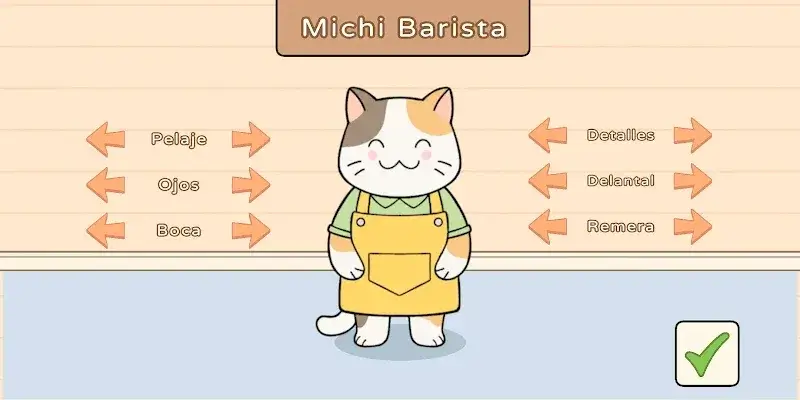
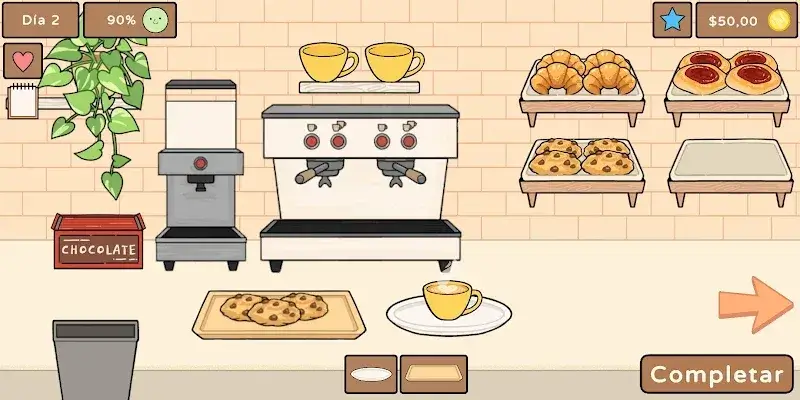


Cat Cafe Mod is a simulation game focused on managing a cat-themed coffee shop. Players take on the role of a cat barista, serving customers, decorating the cafe, and building relationships. The game targets users who enjoy casual, incremental management games with a strong aesthetic and narrative element.
What This Mod Unlocks
- Mod Menu: A floating overlay menu is injected into the game interface, providing access to modified features.
- Money Multiplier: A configurable multiplier increases all currency earned from serving customers and completing tasks.
- Money Does Not Decrease: The primary currency value is prevented from deducting when making purchases for decorations or upgrades.
The most significant mod feature is accessed via the Mod Menu. This menu appears as a semi-transparent button on the screen shortly after the Cat Cafe Mod main menu loads. Tapping this button opens the mod panel where the money multiplier can be adjusted.
The mod requires Android 6.0 or higher. The installation package is approximately 70 MB. Root access is not required.
Installation Steps
- Download the Cat Cafe Mod mod APK file.
- Enable installation from unknown sources in your Android device's security settings.
- Locate the downloaded file using a file manager and tap to install.
- Launch Cat Cafe Mod from your app drawer.
Known Edge Cases
- The mod menu may fail to appear if another overlay app (like a screen recorder) has priority. Disabling other overlays can resolve this.
- Extremely high money multipliers can cause visual glitches in the currency display, though the functional value remains correct.
- Progress is stored locally. Clearing the app data will reset all game progress, including mod-configured multipliers.

