



 ACG
ACG
 Action
 Adventure
 Arcade
 BeautifulGirl
 Board
Board
 Card
Card
 Casual
 Chess
Chess
 Educational
 Horror
 Multiplayer
 Music
Music
 NSFW
NSFW
 Puzzle
 Racing
 Sports
 Strategy
 Survival
 Business
 Communication
 Education
 Entertainment
 Family
 News
News
 Photography
 Social
 SportsLive
 Tools
Tools
 Traffic
 Video&Music
 Weather
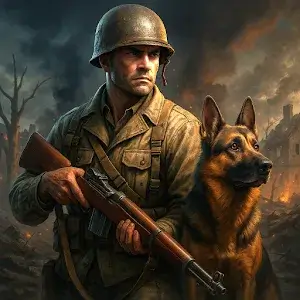


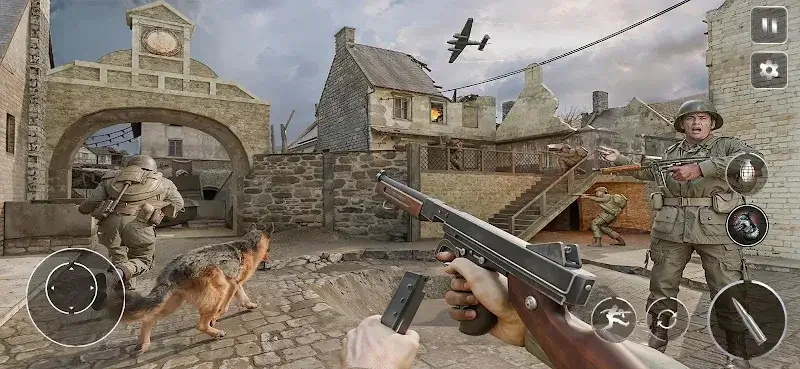
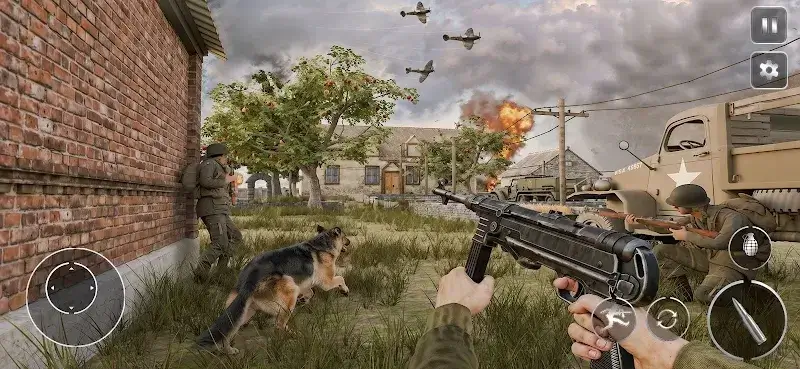
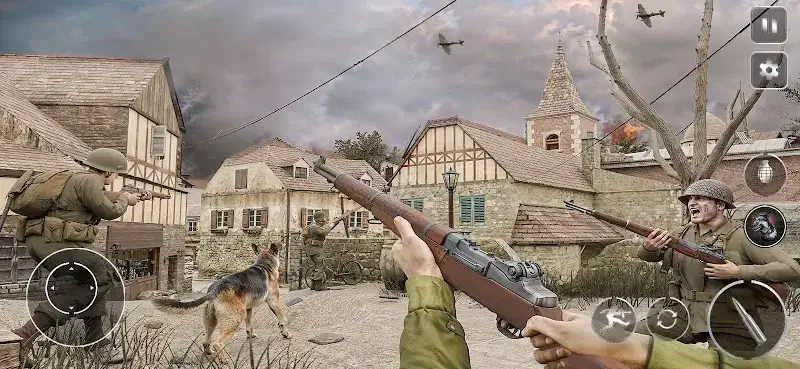
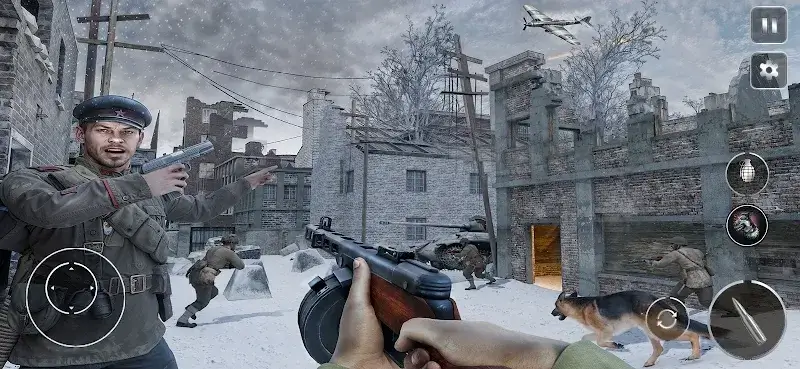
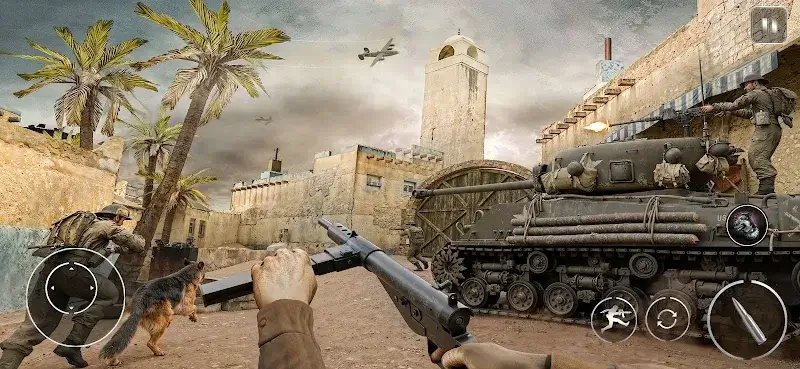
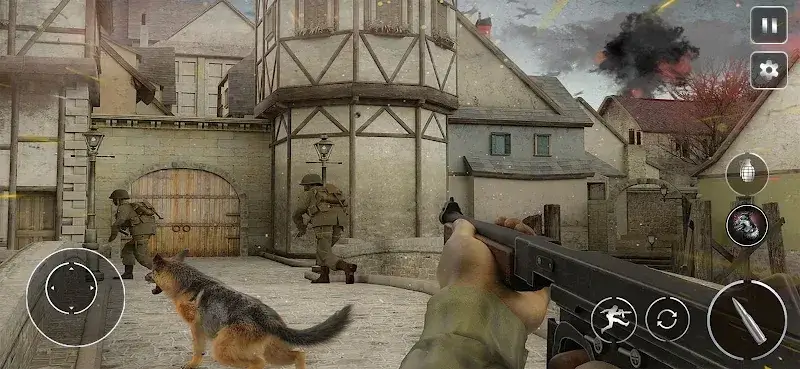
Call Of Courage WW2 Shooting is a first-person action shooter set in World War II, designed for players seeking a single-player campaign with a focus on cinematic visuals and companion mechanics. The game positions itself within the mobile FPS genre by emphasizing atmospheric storytelling and a loyal canine companion over competitive multiplayer.
What This Mod Unlocks
- Mod Menu overlay is injected into the game's main interface, accessible via an on-screen toggle.
- Unlimited Ammo feature removes ammunition consumption for all equipped weapons; magazines do not deplete.
- Dumb Enemies setting significantly reduces enemy AI aggression and accuracy, making them largely passive.
- No-ADS Intrusive option disables forced interstitial and video ad triggers between missions and on startup.
The most critical mod feature requires activation. After launching Call Of Courage WW2 Shooting, a semi-transparent icon appears in the top-left corner of the screen. Tapping this icon opens the mod menu panel. The Unlimited Ammo toggle must be switched on manually; it does not activate by default.
Call Of Courage WW2 Shooting requires Android 7.0 or higher. The installation occupies approximately 190 MB of storage after decompression. Root access is not required for mod functionality.
Installation Steps
- Download the modified APK file for Call Of Courage WW2 Shooting version 1.0.108.
- Enable installation from unknown sources in Android settings if not already permitted.
- Open the downloaded file using a file manager and proceed with the standard installation prompt.
- Launch the game from the home screen; the mod menu icon will be present on the main gameplay screen.
Known Edge Cases
- The mod menu interface may fail to render on some devices using aggressive battery optimization; disabling optimization for the app resolves this.
- Progress and unlocked weapons are saved locally; clearing the app's data will reset all campaign progress and custom loadouts.
- On Android 12 and newer, the overlay permission may need to be explicitly granted for the mod menu icon to appear.
- The Dumb Enemies AI modification applies universally but may cause scripted enemy events in certain story missions to stall, requiring a temporary disable of the mod to proceed.

