



 ACG
ACG
 Action
 Adventure
 Arcade
 BeautifulGirl
 Board
Board
 Card
Card
 Casual
 Chess
Chess
 Educational
 Horror
 Multiplayer
 Music
Music
 NSFW
NSFW
 Puzzle
 Racing
 Sports
 Strategy
 Survival
 Business
 Communication
 Education
 Entertainment
 Family
 News
News
 Photography
 Social
 SportsLive
 Tools
Tools
 Traffic
 Video&Music
 Weather
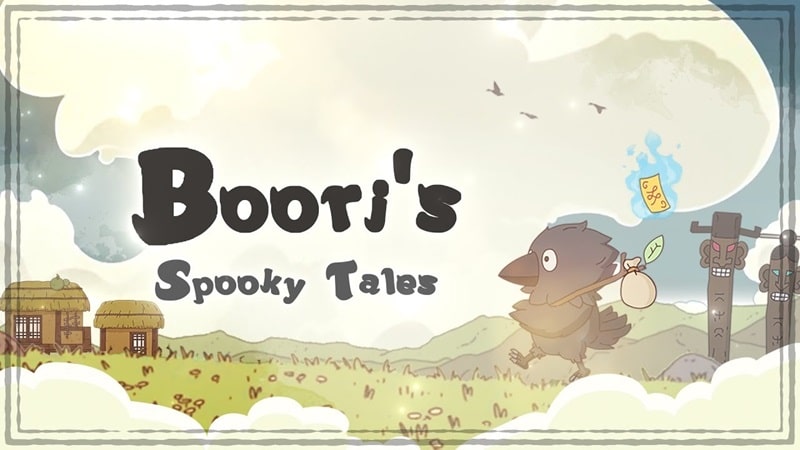


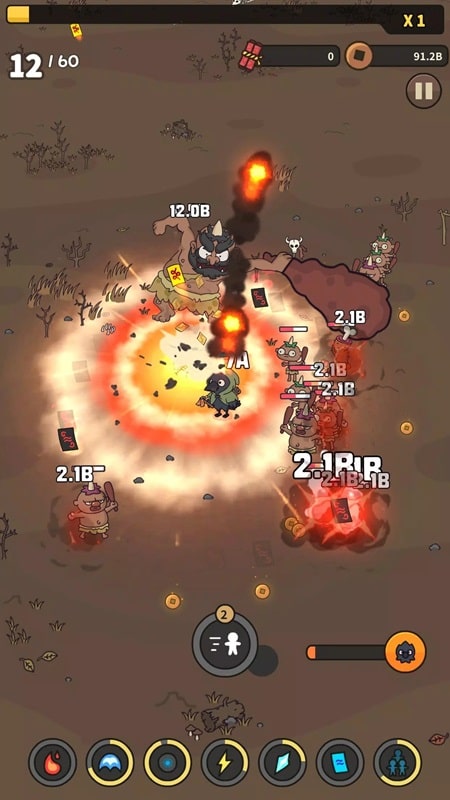
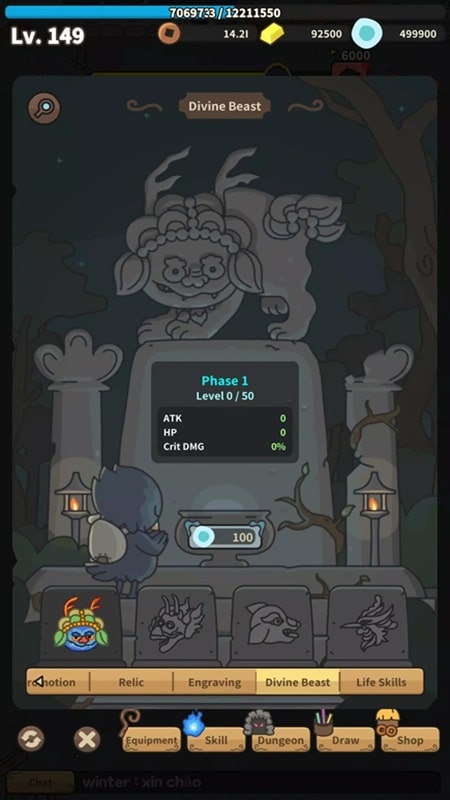
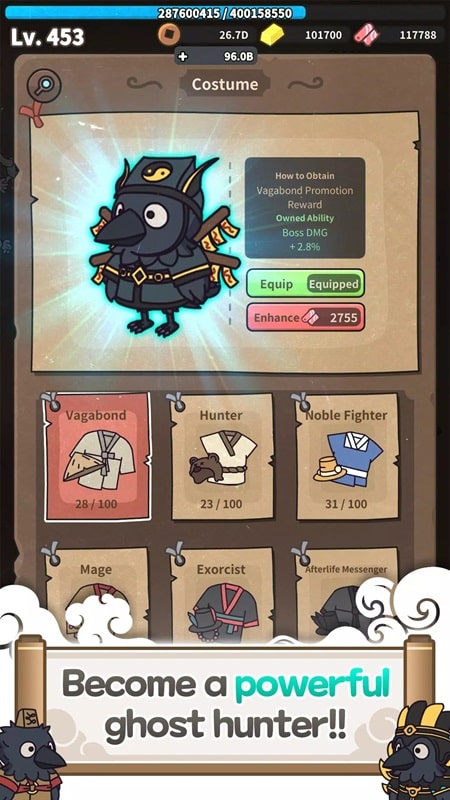
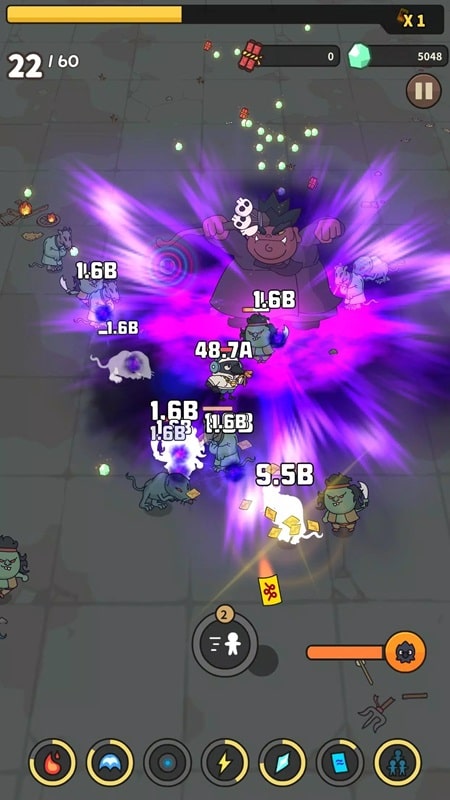

Boori’s Spooky Tales Mod is a side-scrolling action game with horror and simulation elements. The player controls Boori, a magician whose body was stolen by a demon, forcing him to inhabit the form of a crow. The core gameplay involves navigating through gloomy, demon-infested environments, using a variety of magical skills to combat waves of enemies and boss entities. The game is structured around progressive levels where strength upgrades and skill management are required. This mod APK is targeted at players who want to bypass the game's difficulty curve and resource constraints to focus on the narrative and exploration aspects.
What This Mod Unlocks
- Mod Menu overlay added to the game interface.
- God Mode (invincibility) toggle enabled.
- Player damage output multiplier adjustable via menu.
- Player defense multiplier adjustable via menu.
- All in-app purchase gates removed.
The mod injects a floating menu into the game's runtime. This menu persists across scenes and provides on-demand toggles for the modified parameters.
To activate the mod features, launch Boori’s Spooky Tales Mod. A semi-transparent button will appear on the screen's edge, typically the top-left or top-right corner. Tapping this button opens the mod menu panel. From there, you can enable God Mode or adjust the damage and defense sliders. Changes are applied immediately and do not require a game restart.
The mod requires Android 4.4 or higher. The installation file is approximately 154 MB. Additional storage for game data and cache is required after installation. Root access is not required. The mod functions through standard sideloading procedures.
Installation follows three steps. First, download the mod APK file. Second, enable installation from unknown sources in your Android device's security settings. Third, locate the downloaded file using a file manager and tap to install. Launch the game after installation completes.
Several edge cases are known. The mod menu may not render correctly on some devices with non-standard screen aspect ratios or custom ROMs; this can sometimes be resolved by changing the game's resolution settings. If you clear the app's data or cache, the mod settings will reset to their default state. Using extreme damage multipliers in boss fights may cause visual glitches with health bars. The mod is designed for the single-player campaign; using it in any potential online or leaderboard components carries a high risk of detection and account suspension.

