



 ACG
ACG
 Action
 Adventure
 Arcade
 BeautifulGirl
 Board
Board
 Card
Card
 Casual
 Chess
Chess
 Educational
 Horror
 Multiplayer
 Music
Music
 NSFW
NSFW
 Puzzle
 Racing
 Sports
 Strategy
 Survival
 Business
 Communication
 Education
 Entertainment
 Family
 News
News
 Photography
 Social
 SportsLive
 Tools
Tools
 Traffic
 Video&Music
 Weather


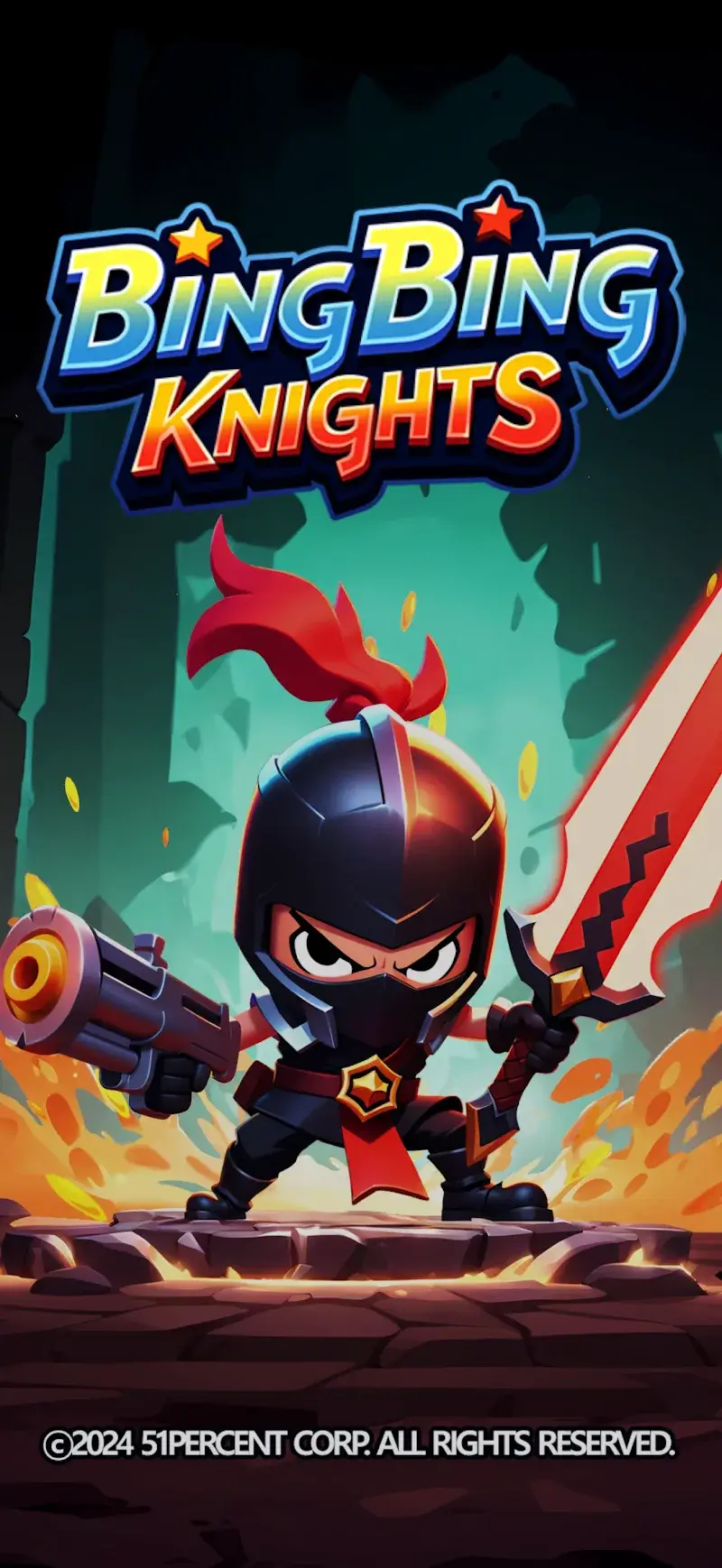
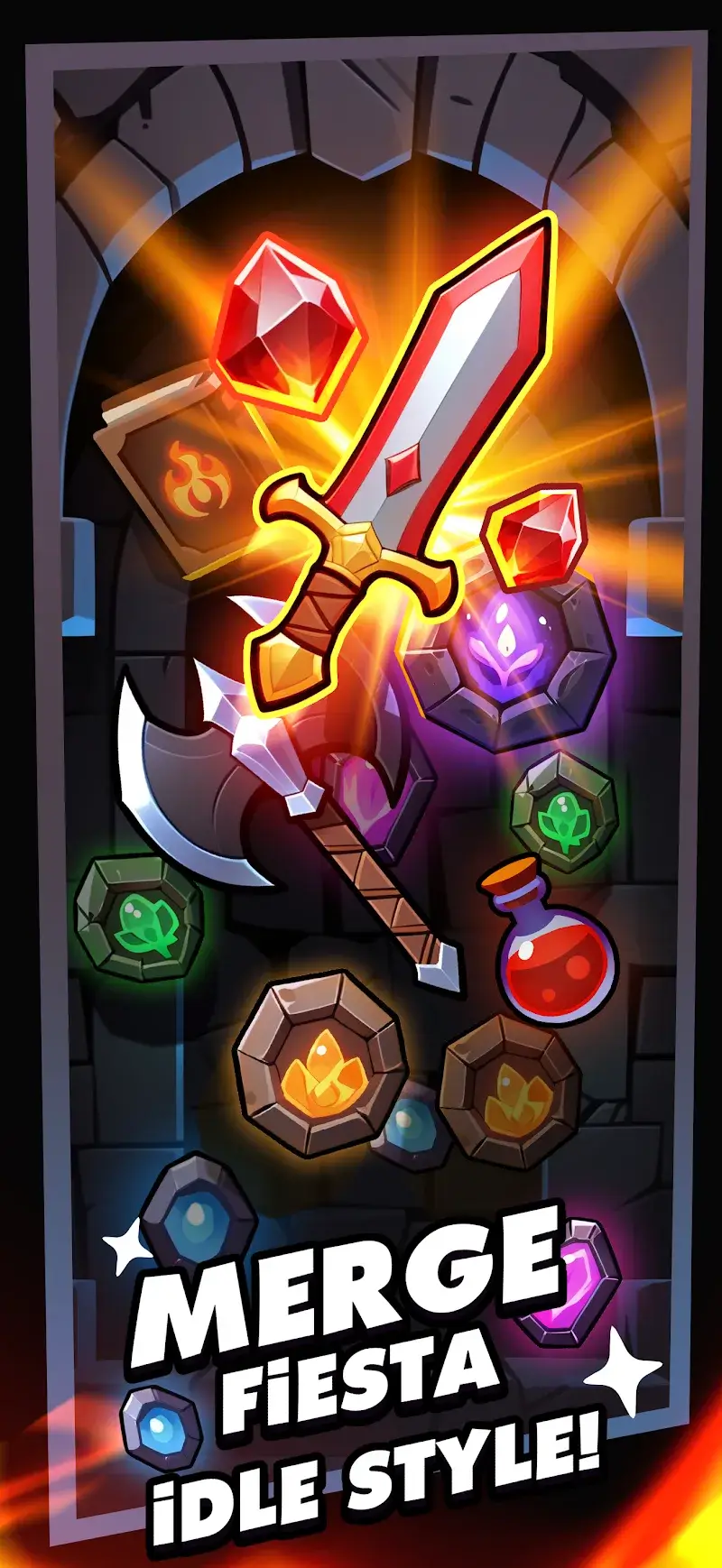
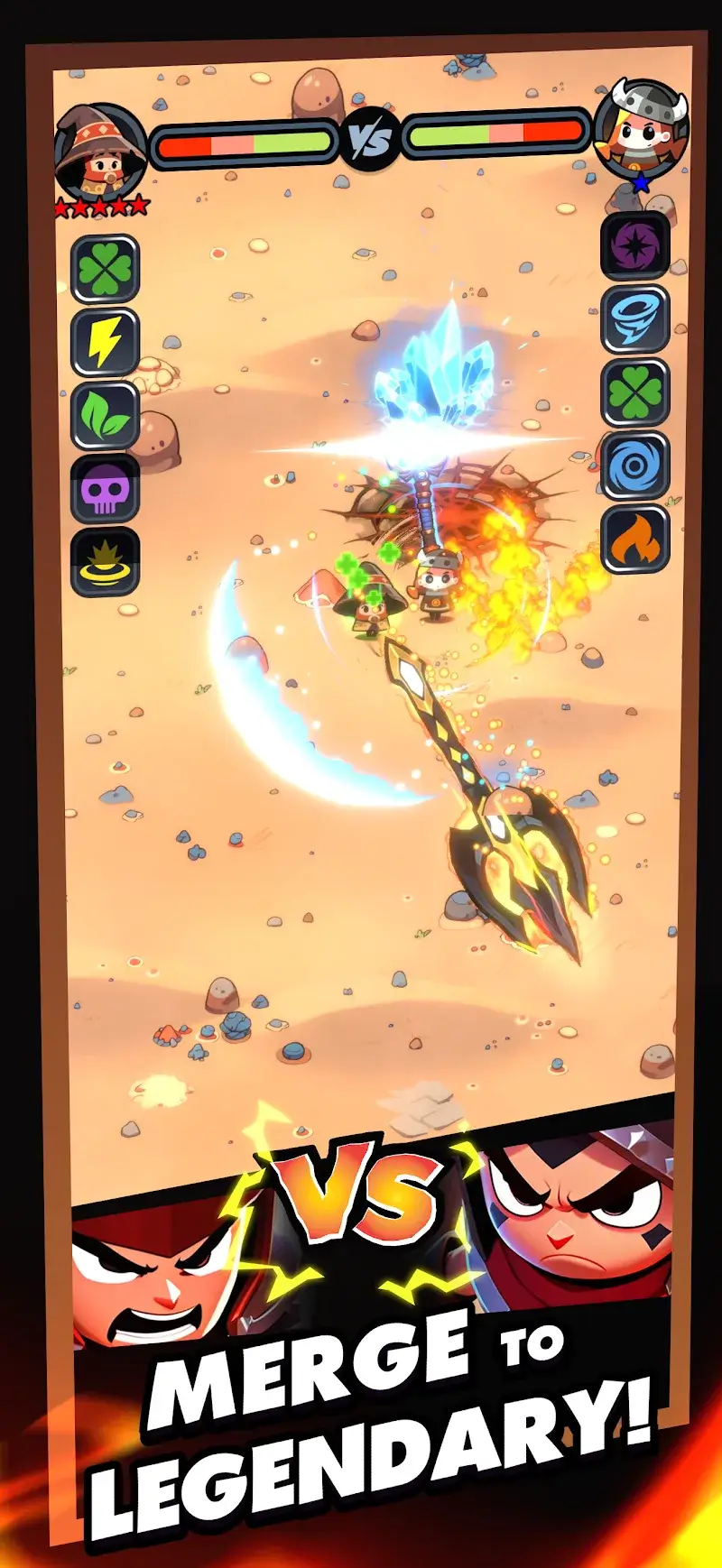
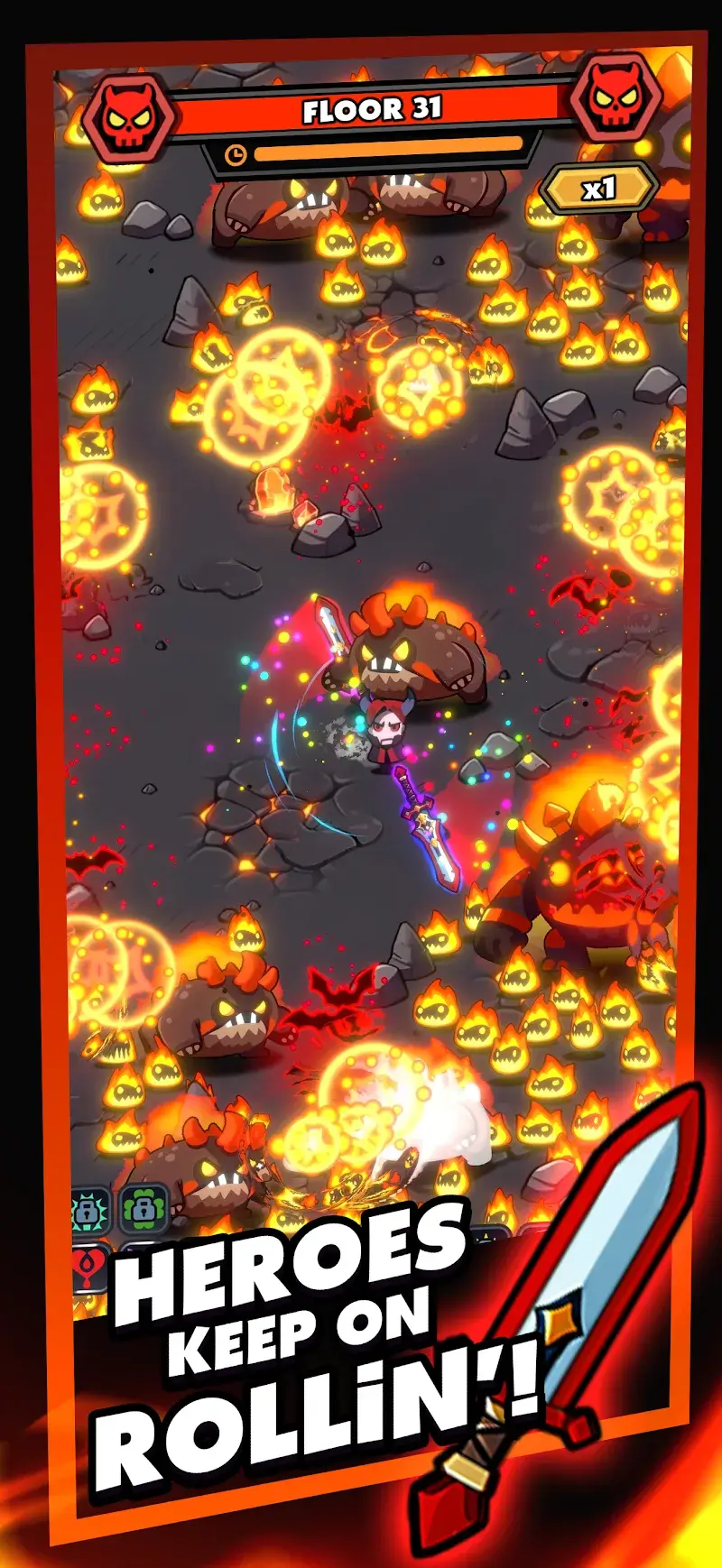
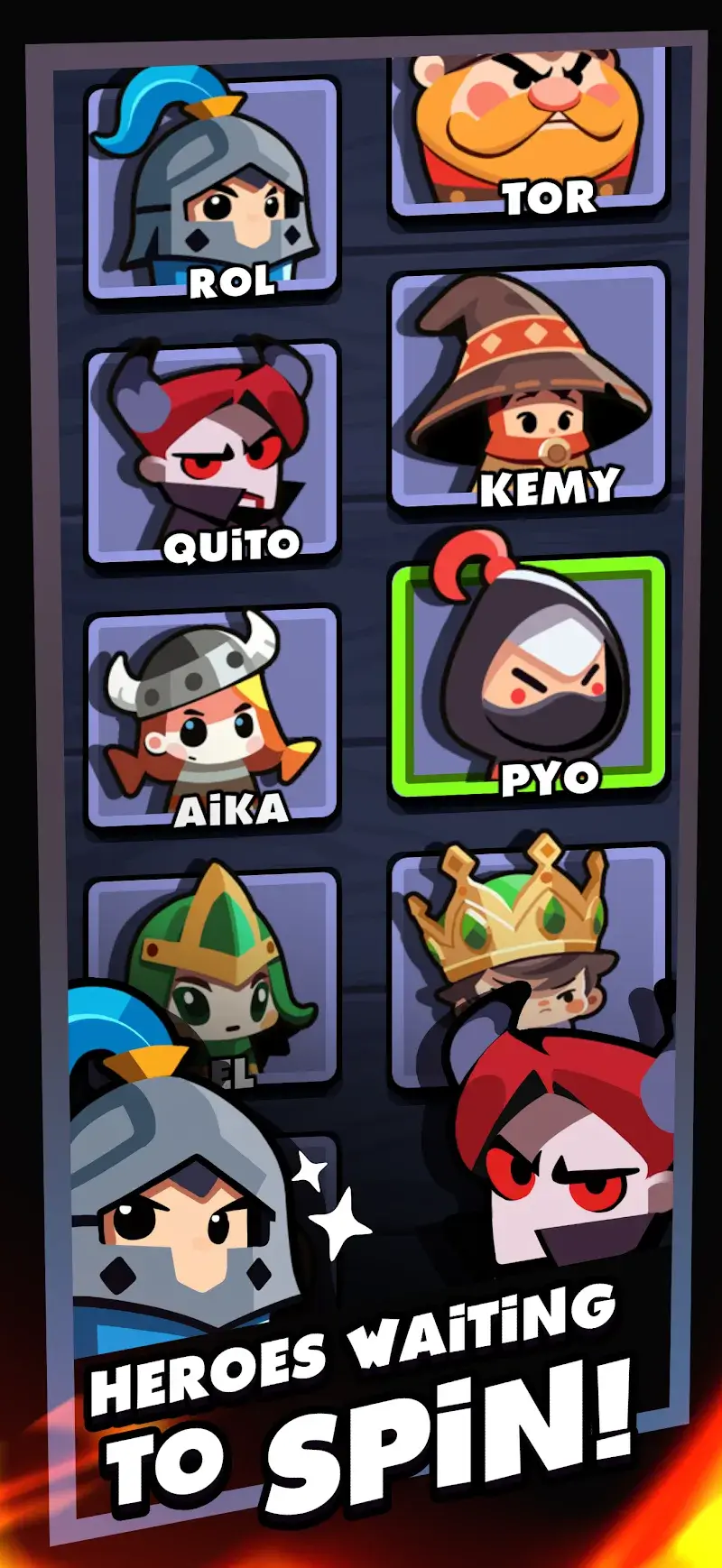
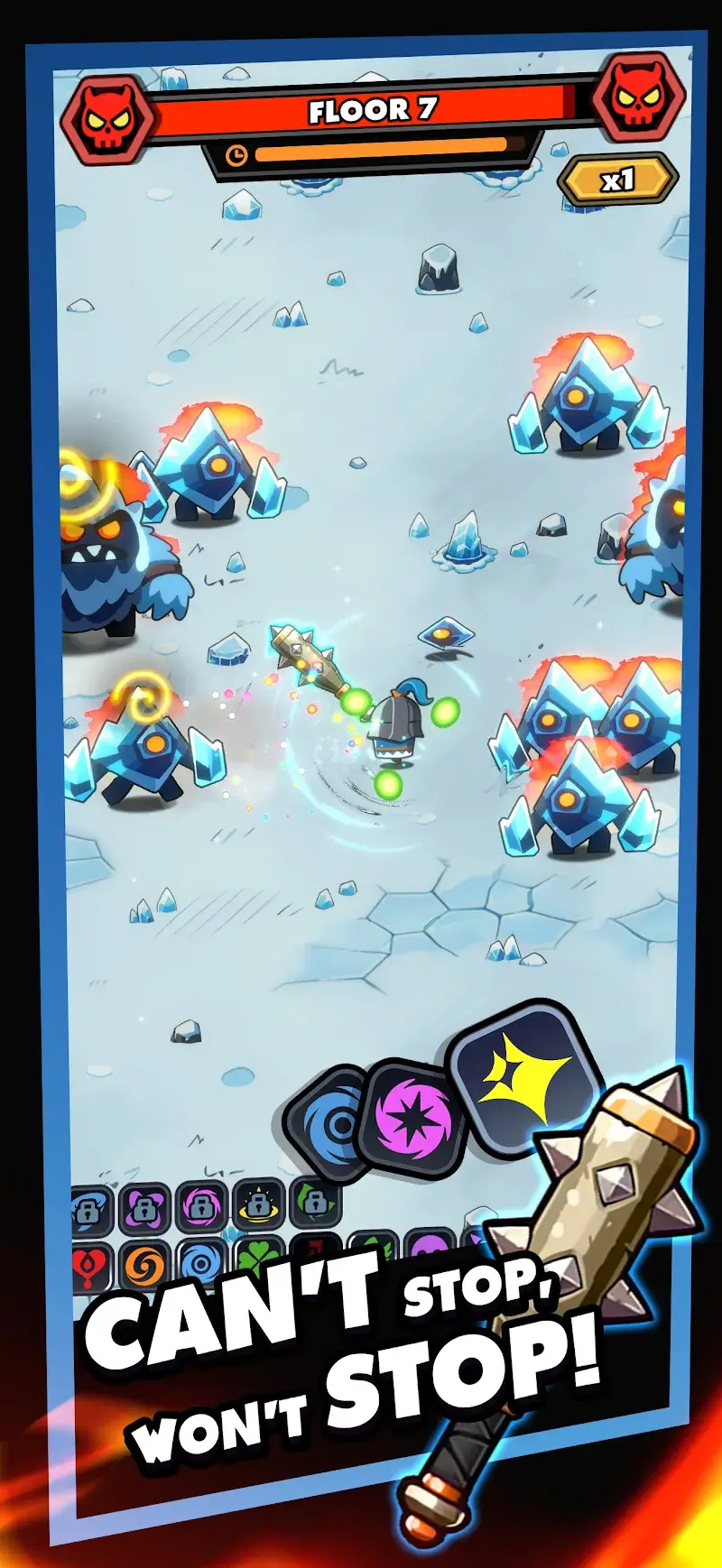
Bingbing Knights Action Merge Mod is an action RPG with incremental merge mechanics. Players control a knight surrounded by auto-spinning weapons, navigating through swarms of monsters. The core progression involves merging weapons to increase their damage, rotation speed, and quantity. The game targets players who enjoy idle combat and incremental stat growth within a fantasy setting.
What This Mod Unlocks
- God Mode: Player character becomes invulnerable to all monster attacks.
- Damage Multiplier: A configurable multiplier increases the base damage output of all weapons.
- Defense Multiplier: A configurable multiplier reduces incoming damage (redundant with God Mode active).
- Gem Multiplier: Earned in-game currency (gems) is multiplied upon collection.
- Mod Menu: A floating interface provides on/off toggles and slider controls for the above multipliers.
The mod menu is accessed via a semi-transparent button that appears on the game's main interface after launch. Tapping this button opens the configuration panel. The most critical feature, God Mode, is enabled by default upon mod activation but can be toggled off via its switch in the menu.
This mod for Bingbing Knights Action Merge Mod requires Android 7.0 or higher. Installation requires approximately 110 MB of free storage. Root access is not required.
Installation follows standard sideloading procedure. First, enable installation from unknown sources in Android settings. Second, download the mod APK file. Third, locate the downloaded file using a file manager and tap to install. Fourth, launch the game from your app drawer.
Several edge cases are present. The gem multiplier may cause visual glitches if set too high during a single collection event. The mod menu can obscure parts of the game UI on smaller screens. Progress saved locally is tied to the device; clearing app data will reset all game progress, though mod features remain. Using mod features in any potential online or leaderboard mode carries a high risk of account flagging.

