



 ACG
ACG
 Action
 Adventure
 Arcade
 BeautifulGirl
 Board
Board
 Card
Card
 Casual
 Chess
Chess
 Educational
 Horror
 Multiplayer
 Music
Music
 NSFW
NSFW
 Puzzle
 Racing
 Sports
 Strategy
 Survival
 Business
 Communication
 Education
 Entertainment
 Family
 News
News
 Photography
 Social
 SportsLive
 Tools
Tools
 Traffic
 Video&Music
 Weather



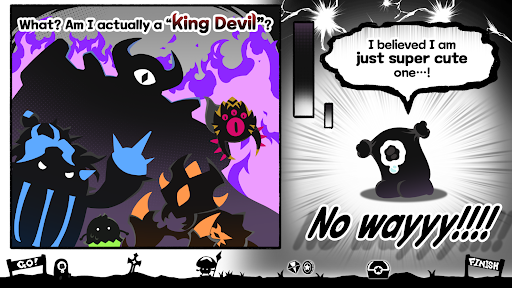
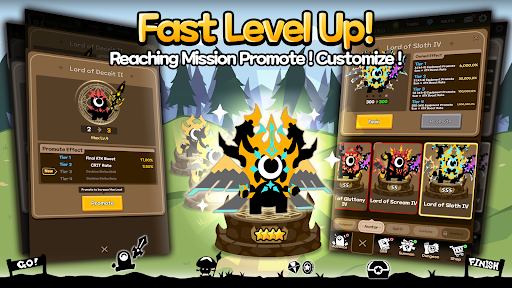
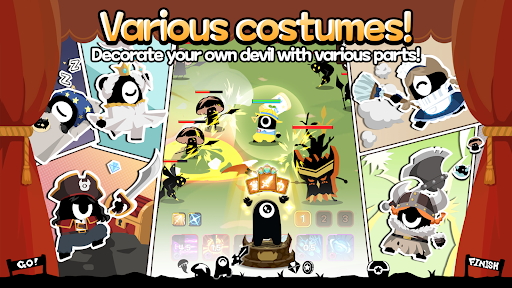
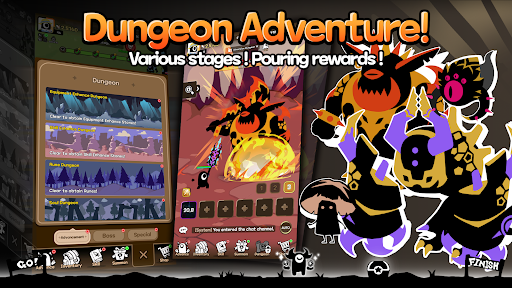
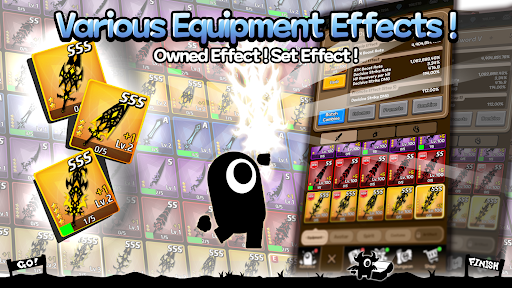
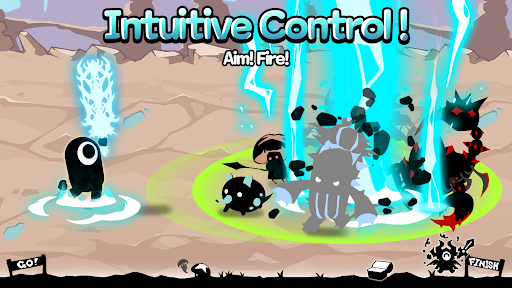
Awesome Devil Mod is an idle action RPG where players control a reincarnated demon king to battle through procedurally generated levels and dungeons. The game targets players who enjoy minimalist controls, roguelike progression, and incremental power growth without intensive manual input. It operates within the idle RPG subgenre, automating basic combat while requiring strategic skill activation and equipment management.
What This Mod Unlocks
- Infinite Gold: The primary in-game currency does not decrease on purchase or upgrade.
- Premium Shop Items Unlocked: All weapons, skins, and boosters in the premium shop are available for zero cost.
- Ads Removed: All forced video advertisements and interstitial banners are disabled.
- Skill Cooldowns Reduced: Active ability recharge times are significantly shortened.
- No Upgrade Cost: Character stat and level upgrades require no gold.
The mod menu is accessed via a floating icon on the right edge of the main menu screen after the initial tutorial. Tapping this icon opens a toggle panel where individual features like infinite gold can be activated or deactivated. The menu persists across game sessions.
Awesome Devil Mod mod APK requires Android 7.0 or higher and approximately 110 MB of free storage. Root access is not required. The mod functions through memory patching and does not modify core game files.
Installation Steps
- Download the Awesome Devil Mod mod APK file.
- Enable "Install from Unknown Sources" in Android settings.
- Open the downloaded APK file and proceed with installation.
- Launch Awesome Devil Mod and grant requested permissions.
- Locate the mod menu icon on the main screen to activate features.
Known Edge Cases
- Server-side validation may flag accounts with abnormal gold accumulation in any online ranking events.
- Unlocked premium items revert to locked status if app data is cleared before saving progress.
- The mod menu icon may not appear on some Xiaomi or Huawei devices with aggressive UI overlays; disabling "Floating Windows" in device settings resolves this.
- Version mismatch between mod (1.4.29) and official servers may cause connection errors in any live event modes.

