



 ACG
ACG
 Action
 Adventure
 Arcade
 BeautifulGirl
 Board
Board
 Card
Card
 Casual
 Chess
Chess
 Educational
 Horror
 Multiplayer
 Music
Music
 NSFW
NSFW
 Puzzle
 Racing
 Sports
 Strategy
 Survival
 Business
 Communication
 Education
 Entertainment
 Family
 News
News
 Photography
 Social
 SportsLive
 Tools
Tools
 Traffic
 Video&Music
 Weather



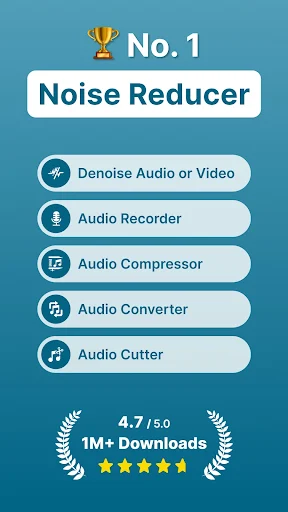
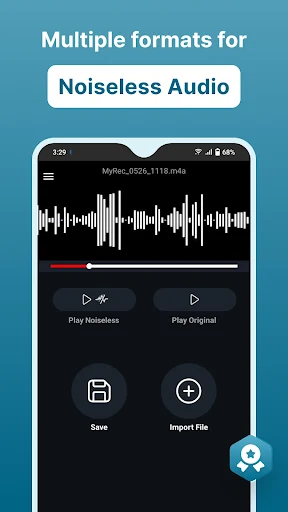
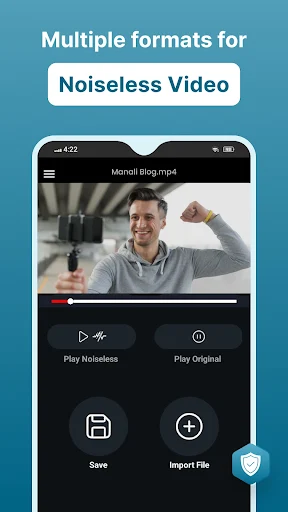
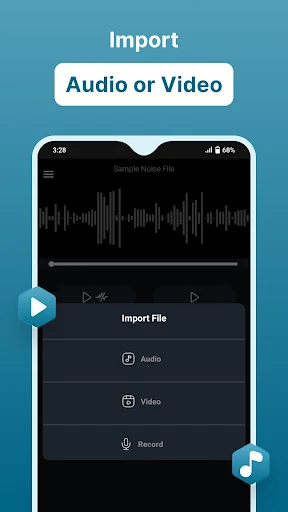
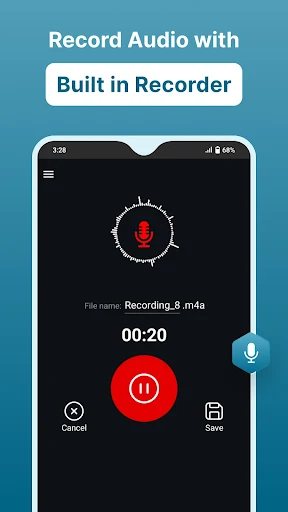
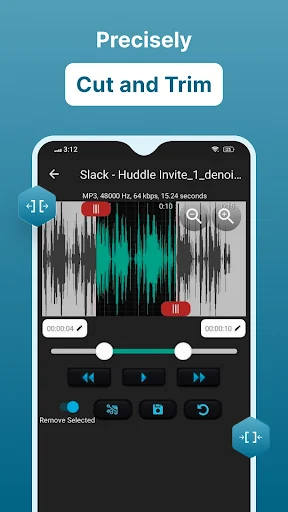
Audio Video Noise Reducer Mod is a utility application that uses deep learning algorithms to automatically detect and remove background noise from audio recordings and video soundtracks. It targets users who need to clean up audio for content creation, meetings, or personal archives without using professional desktop software. The app supports a wide range of input formats including AMR, FLAC, M4A, MP2, MP3, MP4, WAV, and WMA.
What This Mod Unlocks
- Pro version subscription is permanently activated.
- All export quality settings and file format options are unlocked.
- The batch processing limit is removed.
- Watermarking on exported files is disabled.
- In-app advertisements are fully removed.
- The built-in noiseless recorder operates without restrictions.
Access to the Pro features is automatic upon launch. The mod bypasses the license check, so the app interface will display all premium tools without requiring a login or subscription. The Pro badge or indicator will be visible in the settings menu.
Audio Video Noise Reducer Mod requires Android 5.0 or higher. The installation occupies approximately 35 MB of storage. Root access is not required for installation or for the mod to function. The app will request standard permissions to access media files on the device for processing.
Installation Steps
- Download the modified APK file.
- Enable installation from unknown sources in Android settings.
- Open the downloaded file to begin installation.
- Launch Audio Video Noise Reducer Mod after installation completes.
Known Edge Cases
- If the app data is cleared, the mod status persists as it is embedded in the APK.
- Processing very large video files may cause the app to become unresponsive on devices with less than 2GB of RAM.
- The noise reduction algorithm's effectiveness depends on the source audio quality; heavy distortion may not be fully corrected.
- Sharing processed files directly to some social media apps may fail if the file size exceeds the platform's limit.

