



 ACG
ACG
 Action
 Adventure
 Arcade
 BeautifulGirl
 Board
Board
 Card
Card
 Casual
 Chess
Chess
 Educational
 Horror
 Multiplayer
 Music
Music
 NSFW
NSFW
 Puzzle
 Racing
 Sports
 Strategy
 Survival
 Business
 Communication
 Education
 Entertainment
 Family
 News
News
 Photography
 Social
 SportsLive
 Tools
Tools
 Traffic
 Video&Music
 Weather



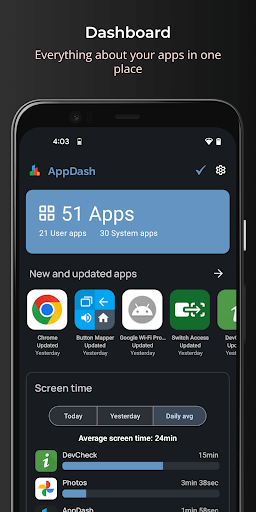
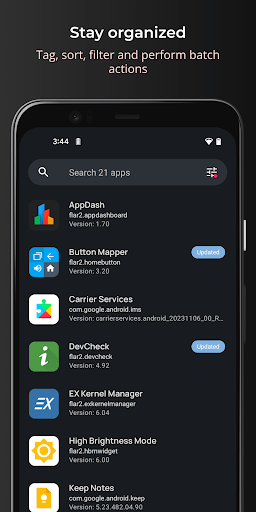
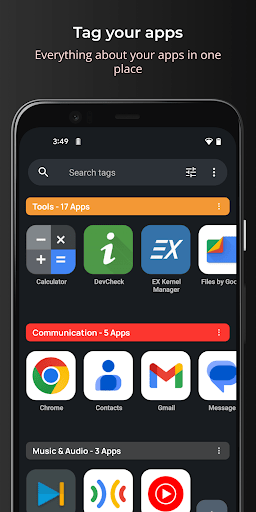
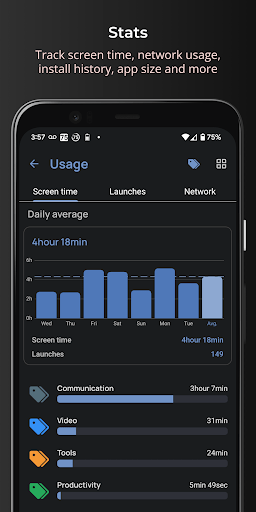
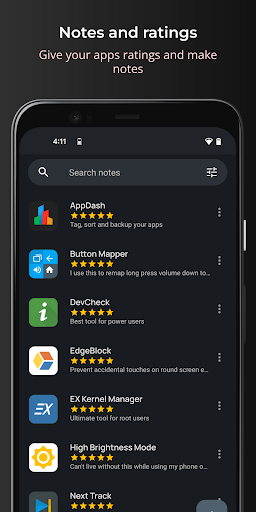
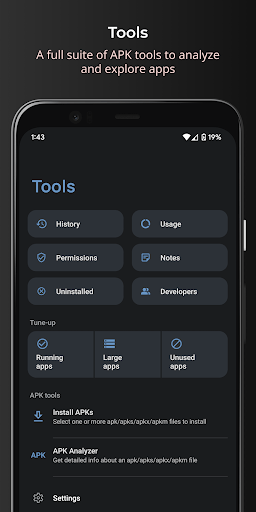
AppDash Mod is an application manager and backup utility for Android, designed for users who require granular control over installed applications and APK files. It functions as a system-level tool for viewing permissions, managing APK archives, creating custom tag groups for organization, and performing batch backups to local storage or cloud services. The target user is a power user or developer needing to audit, categorize, and secure app data without relying on manufacturer-provided tools.
What This Mod Unlocks
- Pro features unlocked: All premium functionality is available without license verification.
- Advertisements removed: All ad-serving modules are disabled.
- Tag group limit removed: The 50-group cap is lifted, allowing unlimited custom tag creation.
- Batch backup restrictions lifted: Pro limitations on the number of simultaneous backup operations are removed.
- Advanced analytics access: Usage tracking charts and detailed launch history reports, typically Pro-only, are fully enabled.
The primary mod activation is passive. Upon launching AppDash Mod after installation, the Pro features are immediately available without any in-app purchase prompts or license checks. There is no separate mod menu to toggle; the unlocked state is persistent across sessions.
AppDash Mod requires Android 8.1 or higher. The application footprint is approximately 10 MB, with additional storage needed for APK backups, which vary by user data. Root access is not required for core management functions, but full app+data backup of other applications requires a rooted device, a limitation of the Android system itself.
Installation Steps
- Download the modified AppDash Mod APK file.
- Enable installation from unknown sources in Android settings if not already done.
- Open the downloaded file using a file manager to initiate the package installer.
- Confirm the installation, then launch AppDash Mod from the app drawer.
Known Edge Cases
- Backup functionality for other apps' internal data still requires root, as the mod cannot bypass Android's security sandbox.
- If the app data is cleared, the unlocked Pro status persists as it is embedded in the modified package.
- Cloud backup features (Google Drive, SMB) rely on your own account credentials and network connectivity; the mod does not provide free cloud storage.
- On some heavily customized Android 12+ ROMs, the permission analysis screen may require additional manual grants for full functionality.

