



 ACG
ACG
 Action
 Adventure
 Arcade
 BeautifulGirl
 Board
Board
 Card
Card
 Casual
 Chess
Chess
 Educational
 Horror
 Multiplayer
 Music
Music
 NSFW
NSFW
 Puzzle
 Racing
 Sports
 Strategy
 Survival
 Business
 Communication
 Education
 Entertainment
 Family
 News
News
 Photography
 Social
 SportsLive
 Tools
Tools
 Traffic
 Video&Music
 Weather





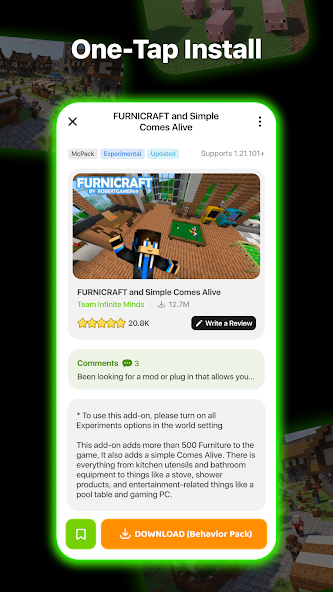
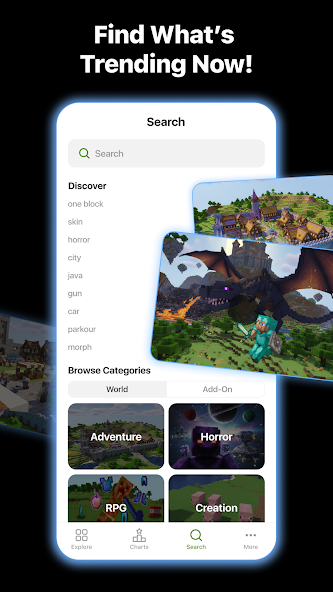
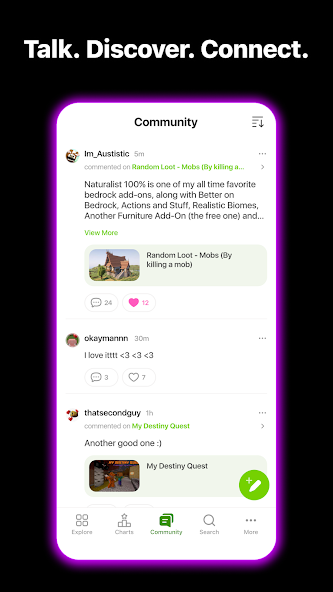
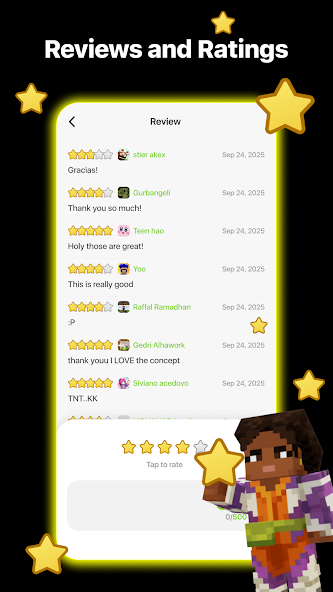


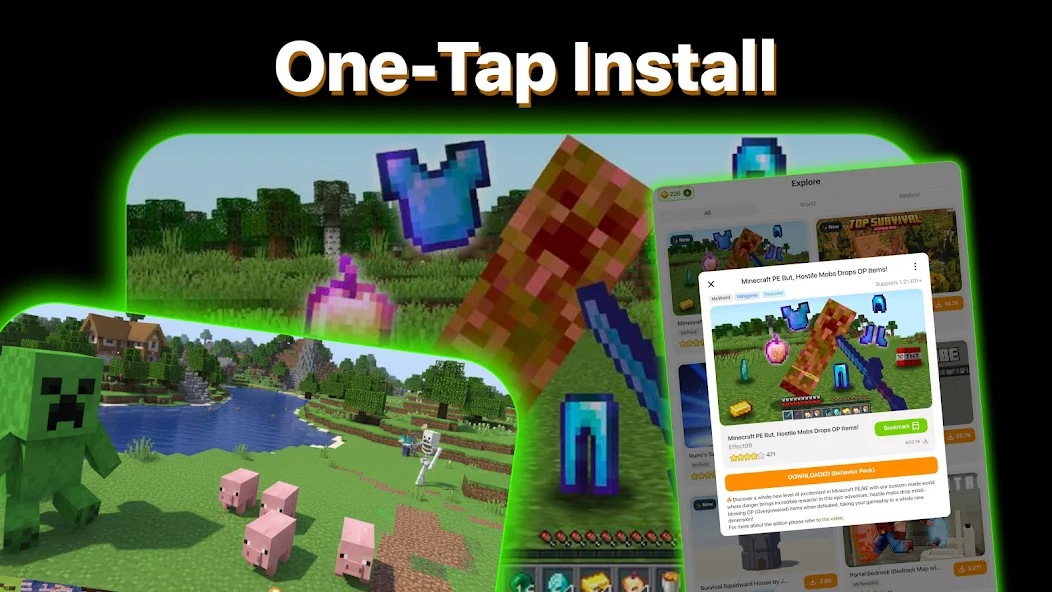
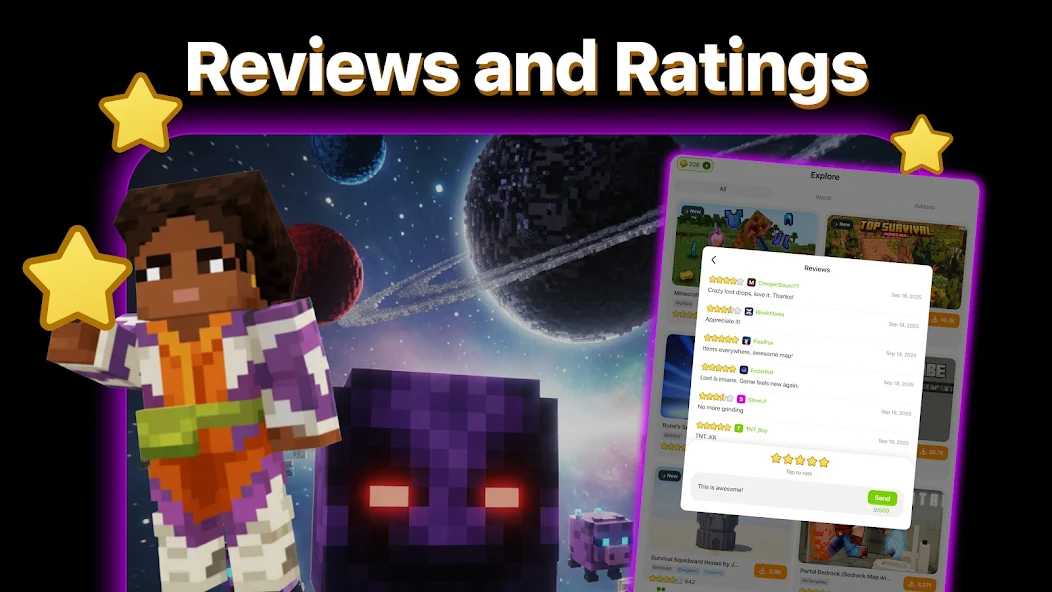

Addons for Minecraft Mod functions as a catalog and download manager for user-created Minecraft Bedrock Edition add-ons. It aggregates community content, allowing users to browse, download, and install modifications for mobs, items, textures, and behaviors directly onto their device. The app is targeted at Minecraft players who seek to customize their game without manually sourcing files from scattered forums or websites. It operates within the constraints of Minecraft's official add-on system, requiring no root access.
What This Mod Unlocks
- All interstitial video and full-screen ads are disabled.
- Banner advertisements within the app interface are removed.
- The download queue operates without forced ad watches between items.
- Background ad network services are blocked.
The primary mod feature, ad removal, is applied automatically upon launch. No activation menu or toggle is required. The interface loads without any promotional banners at the top or bottom of the screen, and no video ads interrupt the download process.
This mod for Addons for Minecraft Mod requires Android 4.4 or higher. The APK file is approximately 12 MB. Installation requires enabling installation from unknown sources but does not require root access. The app needs storage permission to save downloaded add-on files to your device.
Installation Steps
- Download the mod APK file.
- Enable "Install from Unknown Sources" in your Android settings.
- Open the downloaded file and proceed with installation.
- Launch Addons for Minecraft Mod; the ad-free experience is immediate.
Known Edge Cases
- Some add-on preview images may fail to load if they are hosted on ad-serving domains now being blocked.
- Clearing the app's data or cache may reset user-favorited add-ons but does not re-enable ads.
- The app's own update notification prompts remain functional and are not part of the mod.
- Add-on download functionality is unchanged and relies on the original content servers.

