



 ACG
ACG
 Action
 Adventure
 Arcade
 BeautifulGirl
 Board
Board
 Card
Card
 Casual
 Chess
Chess
 Educational
 Horror
 Multiplayer
 Music
Music
 NSFW
NSFW
 Puzzle
 Racing
 Sports
 Strategy
 Survival
 Business
 Communication
 Education
 Entertainment
 Family
 News
News
 Photography
 Social
 SportsLive
 Tools
Tools
 Traffic
 Video&Music
 Weather



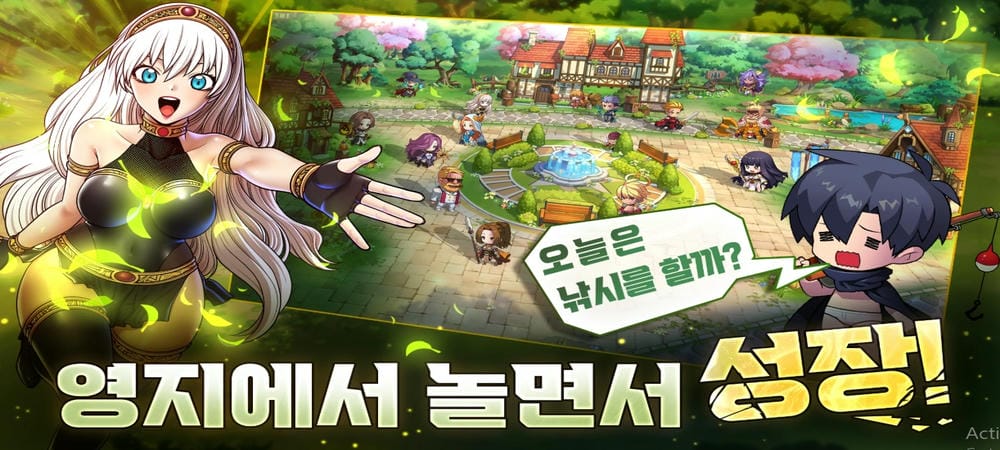
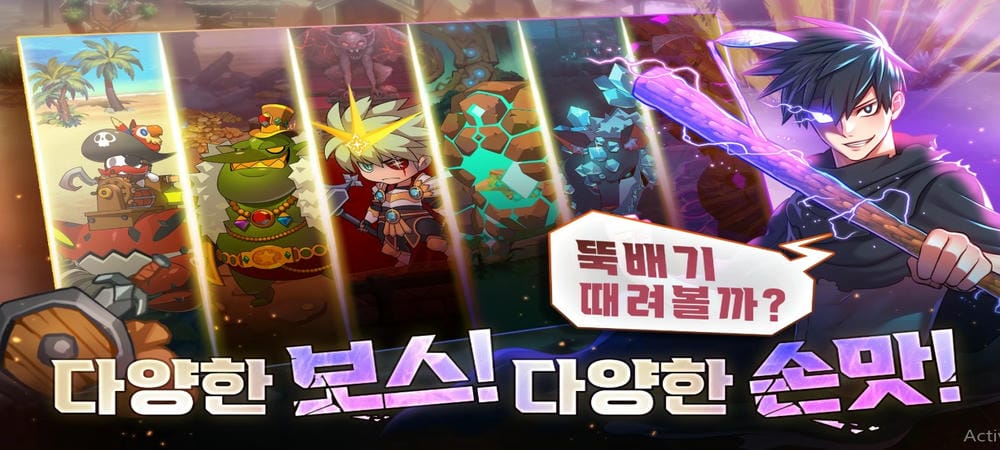


99 Reinforced Wooden Stick Mod is a single-player action RPG focused on incremental weapon progression. Players control a hero battling waves of monsters across various maps, with the core loop involving forging a basic wooden stick to level 99. The game is designed for players who enjoy grinding for upgrades and managing a simple skill and equipment system.
What This Mod Unlocks
- A floating mod menu is injected into the game's main interface.
- God Mode toggle prevents the player character from taking any damage.
- Damage Multiplier slider allows increasing attack power beyond normal limits.
- Defense Multiplier slider allows increasing damage reduction beyond normal limits.
- All in-app purchases are unlocked without requiring payment.
- Advertisements are removed from the game client.
The mod menu is accessible via a semi-transparent button on the screen's edge after launch. Tapping it expands the menu to reveal the toggle switches and sliders.
This modified version of 99 Reinforced Wooden Stick Mod requires Android 7.0 or higher. It does not require root access. Installation requires approximately 800 MB of free storage for the APK and game data.
Installation follows the standard sideload process for modified APKs. First, enable installation from unknown sources in Android settings. Second, download the provided APK file. Third, locate the downloaded file using a file manager and tap to install. Fourth, launch the game from the home screen.
Several edge cases are present. The god mode function may cause certain scripted events or tutorials to fail to progress. Multiplier values set too high can cause integer overflow, resulting in negative damage values. The mod menu may not render correctly on some devices with custom screen density settings. Progress is saved locally; clearing app data will reset all unlocks and campaign progress.

