



 ACG
ACG
 Action
 Adventure
 Arcade
 BeautifulGirl
 Board
Board
 Card
Card
 Casual
 Chess
Chess
 Educational
 Horror
 Multiplayer
 Music
Music
 NSFW
NSFW
 Puzzle
 Racing
 Sports
 Strategy
 Survival
 Business
 Communication
 Education
 Entertainment
 Family
 News
News
 Photography
 Social
 SportsLive
 Tools
Tools
 Traffic
 Video&Music
 Weather



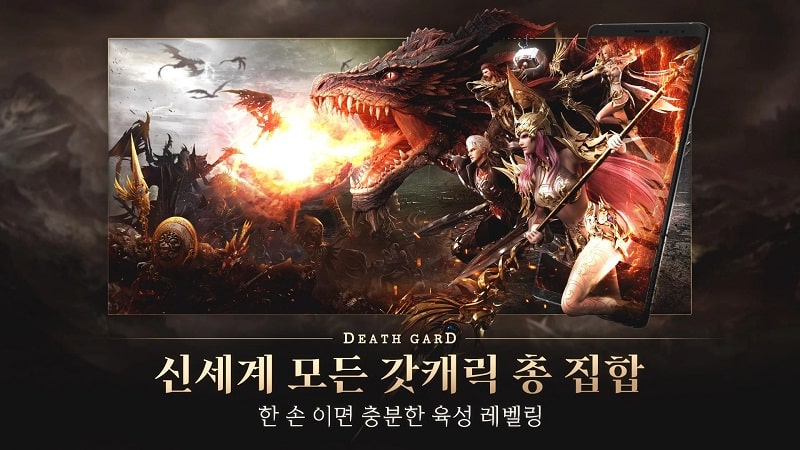
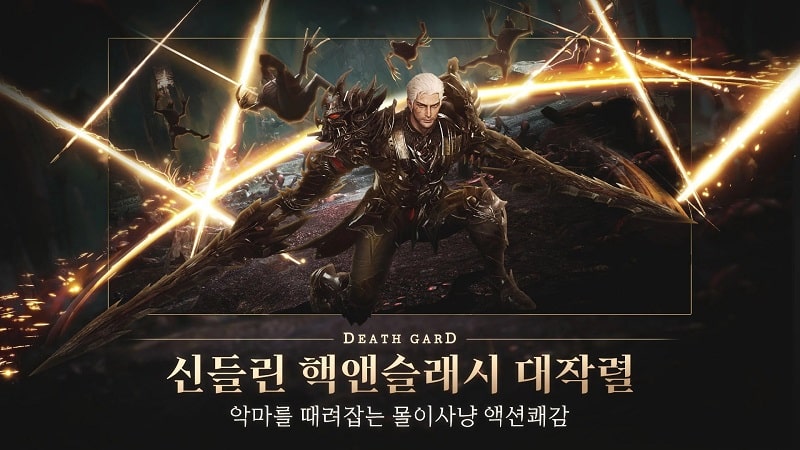
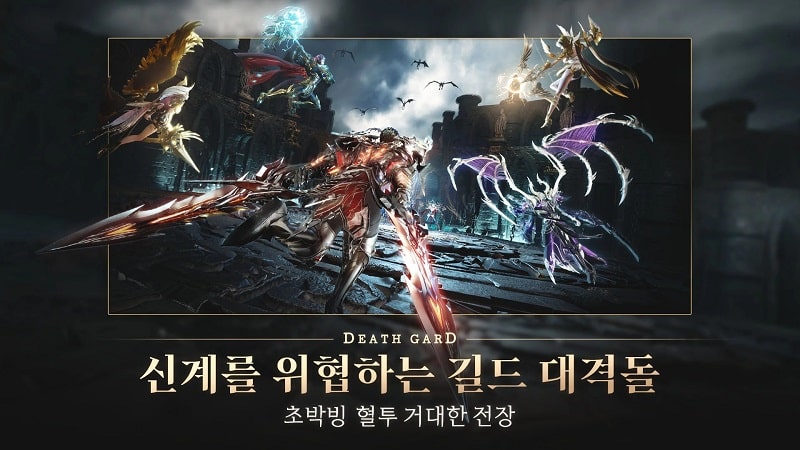
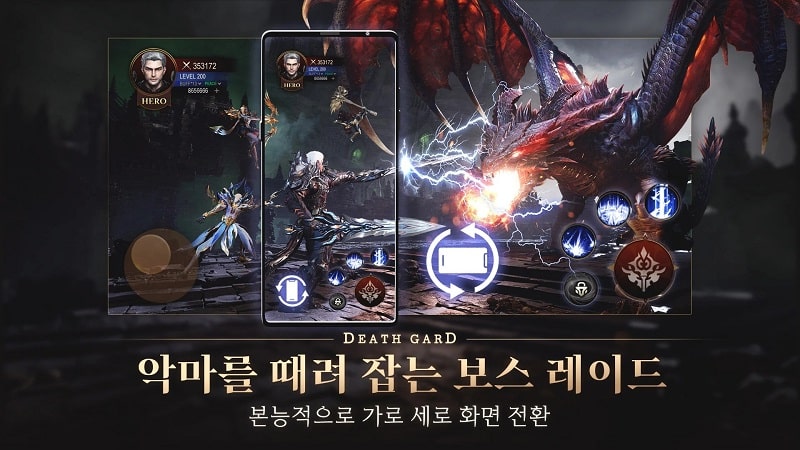

DEATHGARD Mod is a real-time action RPG developed by Efun Company. The player inherits divine power to fight waves of monsters and demonic bosses invading both the human and god realms. The core loop involves combat challenges to master abilities and confront increasingly difficult enemy waves. This mod APK targets players seeking to reduce grind and adjust game difficulty.
What This Mod Unlocks
- Mod Menu overlay providing toggle switches for cheat functions.
- Dumb Enemy function reduces enemy AI aggression and attack frequency.
- Move Speed Multiplier allows the player character's movement speed to be increased.
- All features are accessible from an in-game floating menu.
The mod menu is activated immediately upon launching DEATHGARD Mod. A semi-transparent button appears on the screen edge; tapping it opens the cheat panel. The Dumb Enemy and Move Speed settings are toggles or sliders within this menu.
This version of DEATHGARD Mod requires Android 5.0 or higher. The APK file size is approximately 1.2 GB. Installation does not require root access. Free storage space of at least 2 GB is recommended for the initial install and data.
Installation follows standard sideloading procedure. Step 1: Download the modded DEATHGARD Mod APK file. Step 2: Enable installation from unknown sources in Android settings. Step 3: Open the downloaded file and follow the on-screen prompts. Step 4: Launch the game and grant requested permissions.
Known edge cases include potential instability if speed multipliers are set excessively high. The Dumb Enemy function may not affect scripted boss behaviors. The mod menu may not render correctly on some devices with custom screen overlays. Progress is saved locally; clearing app data will reset all game progress.

